Mobile availability and setup
Check iPhone, iPad, and Android availability before trying to install a client.
2 min read · Updated September 14, 2026
The Flutter client for iPhone, iPad, and Android exists as an internal build. It is not currently offered through an approved public download, an app store listing, or a public beta. Do not install a package from an unofficial link.
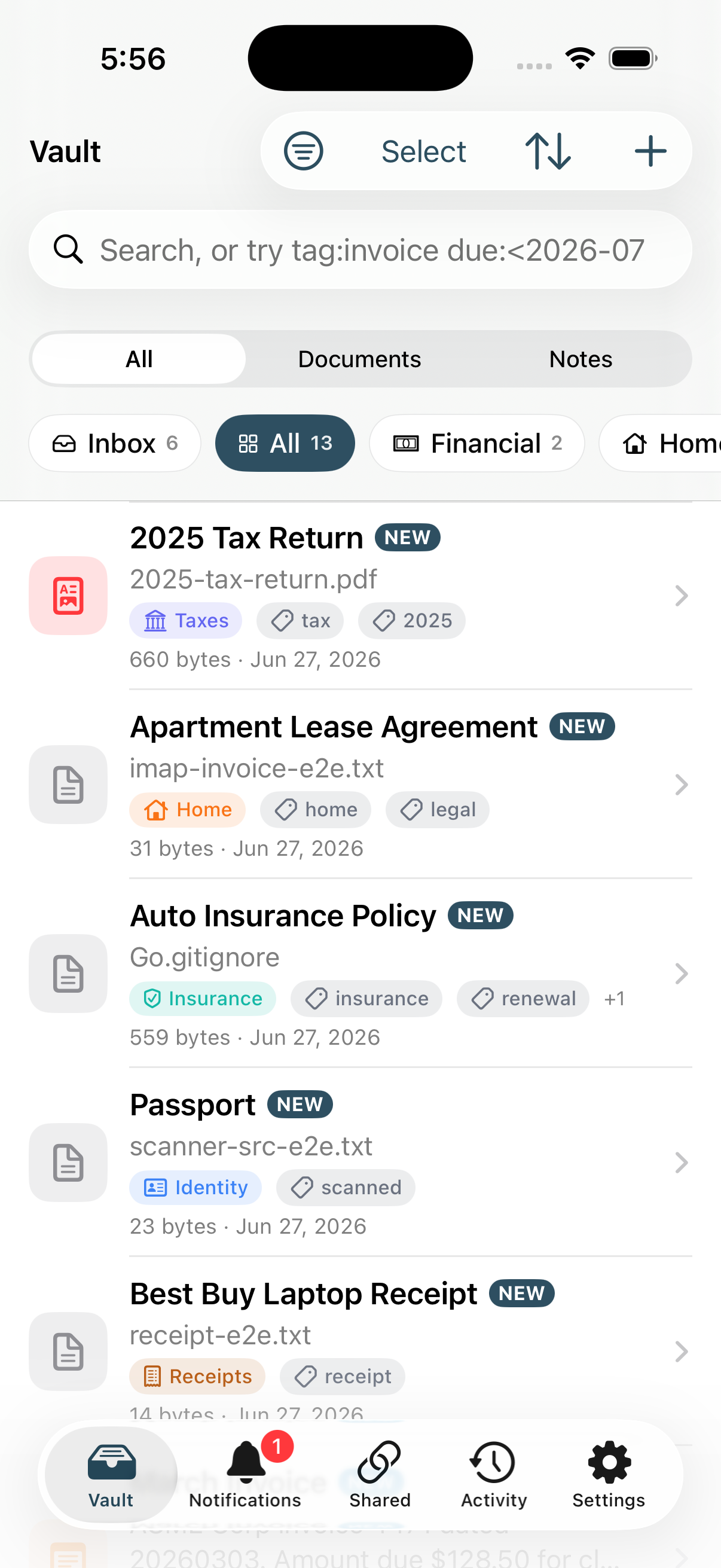
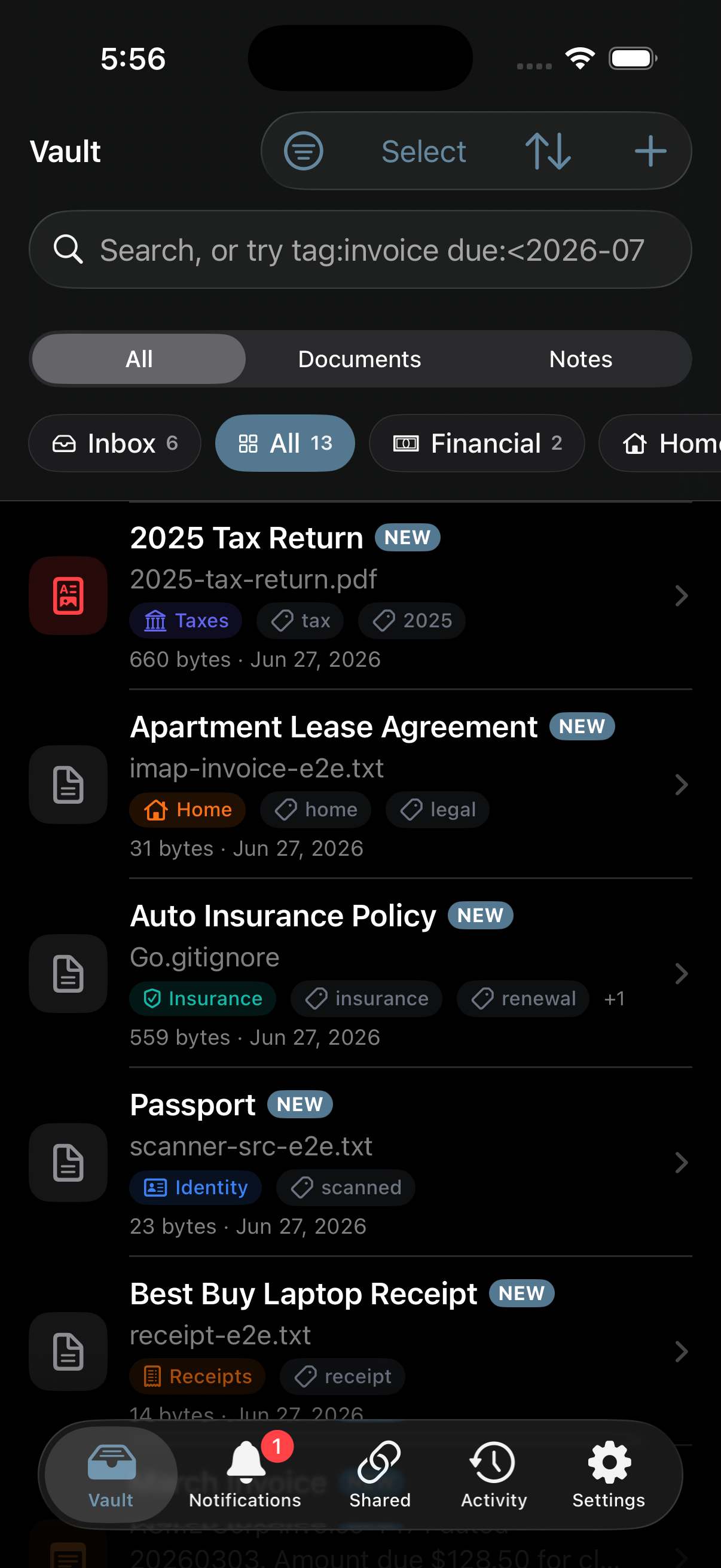
Use Stoatify on a mobile device today
- 1Open app.stoatify.com in a current mobile browser.
- 2Choose Sign in, then complete the sign-in method configured for your account.
- 3Use the web app for the complete customer experience, including e-signature template creation and organization administration.
If you have an authorized internal build
- Install only from the distribution route provided directly by StoatWorks or your authorized test coordinator.
- On iPhone and iPad, the internal build targets iOS 13 or later.
- After installation, follow Sign in on iPhone, iPad, or Android.
Good to know
There is no approved public mobile download link or public beta enrollment. See Apps and downloads for the current availability statement.
Was this article helpful?
Stoatify sends only this article's route and your Yes or No choice.