A tour of your vault
Get your bearings: the sidebar, the document grid, and the detail panel.
3 min read · Updated July 13, 2026
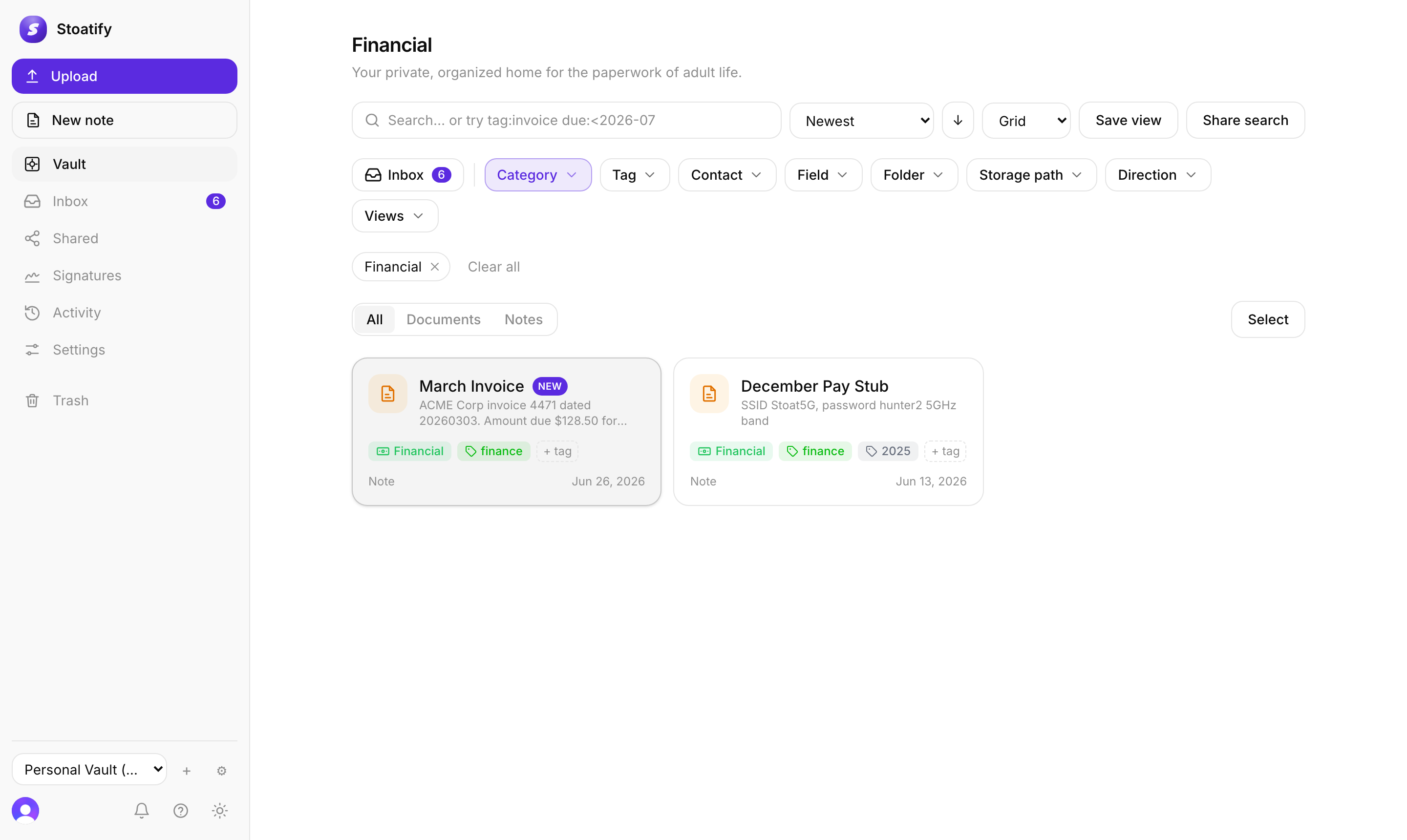
The vault is the home screen of Stoatify, everything you do starts here. Once you know the three main regions, the rest of the app falls into place.
The sidebar
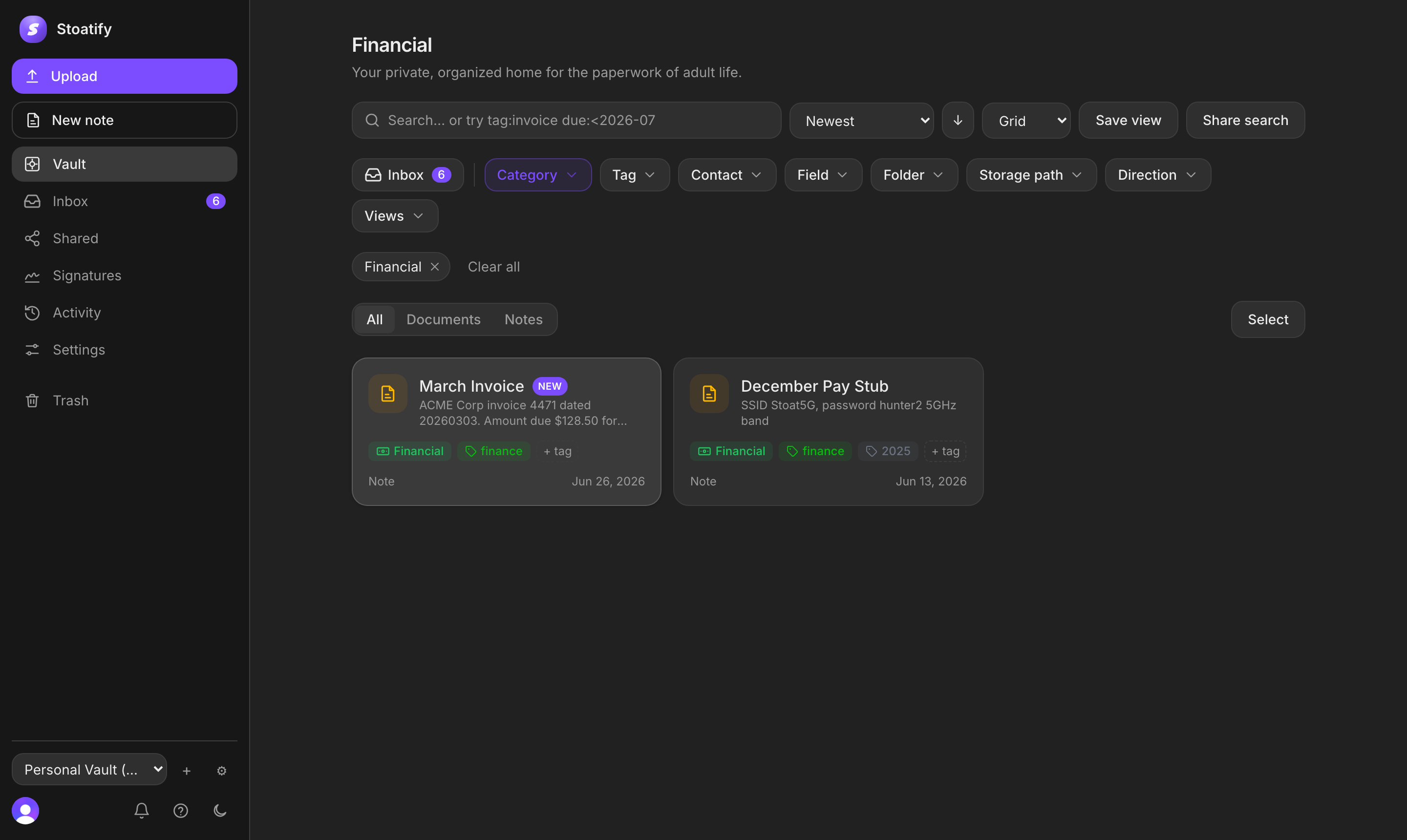
On the left you'll find your categories with live document counts, your saved views, and quick links to Trash and settings. Click any category to filter the grid to just those documents.
The document grid
- Each card shows a document's preview, title, category and tags.
- Use the filter bar at the top to narrow by category, tag and date.
- Switch between grid and list, and sort by date, name or category.
- Select several cards at once to tag, move or share them in bulk.
The detail panel
Open any document to see its full preview alongside its details: category, tags, dates, versions and sharing. This is where you edit metadata, review versions, or create a share link.
Tip
The search bar sits at the top on every screen. It looks inside your documents, not just their names, see Find everything, fast.
Stoatify sends only this article's route and your Yes or No choice.