Find everything, fast
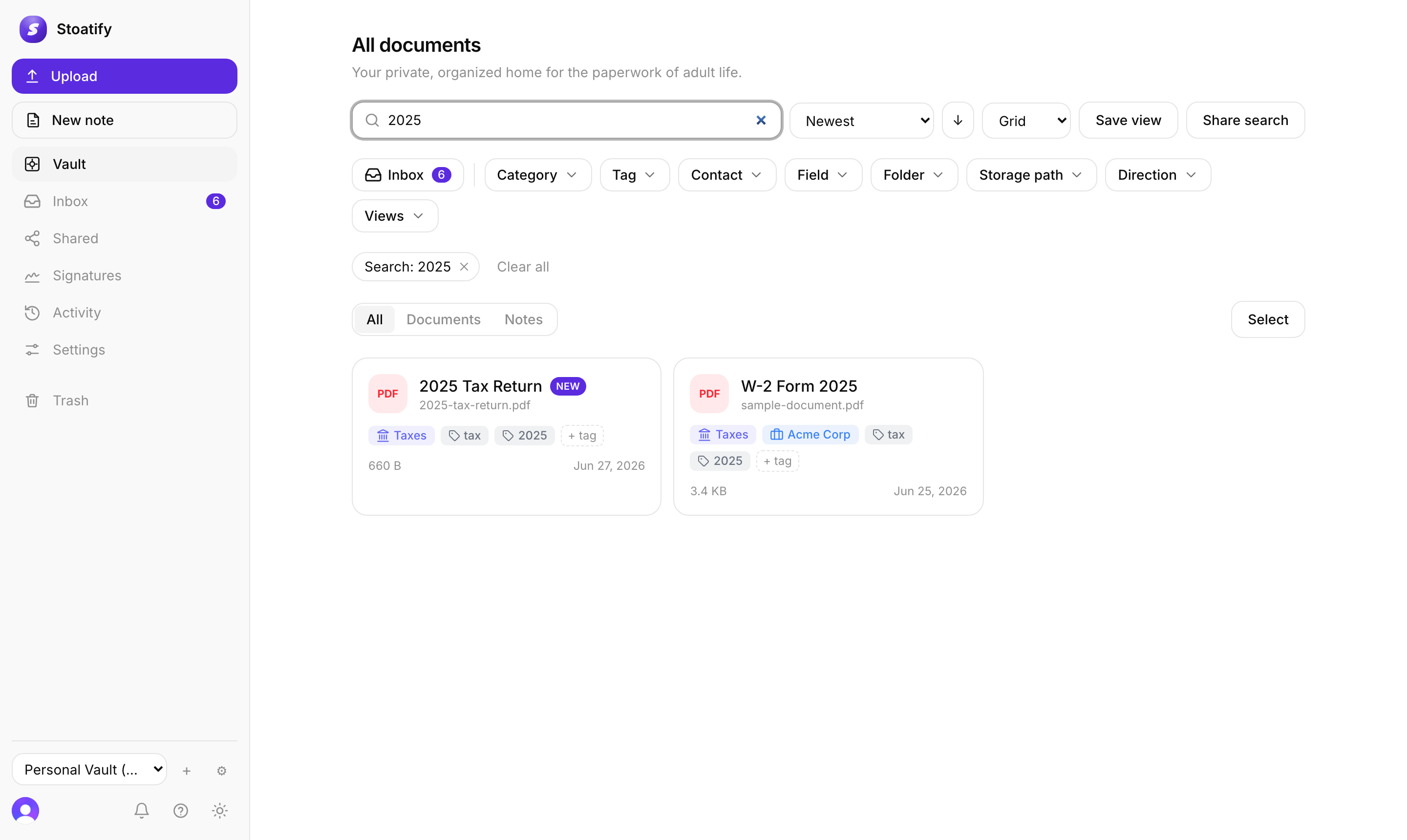
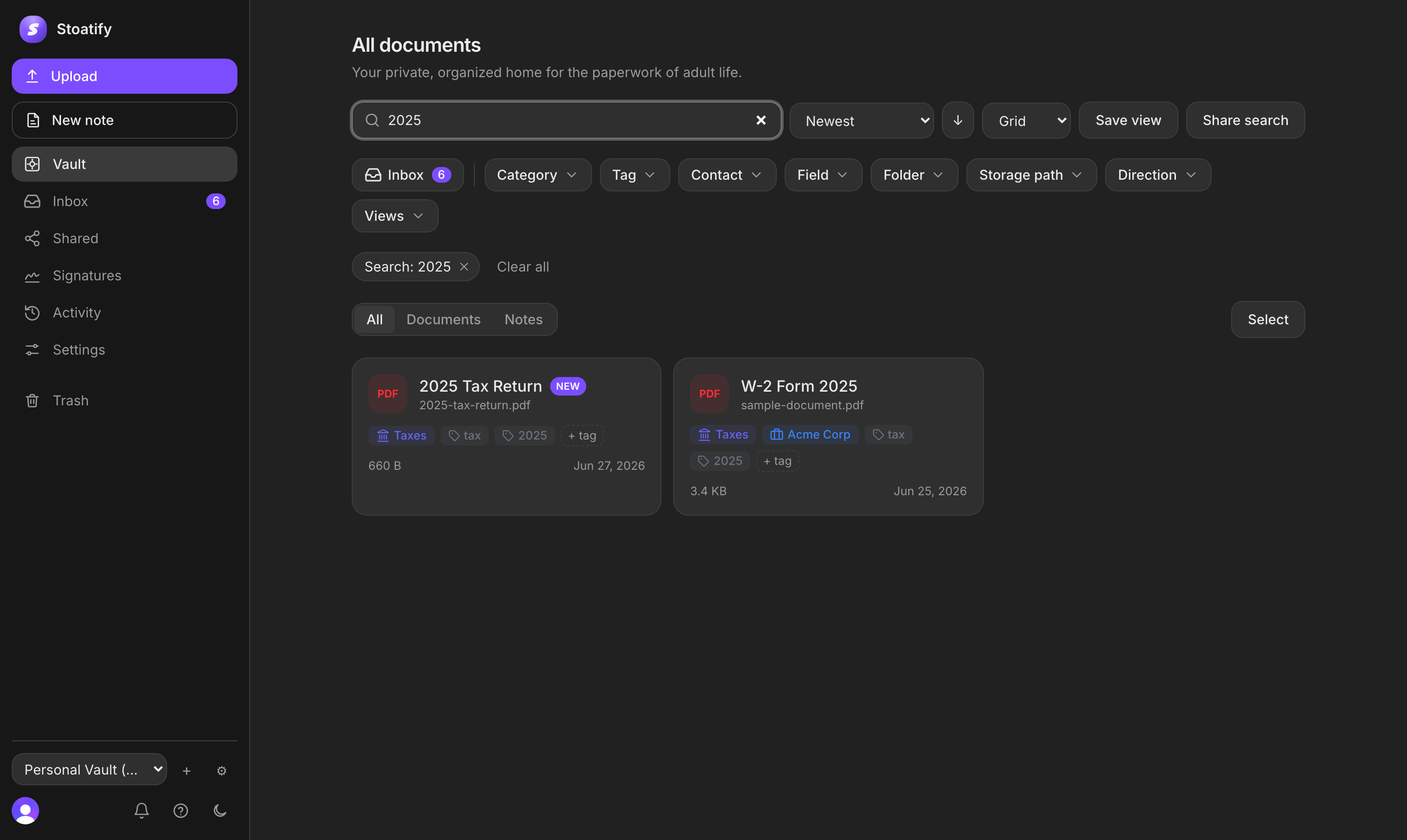
Search the words inside your documents, not just their filenames.
3 min read · Updated July 13, 2026
The single most useful thing about Stoatify is that you can forget where you filed something. Search reads the text inside every document, so you find a policy by typing the insurer's name even when the file is called scan_0042.pdf.
How to search
- 1Click the search bar at the top of any screen (or press
/). - 2Type a word or phrase you know appears in the document.
- 3Narrow the results with the category, tag and date filters beside them.
Behind the scenes, OCR transcribes your scans and photos into searchable text the moment they're uploaded. It runs inside Stoatify, and no document is sent to a third-party service to be read.
Tip
Need precision? Structured queries like category:Insurance tag:auto due:<2026-01 combine freely with keywords. See Advanced search queries.
Was this article helpful?
Stoatify sends only this article's route and your Yes or No choice.