Advanced search queries
Field operators, AND/OR/NOT, quoted phrases, ranges, and flexible dates in the search bar.
4 min read · Updated July 13, 2026
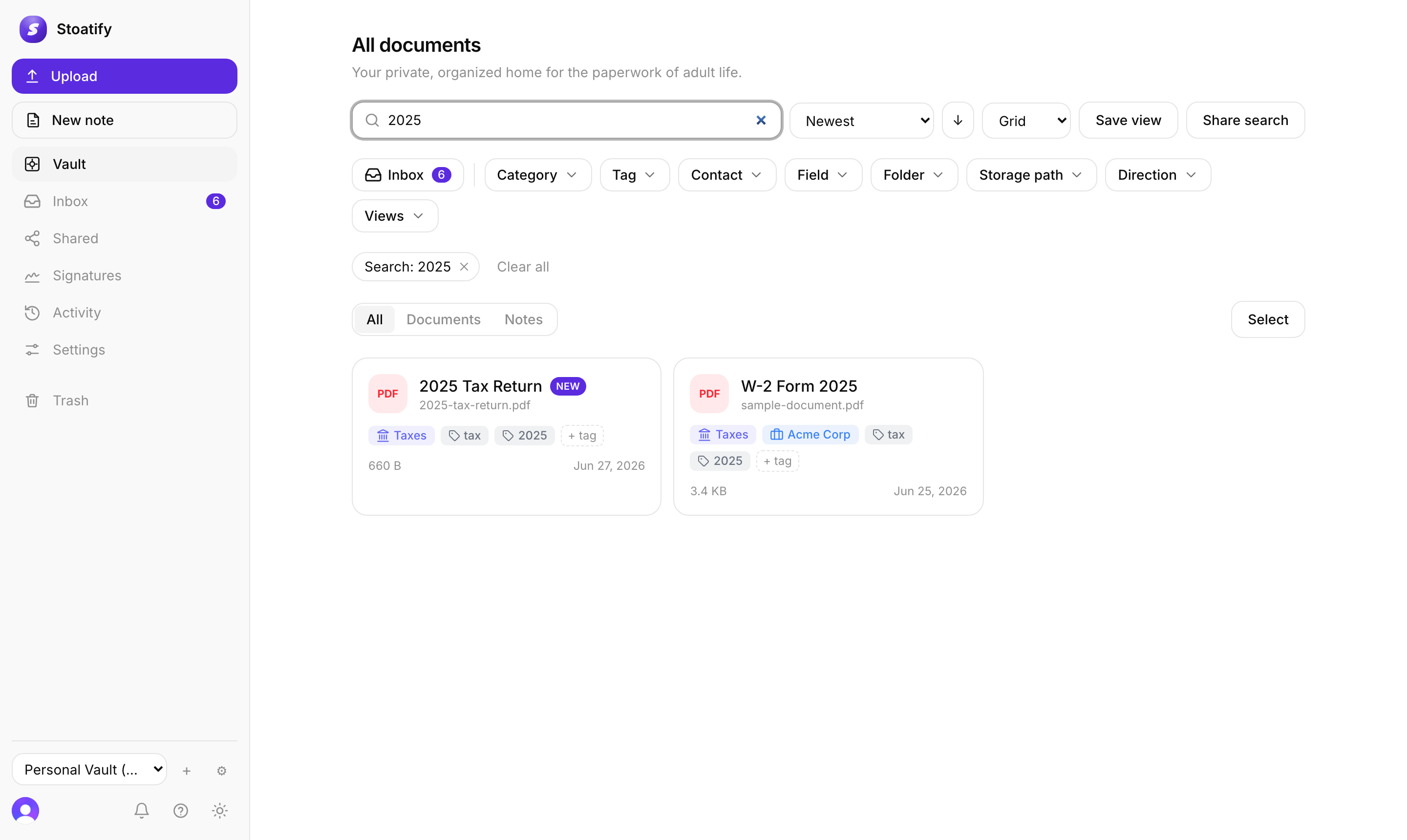
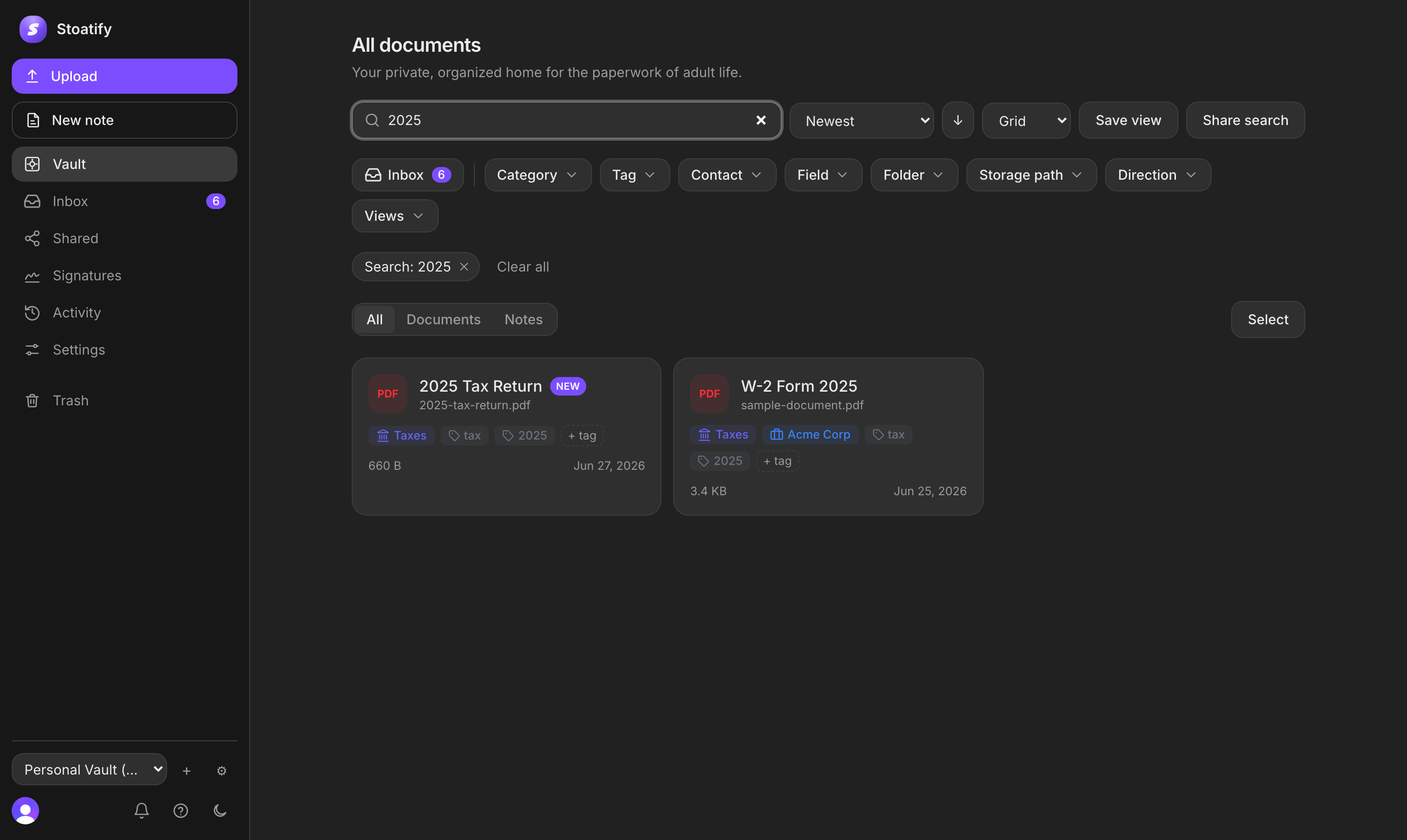
Beyond plain keywords, the search bar is a real query language. You can filter by any field, combine conditions with logic, and match phrases or date ranges exactly, all mixed freely with ordinary words.
Field operators
tag:invoice, documents carrying a tag.category:Taxes, restrict to a category.type:noteortype:file, notes only or files only.is:inbox, only documents you haven't triaged yet.asn:>1000, filter by archive serial number.- Any custom field by its own name, for example
invoiceno:12345.
Dates and ranges
due:<2026-07, a due date before July 2026 (>,<=, and>=all work).date:2025, a document date anywhere in 2025;created:2026-06, added in June 2026.- Dates take any precision:
2026,2026-07, or2026-07-15. - Match a window with a bracketed range:
due:[2026-01..2026-06].
Combine with logic
- Put terms side by side for AND:
category:Insurance tag:auto. ORandNOT(any case) widen or exclude:tag:invoice OR tag:receipt,NOT category:Taxes.- Group with parentheses:
(tag:auto OR tag:home) due:<2026-01. - Wrap a phrase in quotes to match it exactly:
"policy number".
Good to know
Names are resolved against your library, so category: and tag: values must be spelled like a real entry, a typo returns an Invalid search. If you're unsure of a name, pick it from the filter chips instead.
Tip
Turn a query you rely on into a saved view, or a collection link. Handy patterns live in Search recipes.
Was this article helpful?
Stoatify sends only this article's route and your Yes or No choice.