Filter chips: narrow without typing
Use category, tag, field, date, and sensitive-data filters to narrow the vault.
3 min read · Updated July 13, 2026
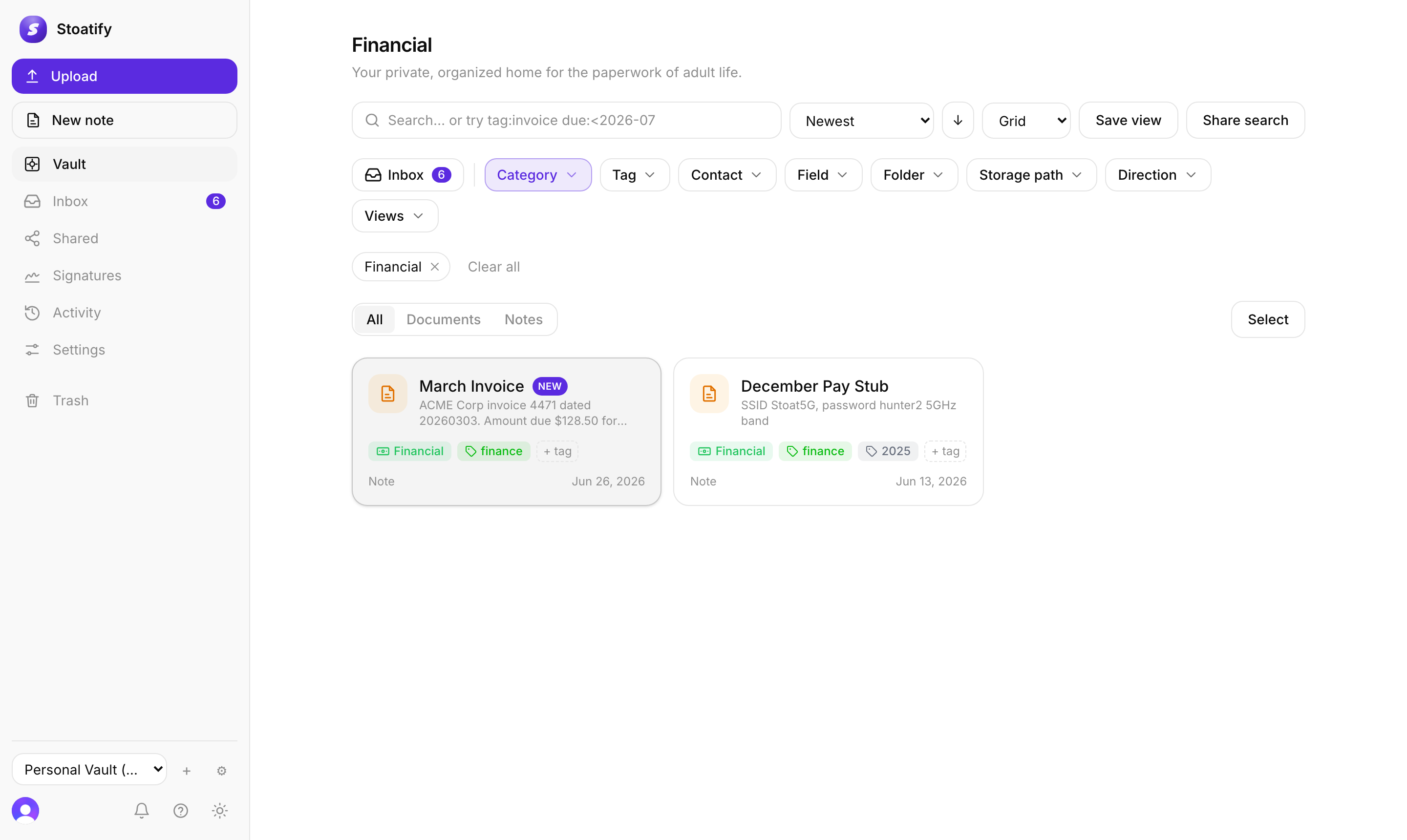
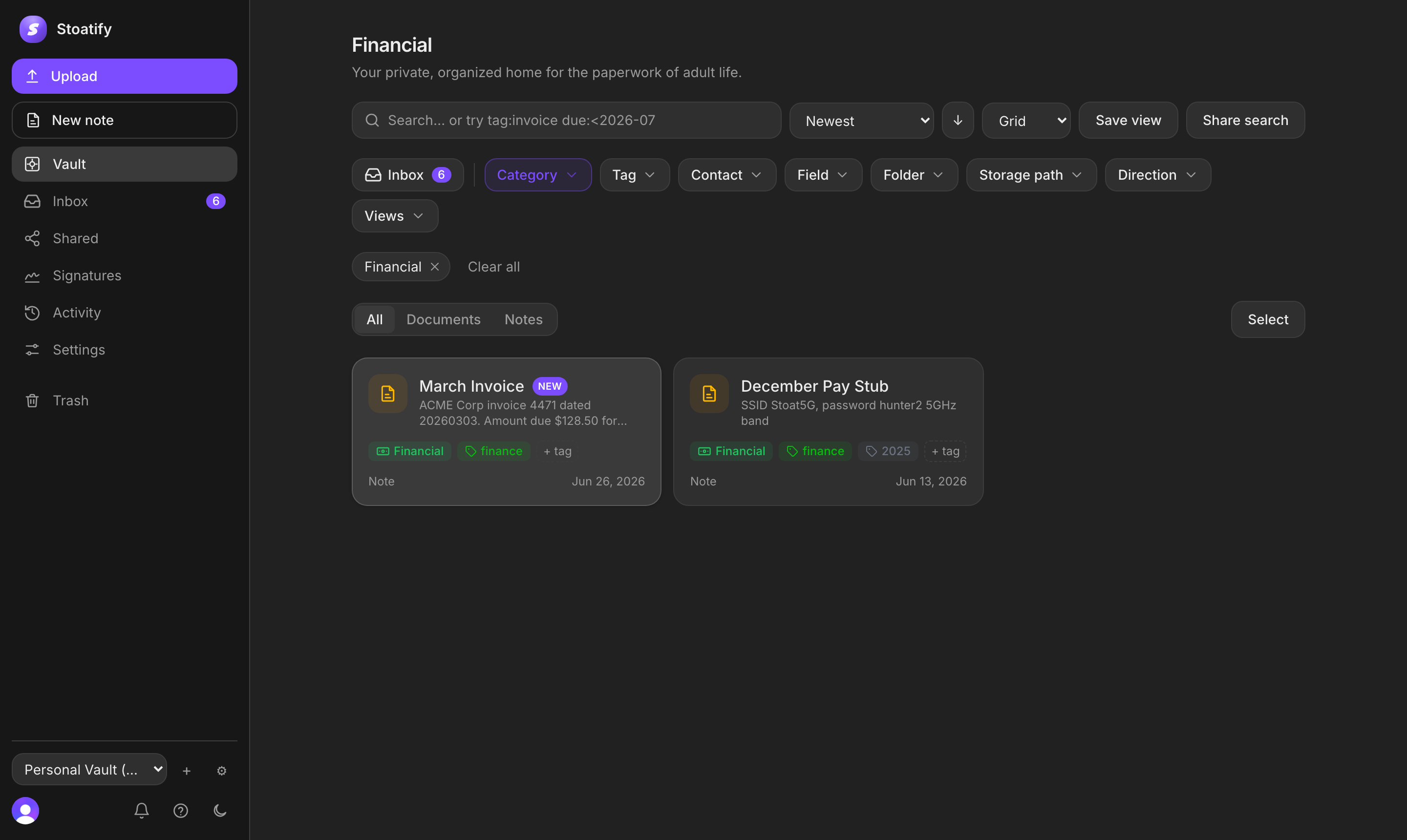
Not every search needs the keyboard. Above the document grid, a row of filter chips lets you narrow by any dimension with a click, and they stack with each other and with a keyword search.
The facets
- Category and Tag, the everyday two.
- Field, filter by the value of a custom field.
- Date, a document date or due-date range.
- Sensitive data, filter by detected findings, category, or highest sensitivity. No findings only includes completed scans, not documents that are still scanning or unavailable.
- Inbox, a one-tap toggle for documents you haven't triaged.
- Views, jump straight to a saved or pinned view.
They stack
- Every active filter shows as a removable chip beneath the bar.
- Combine as many filters as you like, plus a keyword, to zero in fast.
- Clear all resets them in one click.
- Switch grid or list and change the sort independently of your filters.
Tip
Reach for the same combination often? Save it as a view so it's one click next time.
Was this article helpful?
Stoatify sends only this article's route and your Yes or No choice.