What Stoatify searches
The exact surface a keyword covers, what needs an operator, and how results are ordered.
3 min read · Updated July 13, 2026
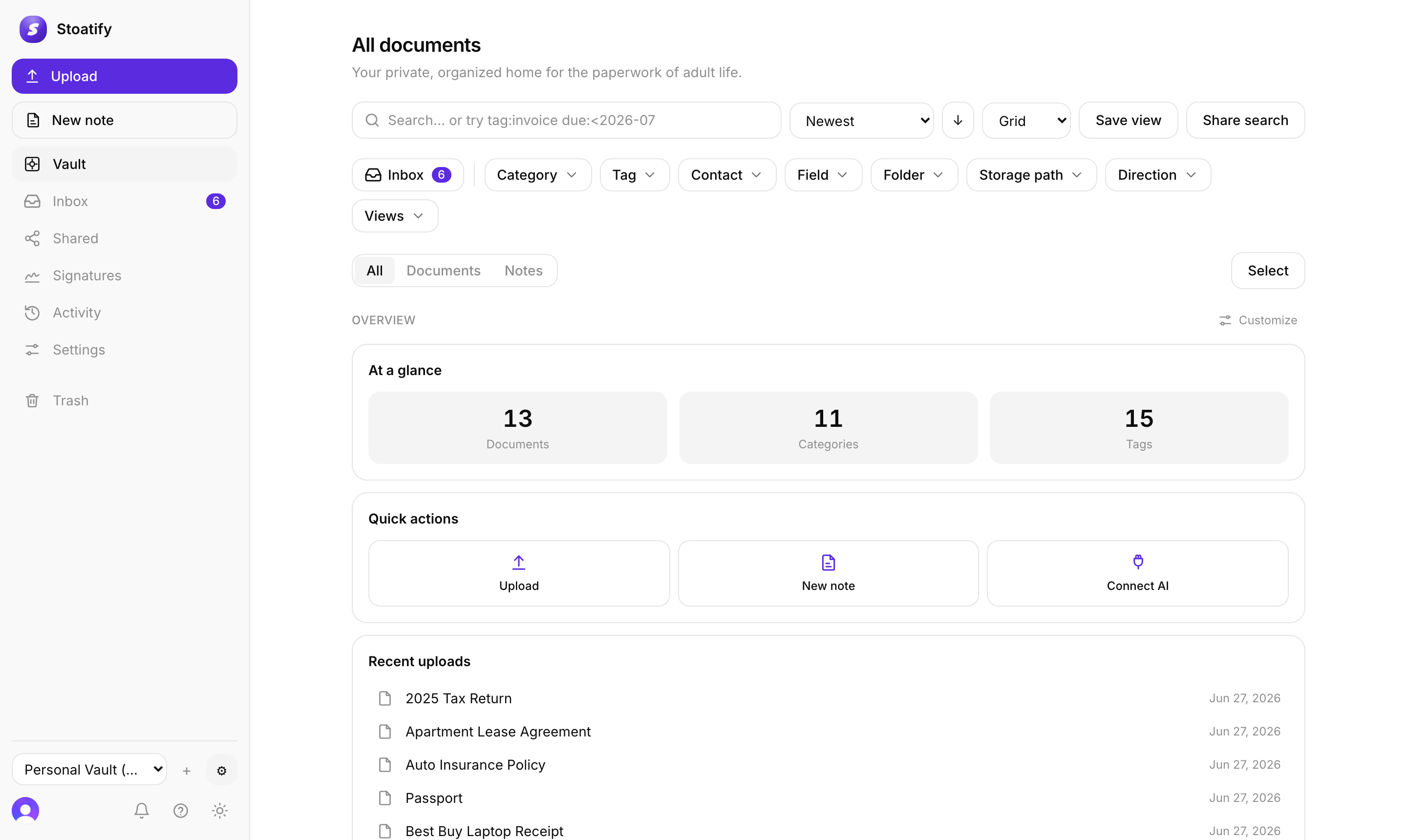
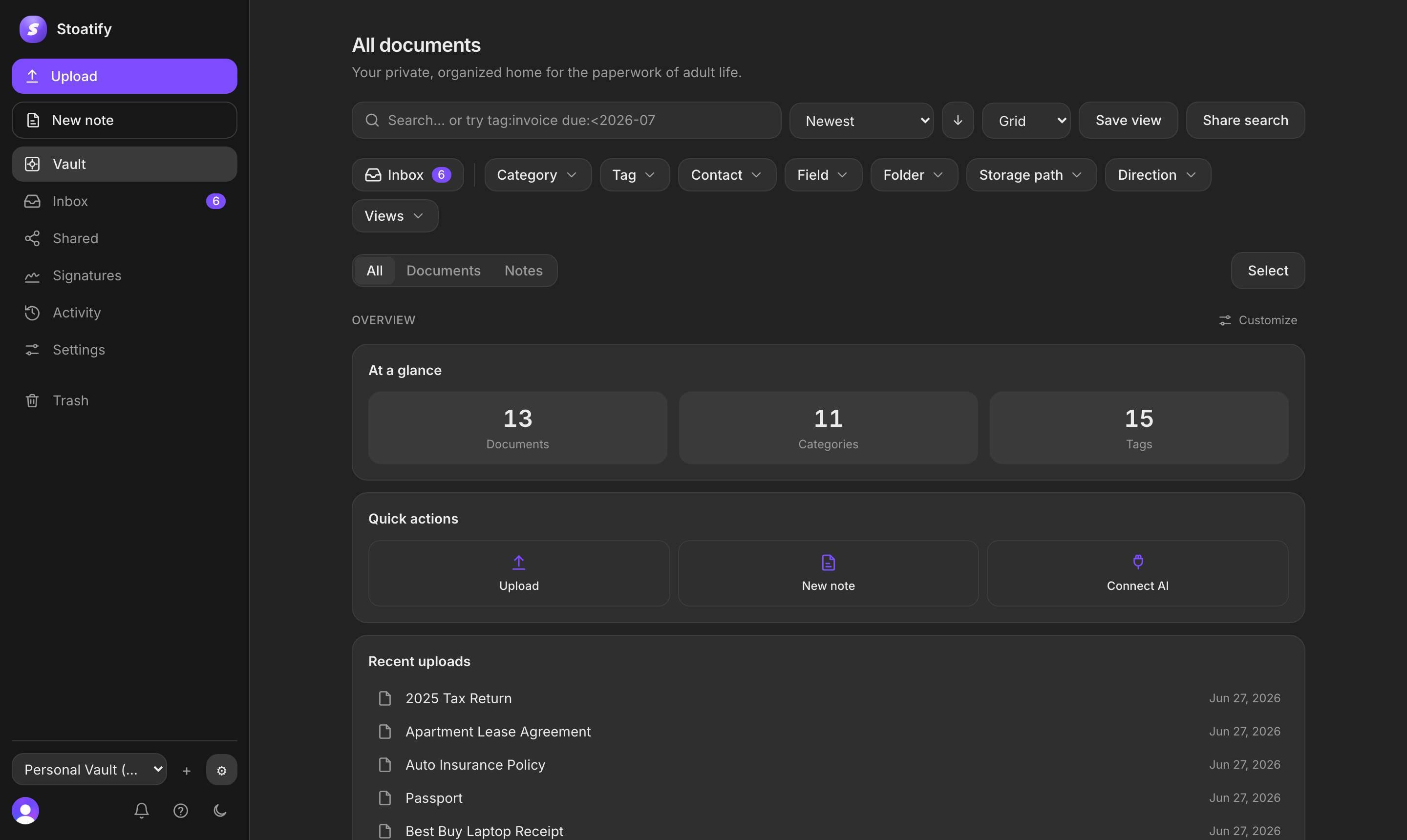
Search is more than filename matching, but it helps to know exactly what a plain keyword covers, what you reach for a filter or operator to find, and why the results land in the order they do.
A keyword matches these
- The title of a document.
- Its original filename.
- The text OCR extracted from scans, photos, and PDFs.
- The body of any note.
These want a filter or operator
Some things aren't in the free-text index but are fully searchable through a filter chip or an operator: tags, category, dates, and custom-field values. Typing a custom field's value as a plain word won't match it, use its field operator or the Field filter.
How results are ordered
Results follow the sort control, newest first by default, and also by name, category, document date, due date, or size. There's no hidden relevance ranking to second-guess, so a search plus a sort is completely predictable.
Good to know
One place ranking is by relevance: the More like this suggestions on a document you're viewing, which surface the closest matches from the rest of your vault.
Stoatify sends only this article's route and your Yes or No choice.