Share a whole search (collection links)
Publish a saved search as one link that always shows the current matching set.
3 min read · Updated July 13, 2026
A collection link shares a search rather than a single file. Instead of sending ten documents, you send one link that shows everything matching your filters, and it keeps up to date as your vault changes.
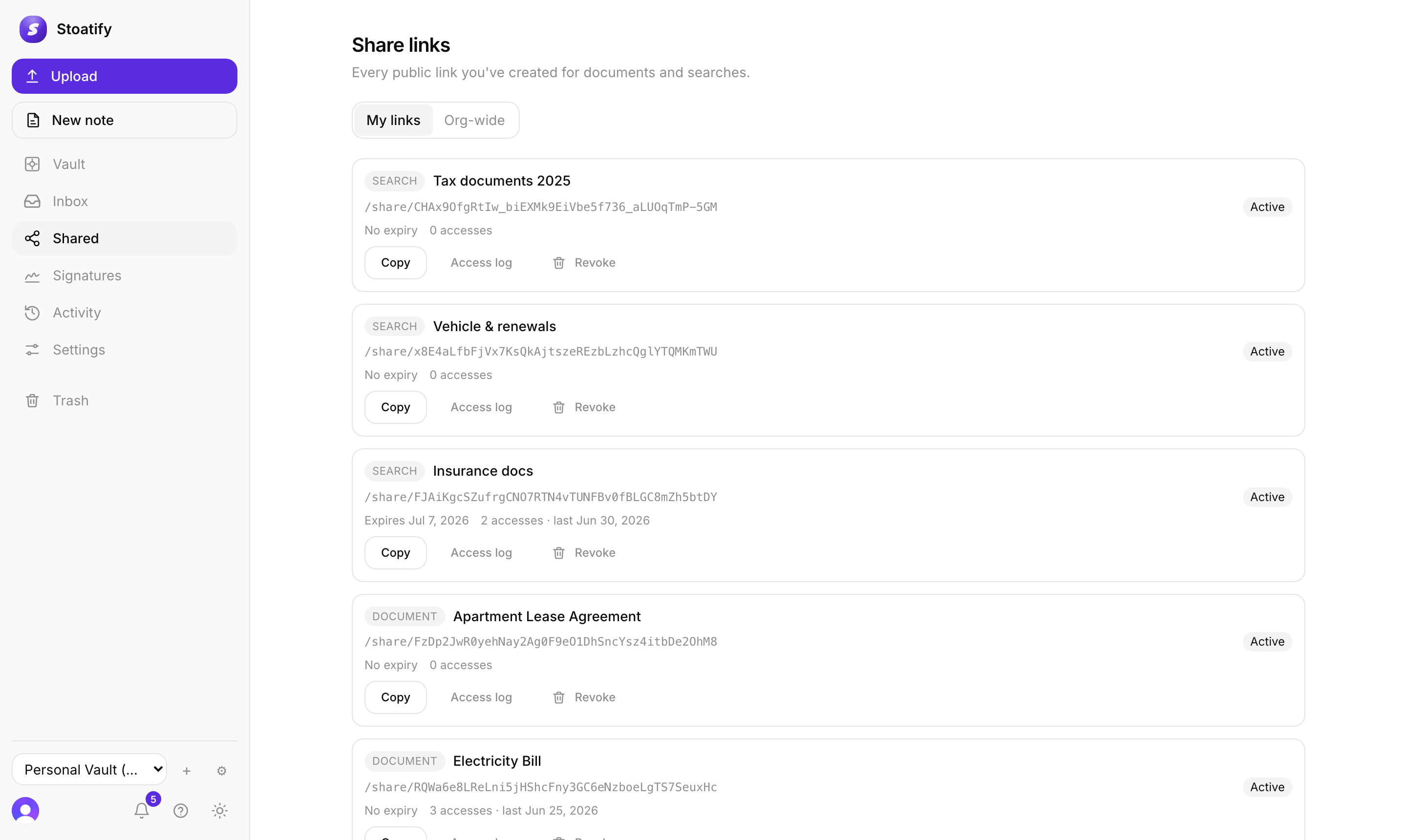
Create one
- 1Set up the search or saved view you want to share.
- 2Choose Share search and, optionally, a password and expiry.
- 3Send the single link; it shows everything that matches, now and later.
How it stays current
- The filters are fixed when you create the link, but the results are live: a new document that matches appears automatically, and one that no longer matches drops off.
- Everything opens with no account, just like a document link.
Good to know
A collection link serves the documents matched by its saved search publicly through the link, so point it at a search you're comfortable making public.
Tip
Pair this with a saved view you already rely on, like "this year's receipts", and the link tracks it going forward.
Was this article helpful?
Stoatify sends only this article's route and your Yes or No choice.