Sharing overview
Send a document or a whole search as a private link, and stay in control of it.
3 min read · Updated July 13, 2026
Sometimes a document needs to leave the vault: a landlord wants the signed lease, an accountant needs this year's receipts. Stoatify lets you hand over exactly that, and nothing more, as a link the recipient opens in their browser with no account.
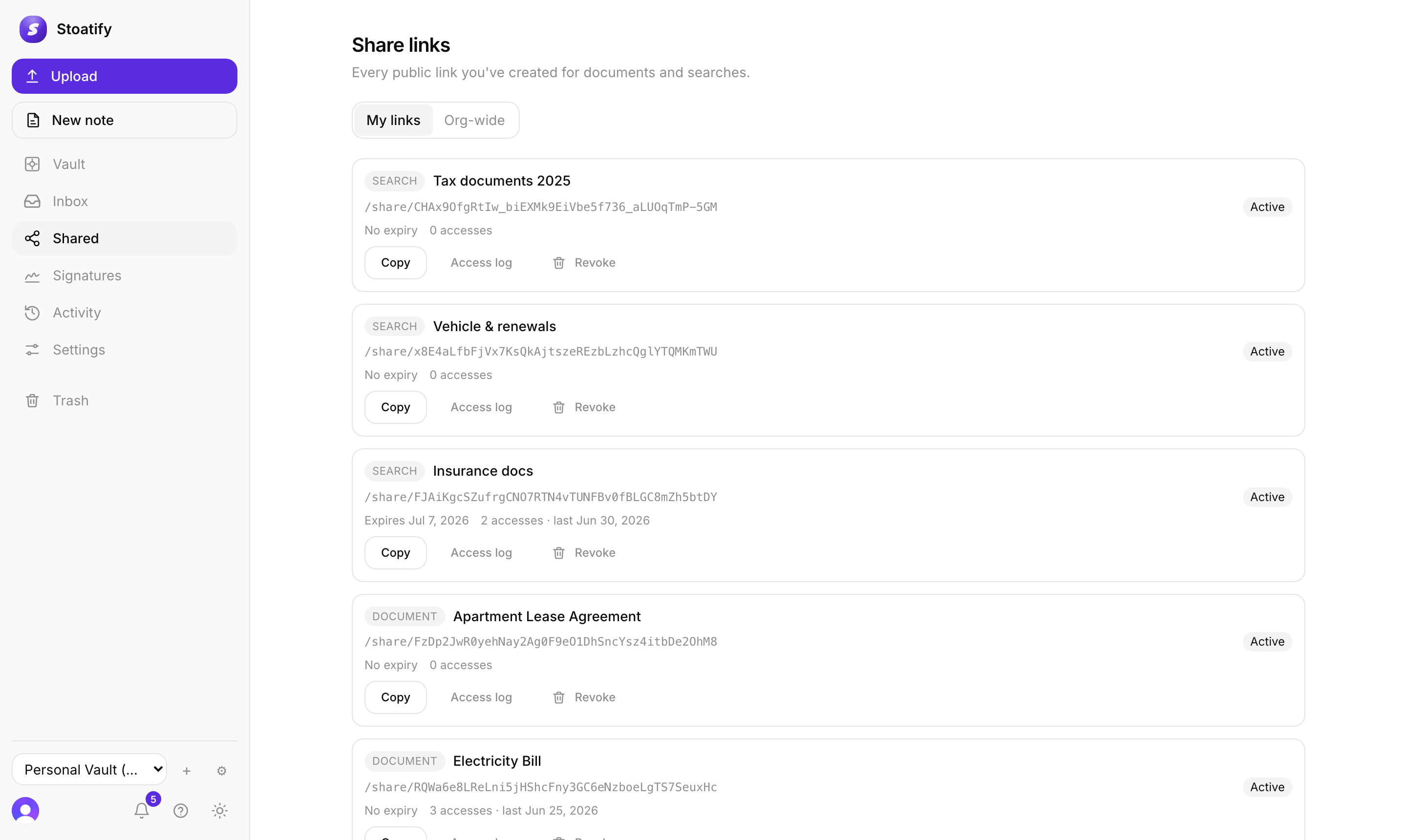
What you can share
- A single document (or note). See Share a document.
- A whole search, one link that shows everything matching. See Share a collection.
You stay in control
- Add a password and an expiry so a link isn't open forever.
- See every open in the link's access log.
- Revoke any link the instant you want it gone.
- A link always shows the current version, and stops working the moment the document is trashed.
Good to know
Recipients need no Stoatify account: a link is a plain web page they can view and download from. See What a recipient sees.
Tip
Manage everything you've shared, and revoke it, from the Shared area. See Manage and revoke links.
Was this article helpful?
Stoatify sends only this article's route and your Yes or No choice.