Manage and revoke share links
See every link, its activity, and pull any of them from one registry.
3 min read · Updated July 13, 2026
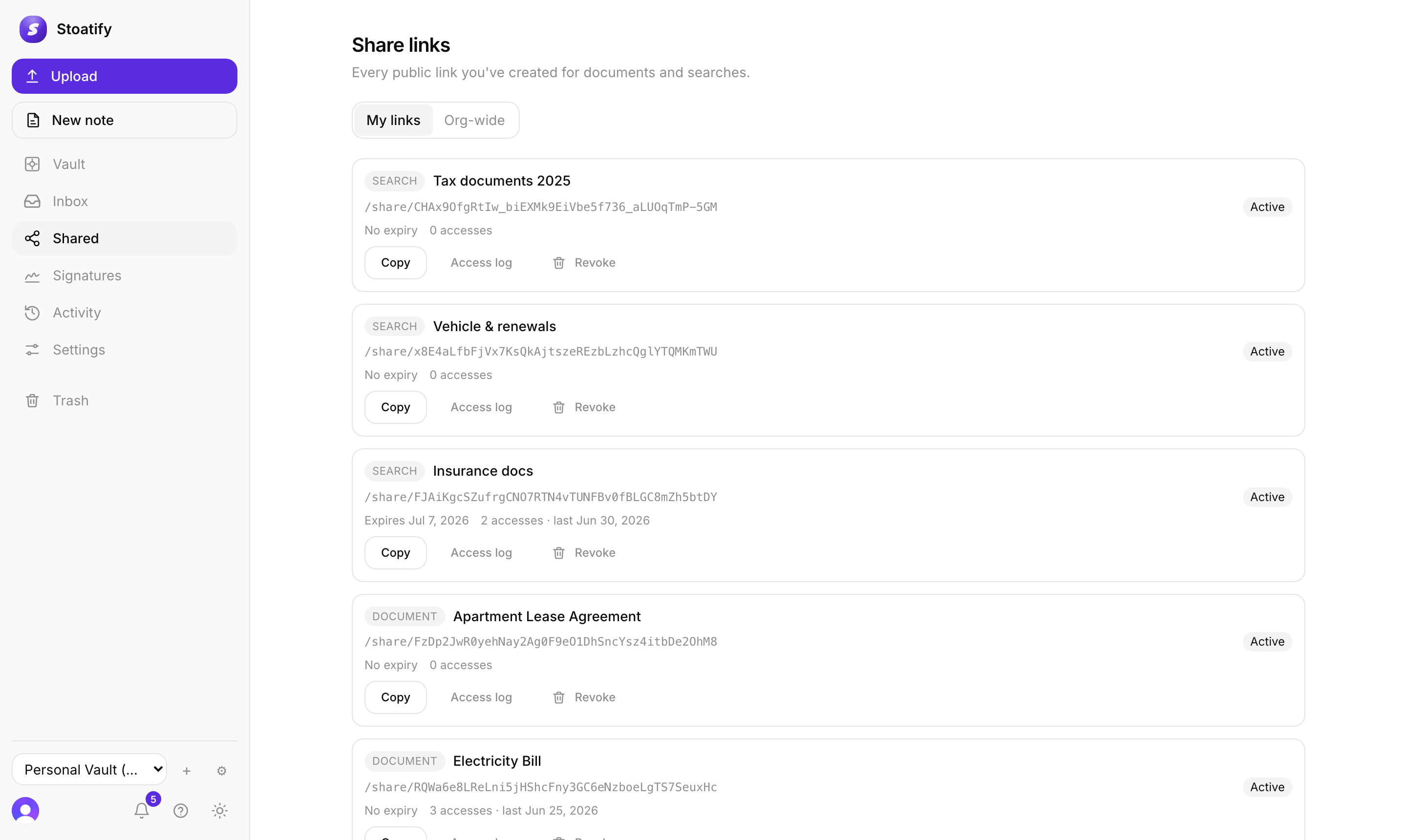
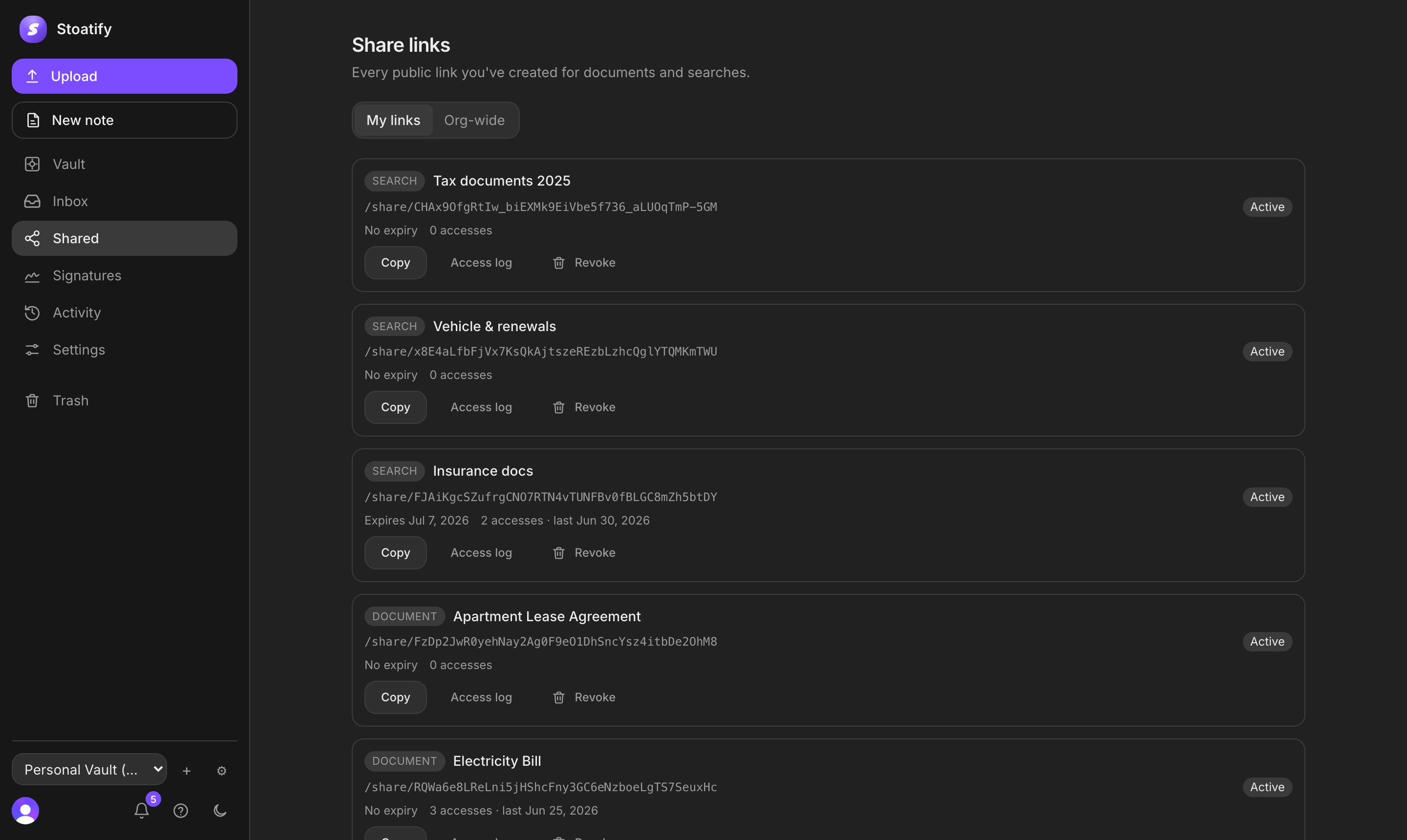
Every link you create, document or collection, is tracked in a central share registry (the Shared area). It's the one place to review what you've shared and shut anything down.
What you can do
- See every link with its target, status (active or expired), access count, and expiry.
- Copy a link again, or open its access log.
- Revoke a link to stop it resolving immediately.
Org-wide oversight
Switch to the Org-wide tab (Owners and Admins only) to see and revoke links created by anyone in the organization, so nothing stays shared without someone able to pull it.
Good to know
Expired and revoked links are cleaned up automatically over time, and deleting a document removes its links too.
Was this article helpful?
Stoatify sends only this article's route and your Yes or No choice.