E-signatures overview
Get documents signed and keep the sealed PDF and its evidence in your vault.
3 min read · Updated July 13, 2026
Stoatify includes a full e-signature suite. Build a signable PDF from a template, send it to one or many signers in the order you choose, and let them sign from any device with no account. Every completed document is cryptographically sealed and available to download.
What you get
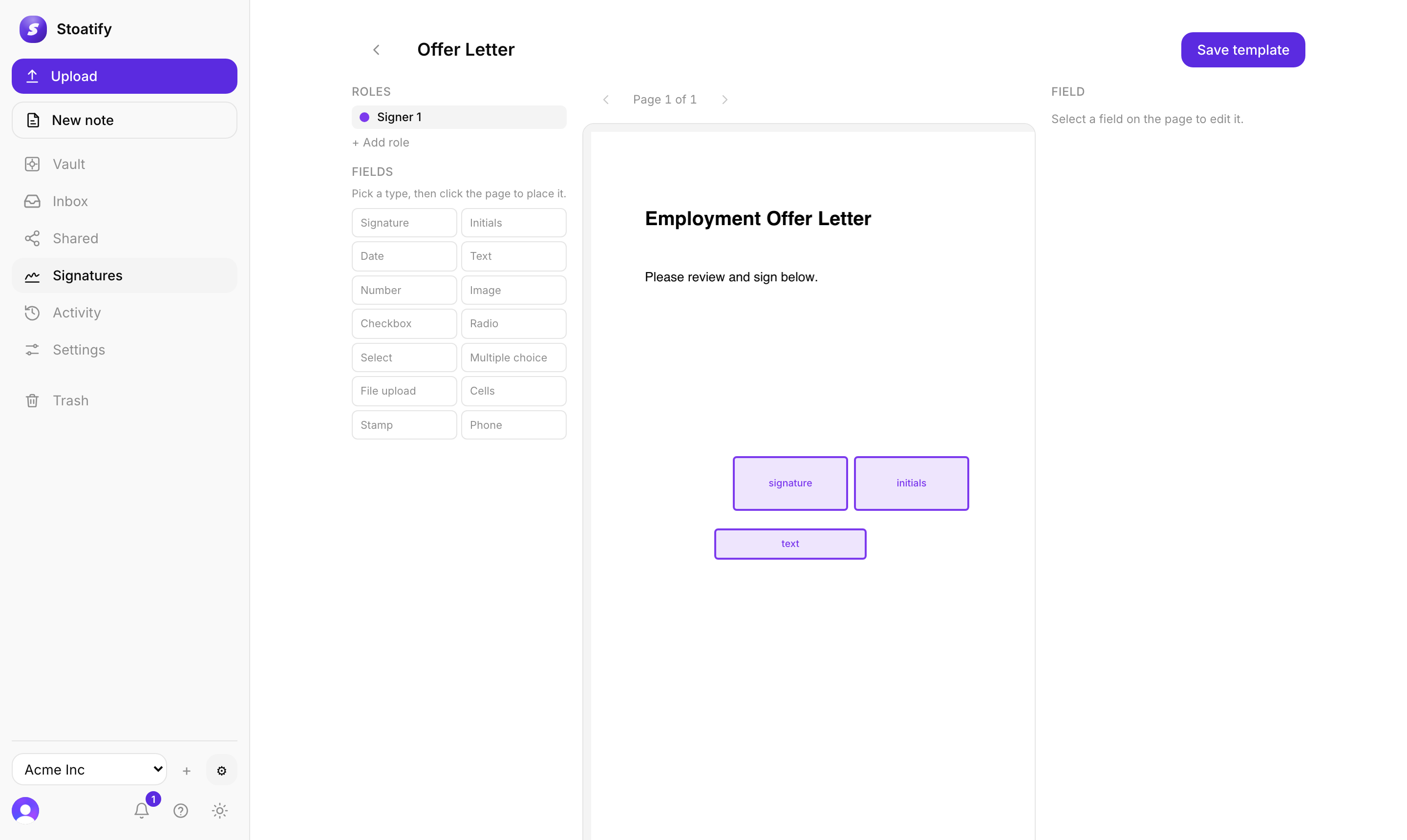
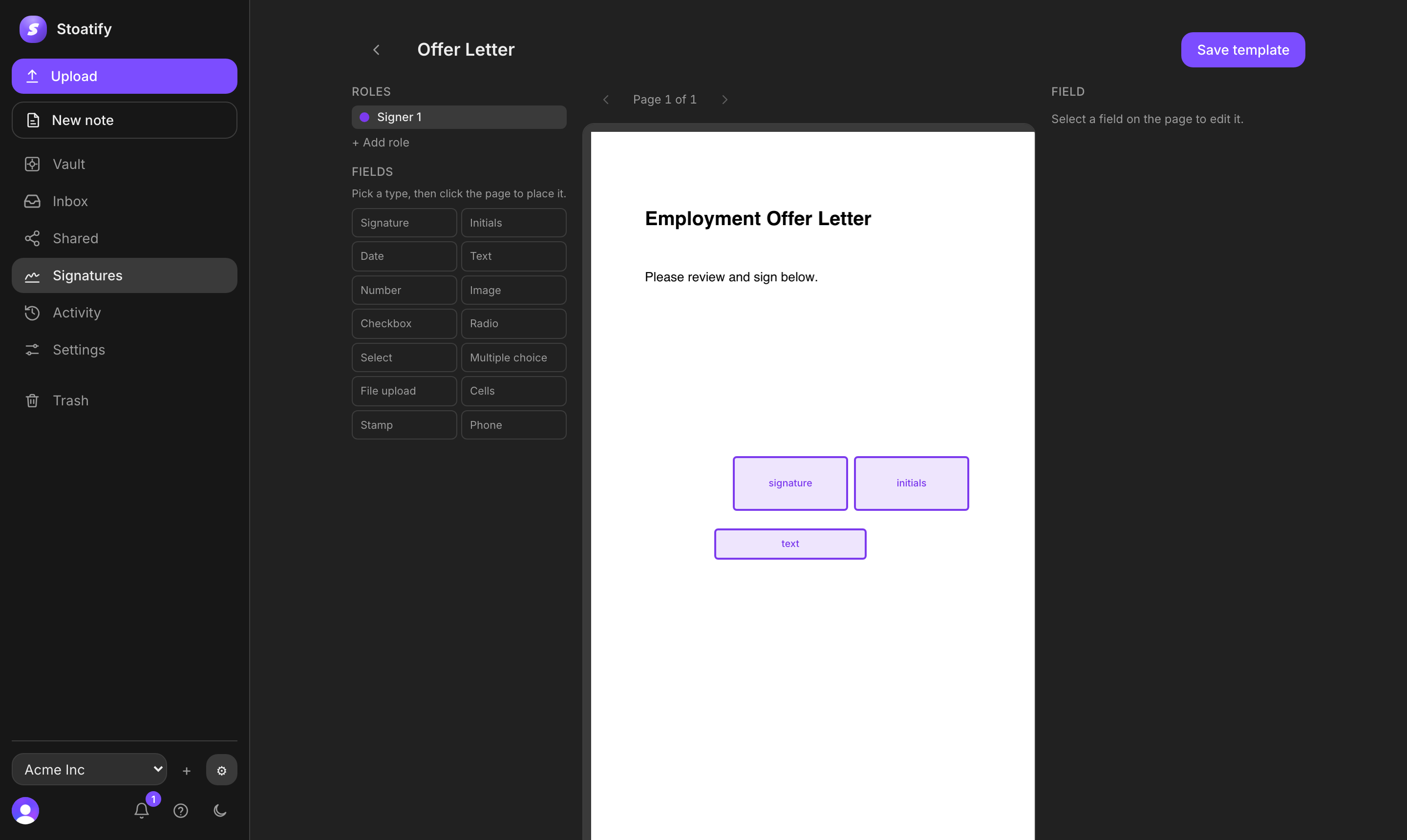
- 14 field types to place on the page, from signature and initials to dates, text, and checkboxes. See Build a template.
- Multi-party signing, everyone at once (parallel) or in a set order (sequential).
- No-account signing for recipients, on any device, with a signature pad they draw, type, or upload.
- Submission tracking with opened and completed status for every signer, plus the option to void a request.
- A tamper-evident cryptographic seal (PAdES/PKCS #7) over the finished document, plus a downloadable completion certificate.
Why it can be legally binding
Electronic-signature laws generally prevent an agreement from being rejected only because the signature is electronic. Stoatify records the signing act, attribution evidence, the exact completed terms, and a reproducible final record. The underlying agreement still needs valid terms, signer authority, and any document-specific formalities.
Tip
Read How Stoatify e-signatures work for the full legal explanation, signer-evidence model, court process, comparison with other products, and links to the laws and technical standards.
Good to know
E-signatures are available on every plan. Free includes 3 requests, Plus includes 10 requests, Pro includes unlimited requests, Starter includes 10 requests, Team includes unlimited requests, all per billing period. See Plans and what they include.
Tip
Ready to try it? Start with Build a signable template, or learn how to evaluate signer evidence.
Stoatify sends only this article's route and your Yes or No choice.