Scanning paper documents with your phone
Turn a physical letter or receipt into a clean, searchable file.
3 min read · Updated June 28, 2026
The fastest way to digitize paper is the camera in the Stoatify mobile app. It captures, straightens, and files the document in one flow, and OCR makes the words on the page searchable straight away.
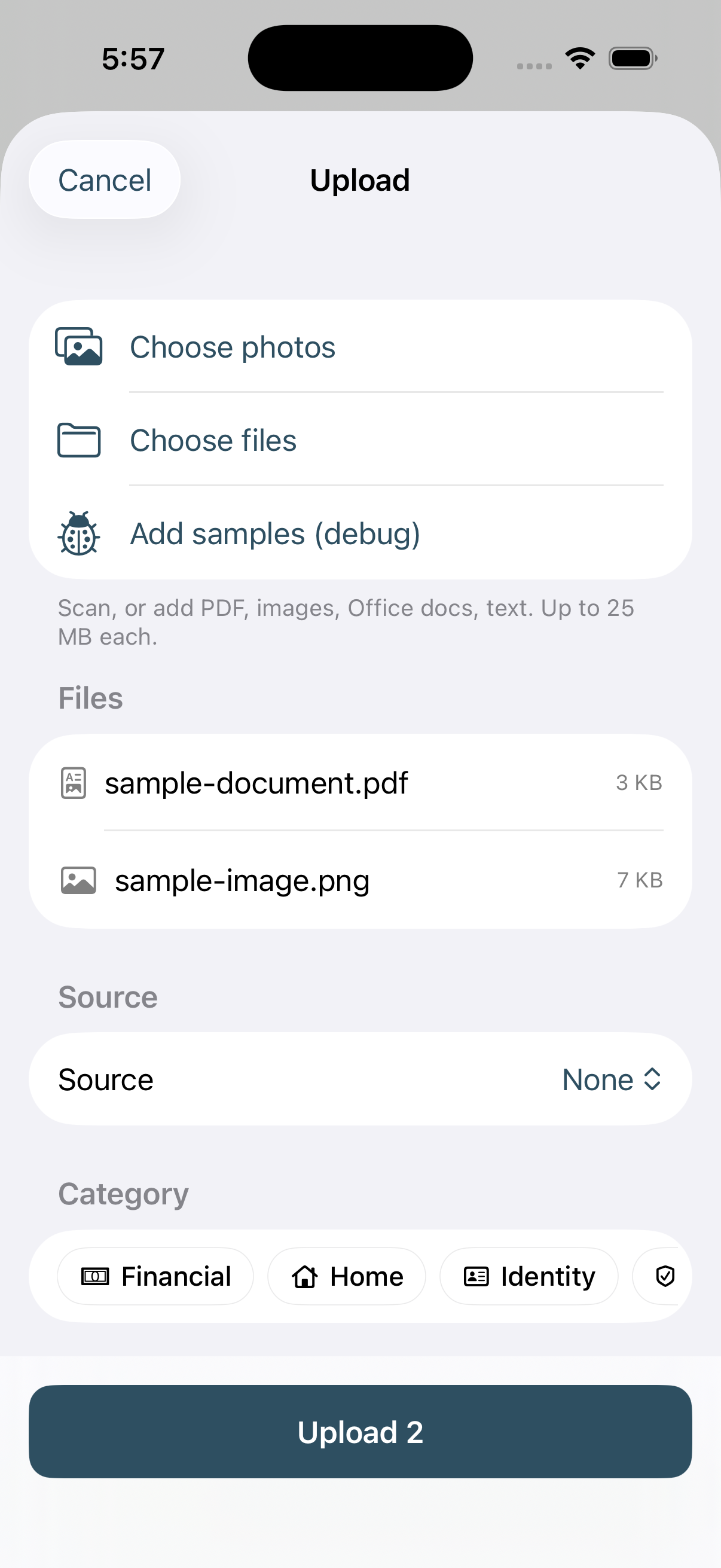
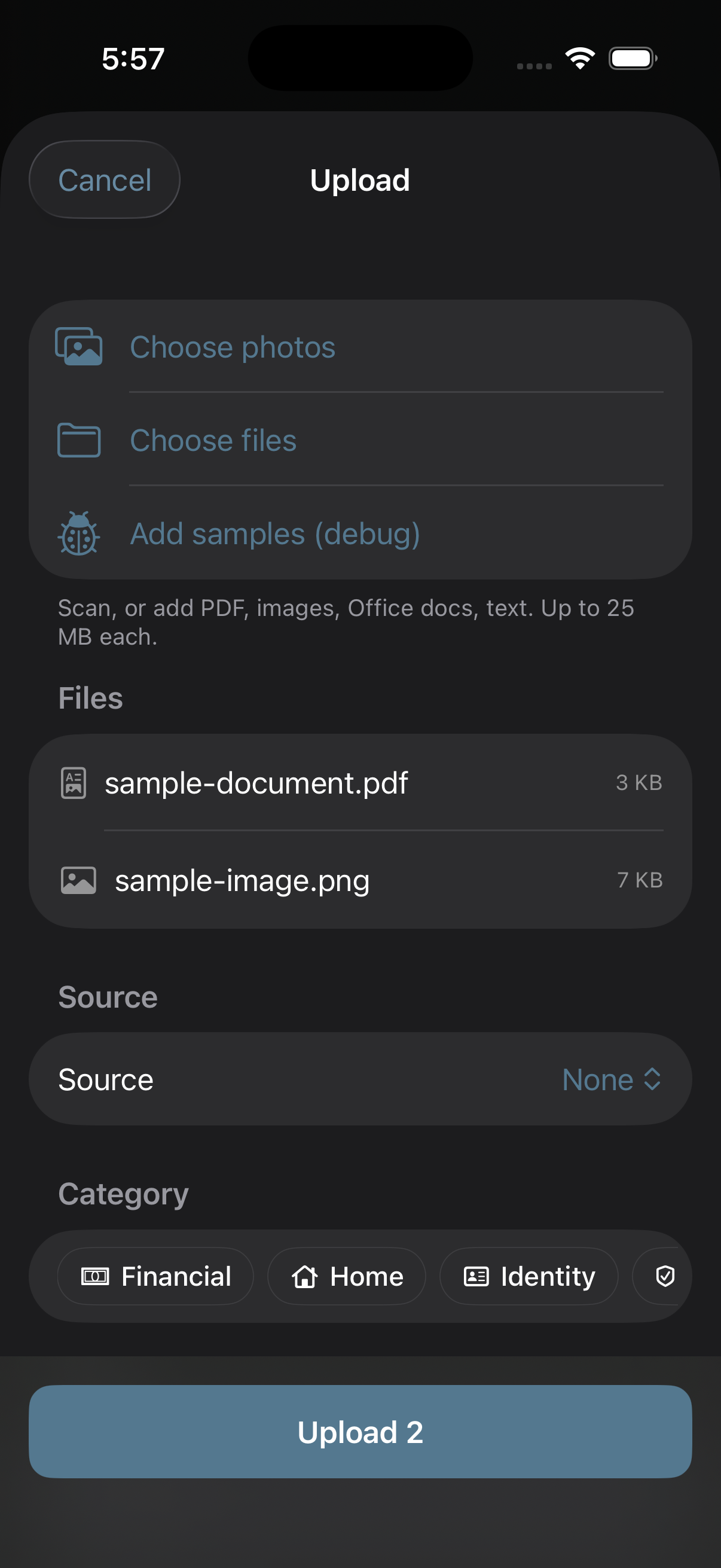
- 1Open the Stoatify app on iPhone or Android and tap the camera or + button.
- 2Line up the document, Stoatify detects the edges and corrects the perspective.
- 3Capture one page, or keep adding pages for a multi-page PDF.
- 4Pick a category (or accept the suggested one), add tags, and save.
Tip
Shoot on a dark, flat surface with even light for the cleanest OCR. Avoid glare on glossy receipts by angling slightly away from the light.
Not installed the apps yet? See Install the mobile apps.
Was this article helpful?