Upload your first document
Drag, drop, or choose files, and what happens after you do.
3 min read · Updated July 13, 2026
There are two ways to add a document by hand. Both stream the file through the Stoatify API to encrypted storage, and only create the record once the bytes are safely stored, so you never end up with orphaned metadata.
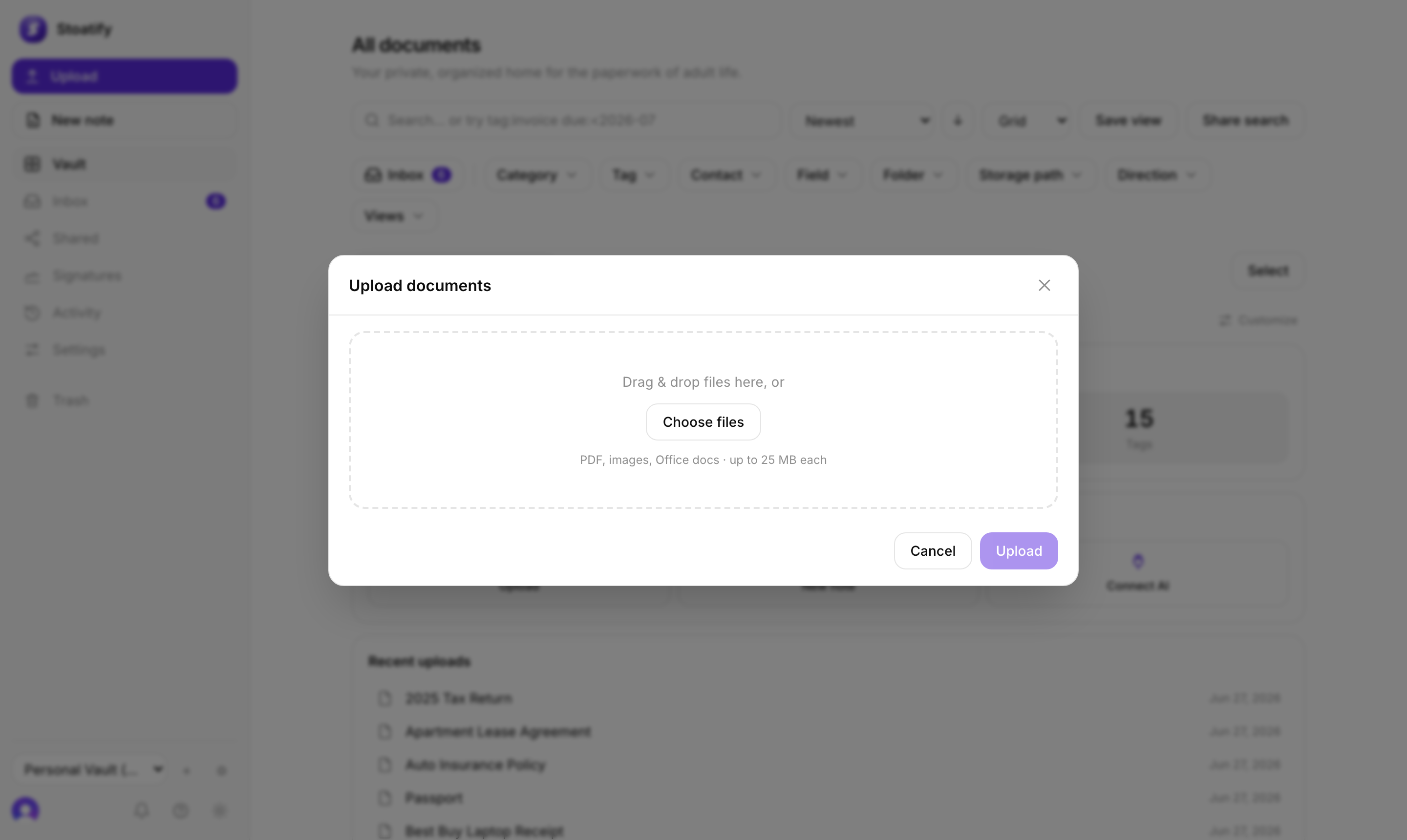
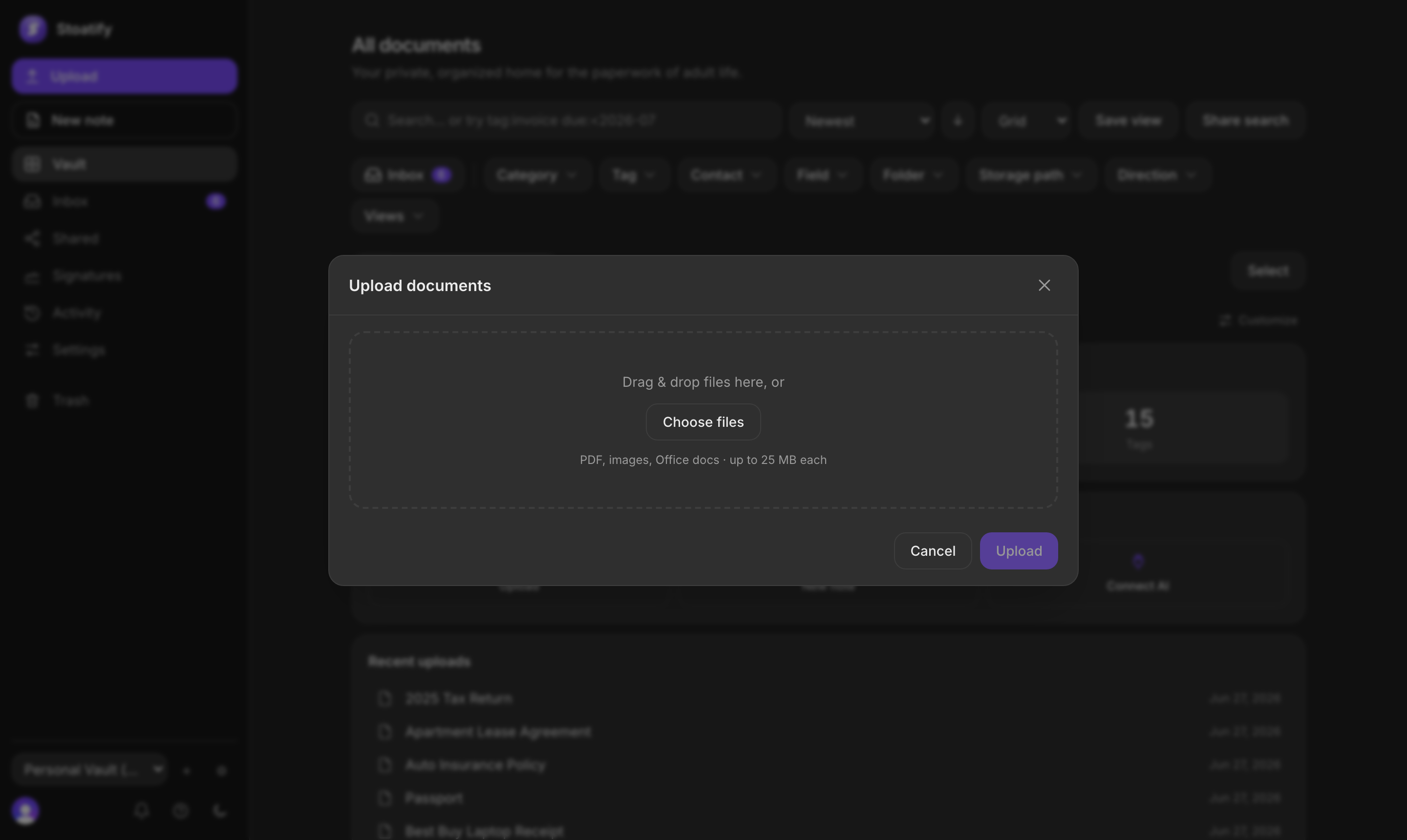
Two ways to upload
- 1Drag and drop. Drop one file or a whole stack anywhere on the vault and watch each one upload with a live progress bar.
- 2Choose files. Click Upload, then pick files from your computer.
What happens next
- The file is validated (type and size) at the edge before anything is stored.
- It lands in a category, ready for you to tag.
- OCR reads the text inside so it becomes searchable, see How search works.
Tip
Uploading a lot at once is fine. Select many files in the picker or drop them together; they upload in parallel.
Tip
Using an authorized mobile build? Follow Scan a document with your phone or Upload files from a phone or tablet.
Was this article helpful?
Stoatify sends only this article's route and your Yes or No choice.