Groups
Bundle members into named groups and grant access by team, not person.
3 min read · Updated July 13, 2026
A group is a named set of people in your organization, such as "Finance" or "Legal". Groups help Owners and Admins maintain team membership in one place.
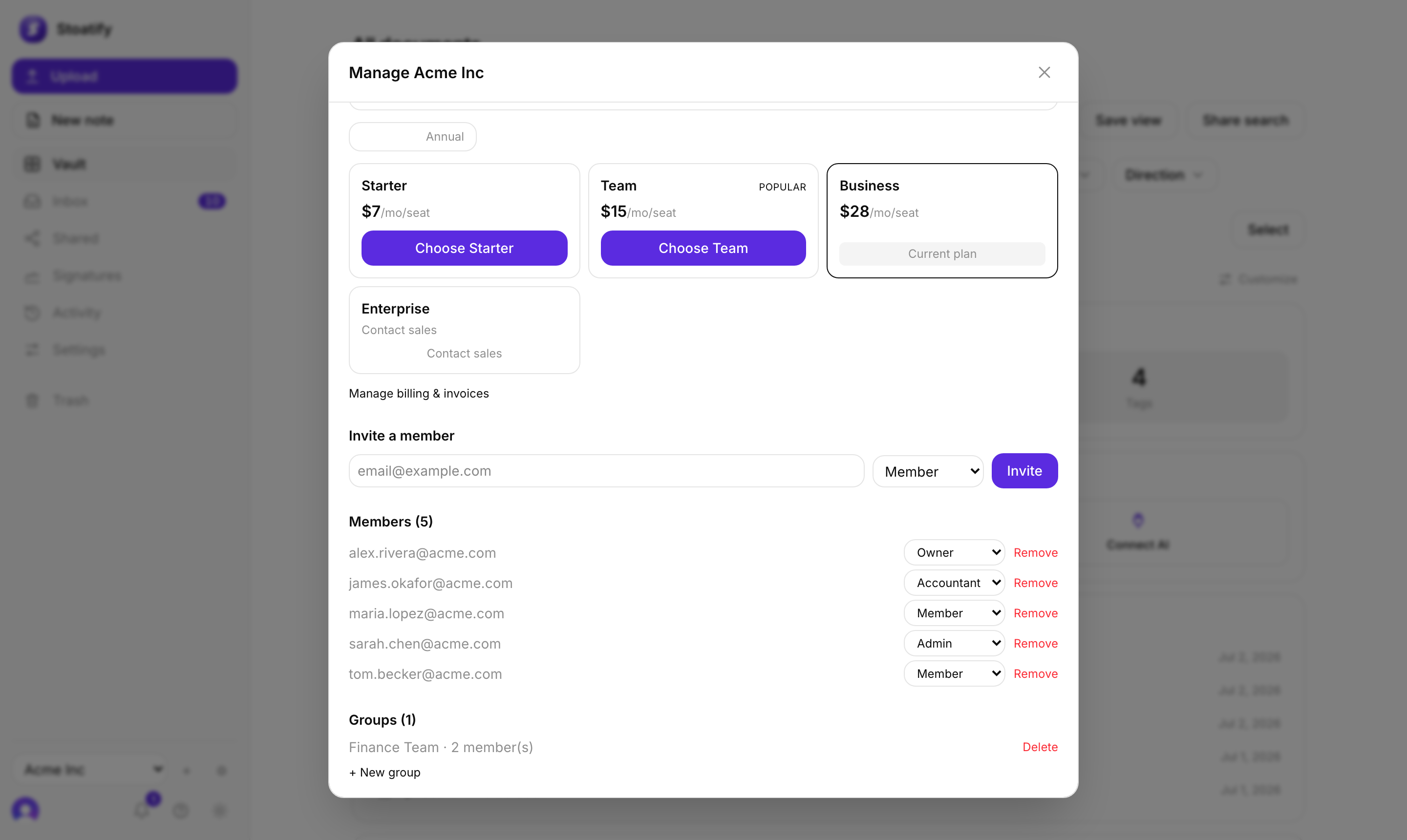
- 1In your organization settings, choose New group and name it.
- 2Add the members who belong to it (someone can be in several groups).
- 3Review group membership as people join, move teams, or leave.
- Add or remove people from a group and access follows automatically.
- Owners and Admins can manage groups.
- Groups are available on every plan.
Tip
Keep groups aligned to how access actually works in your team (a department, a project), and access management stays simple.
Was this article helpful?
Stoatify sends only this article's route and your Yes or No choice.