Use Stoatify on your phone
Install the apps and capture paper documents wherever you are.
3 min read · Updated June 28, 2026
Stoatify has real native apps for iPhone, iPad and Android, sharing one account and one vault with the web. The phone is where the vault earns its keep: the camera turns a paper letter into a filed, searchable document in seconds.
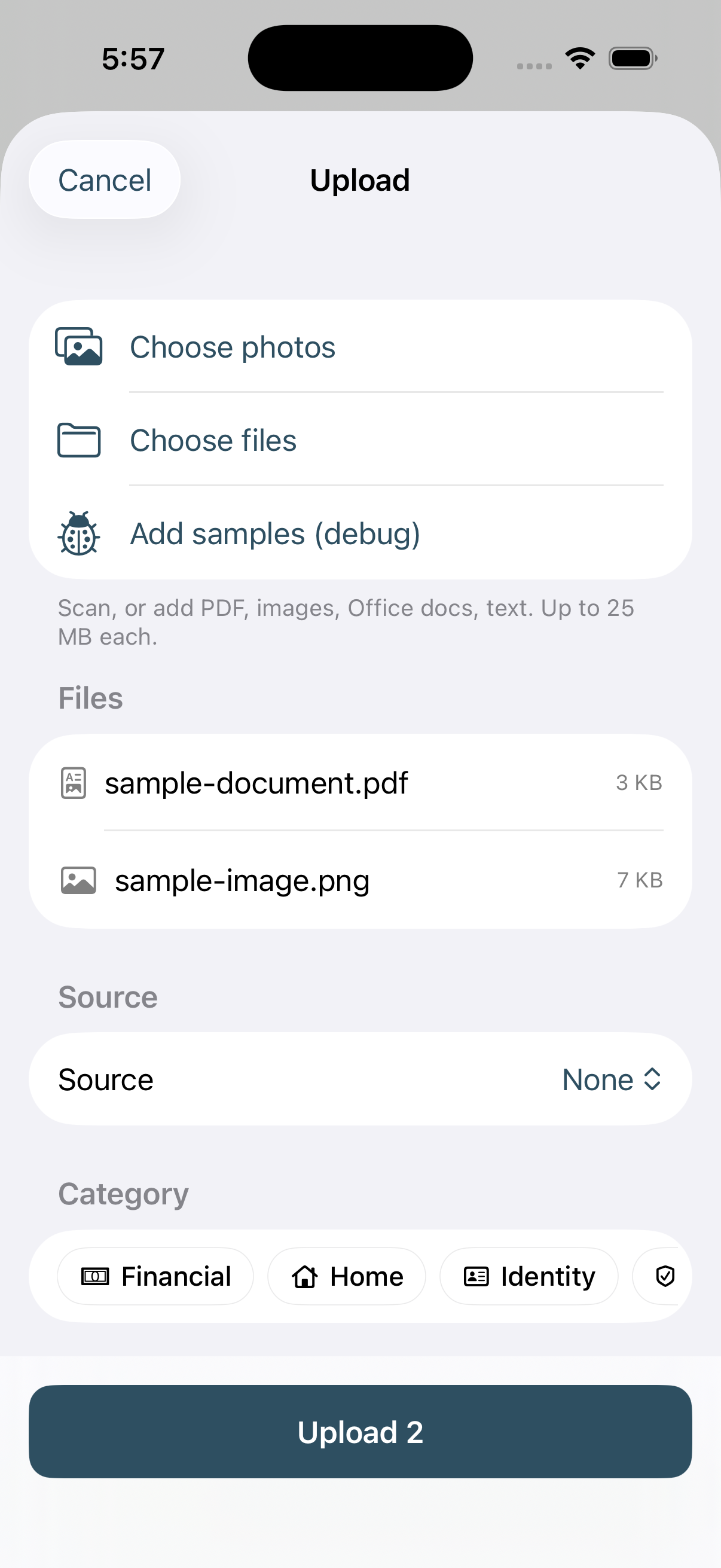
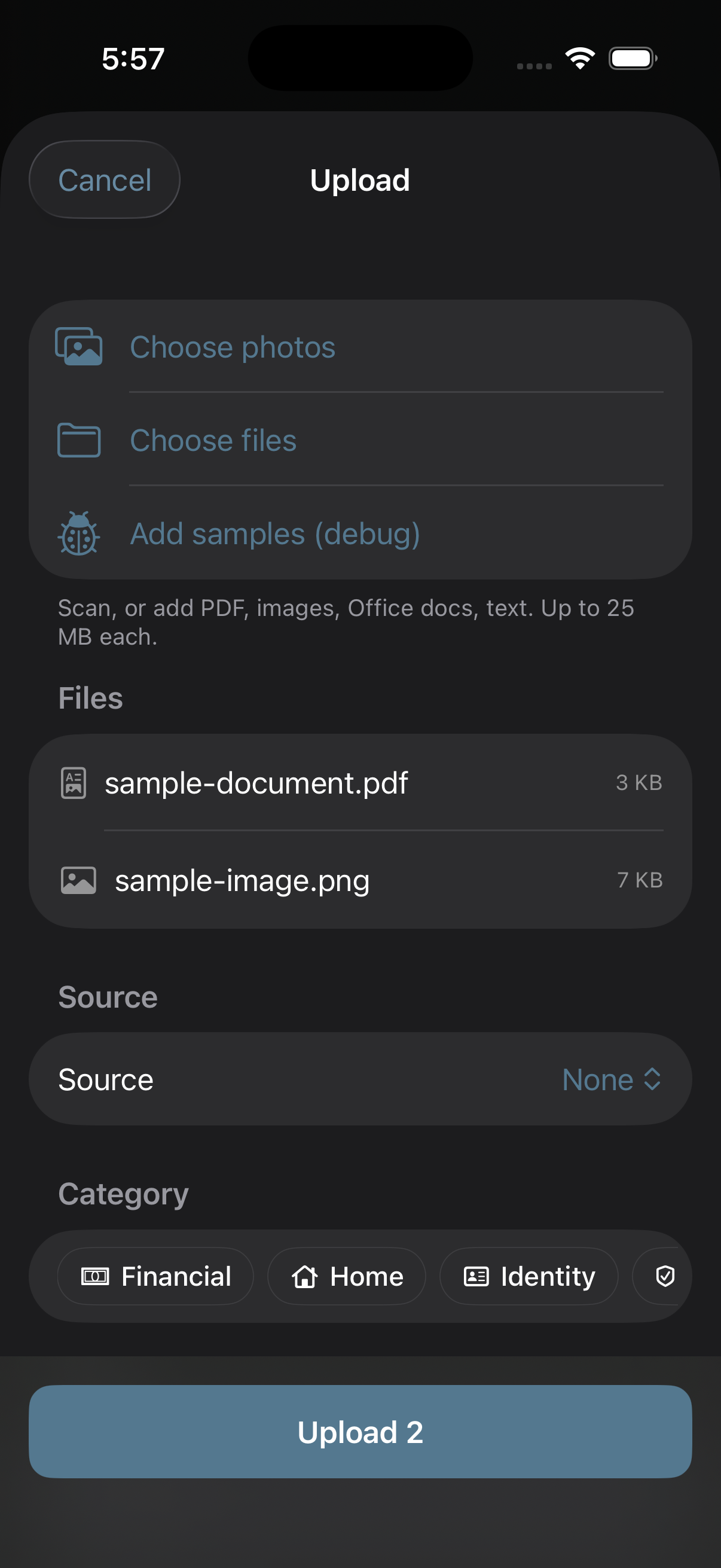
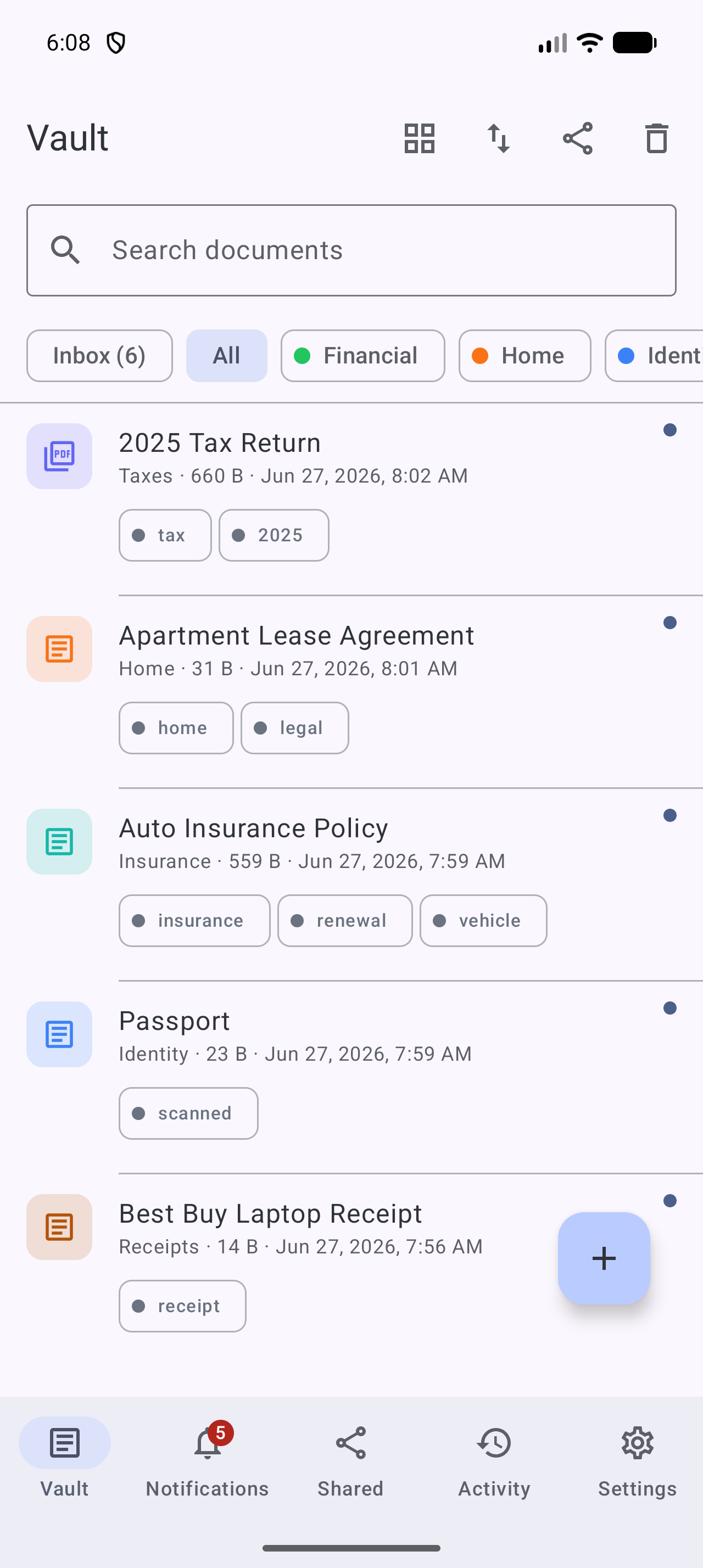
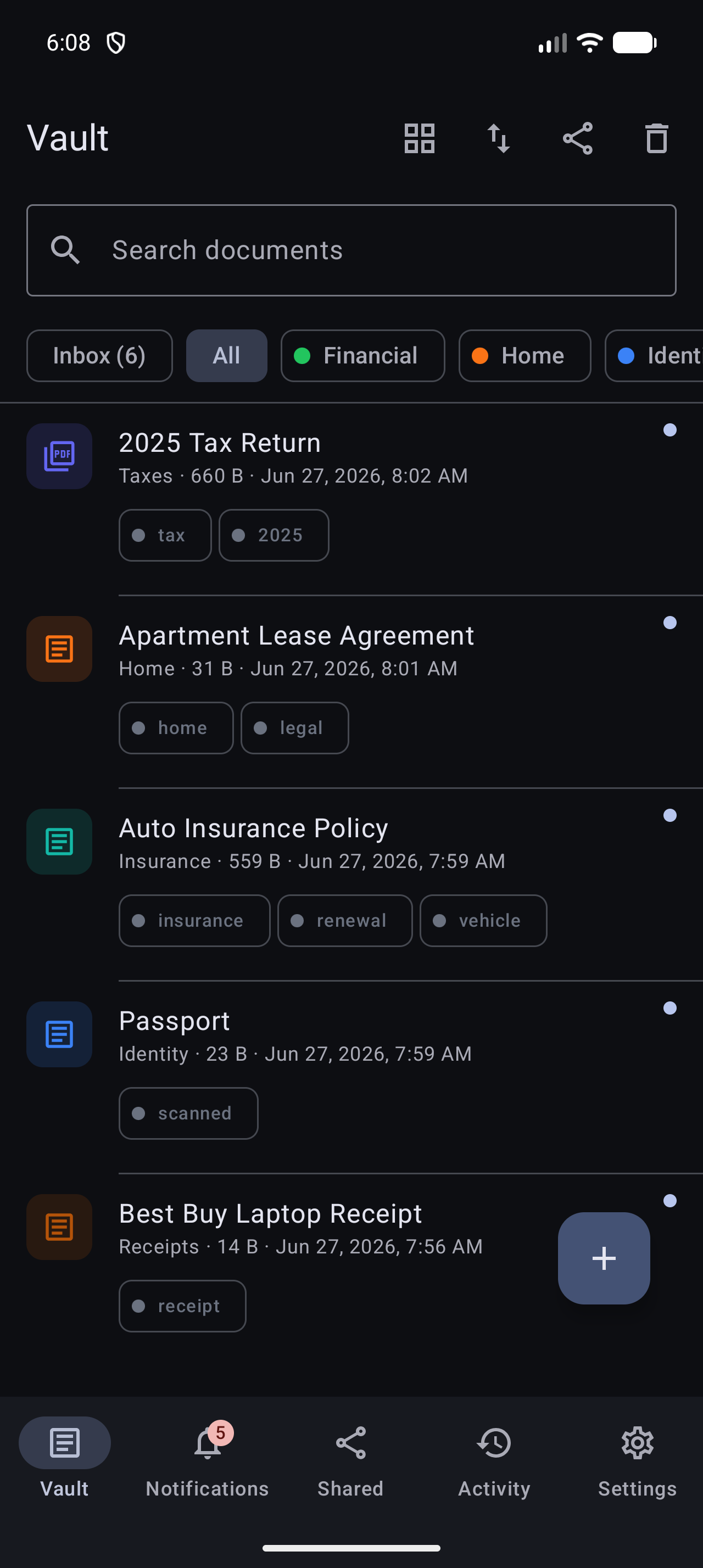
- 1Install Stoatify on iPhone, iPad, or Android from the links on stoatify.com.
- 2Sign in with the same account you use on the web.
- 3Tap the camera to photograph a document, Stoatify straightens and files it.
- 4Everything syncs, so it's on your laptop moments later.
Tip
Shoot on a flat, dark surface with even light for the cleanest OCR. More in Scanning paper documents.
Was this article helpful?