Filtering and bulk actions
Slice the vault by any dimension, then tag, move, or share many documents at once.
3 min read · Updated July 13, 2026
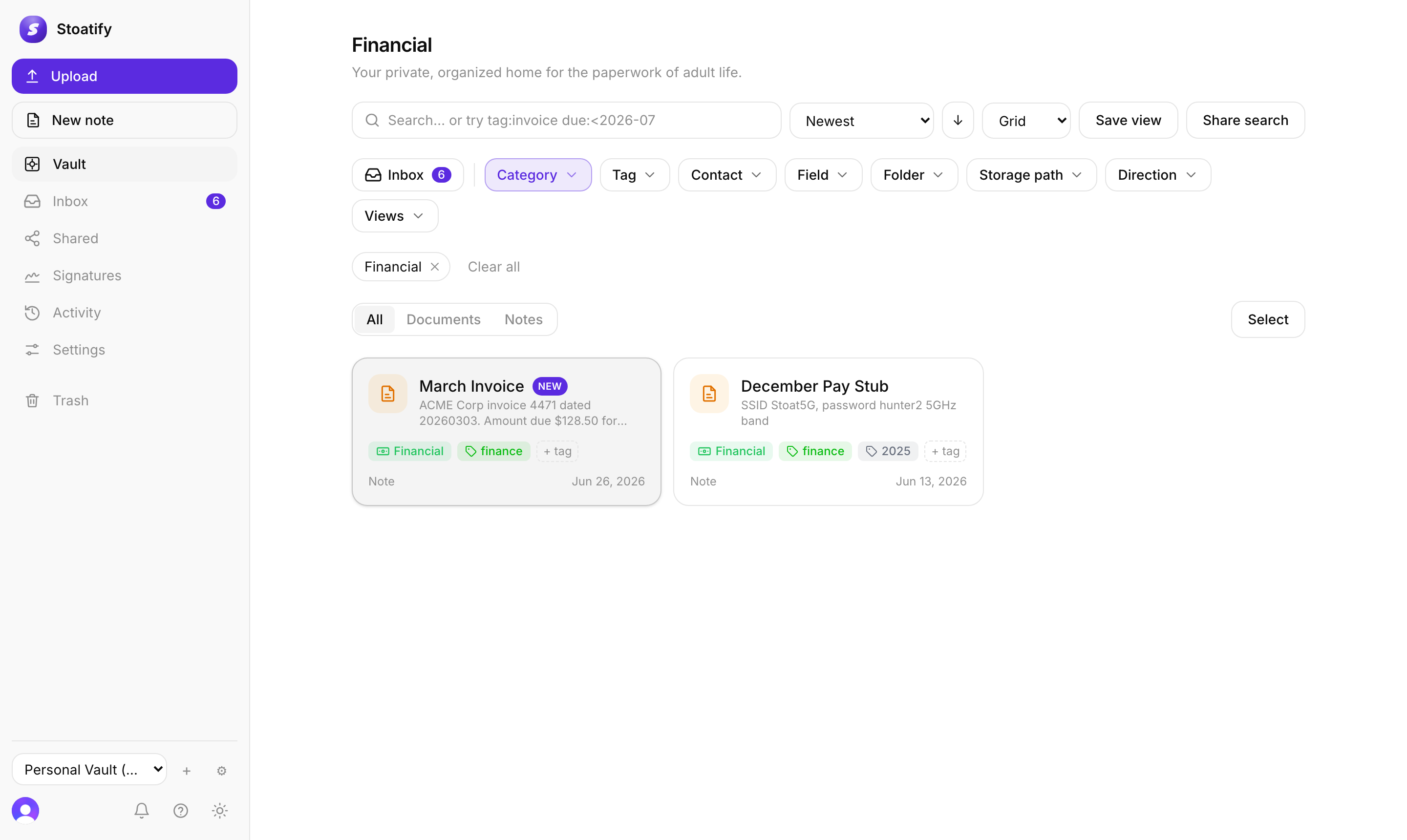
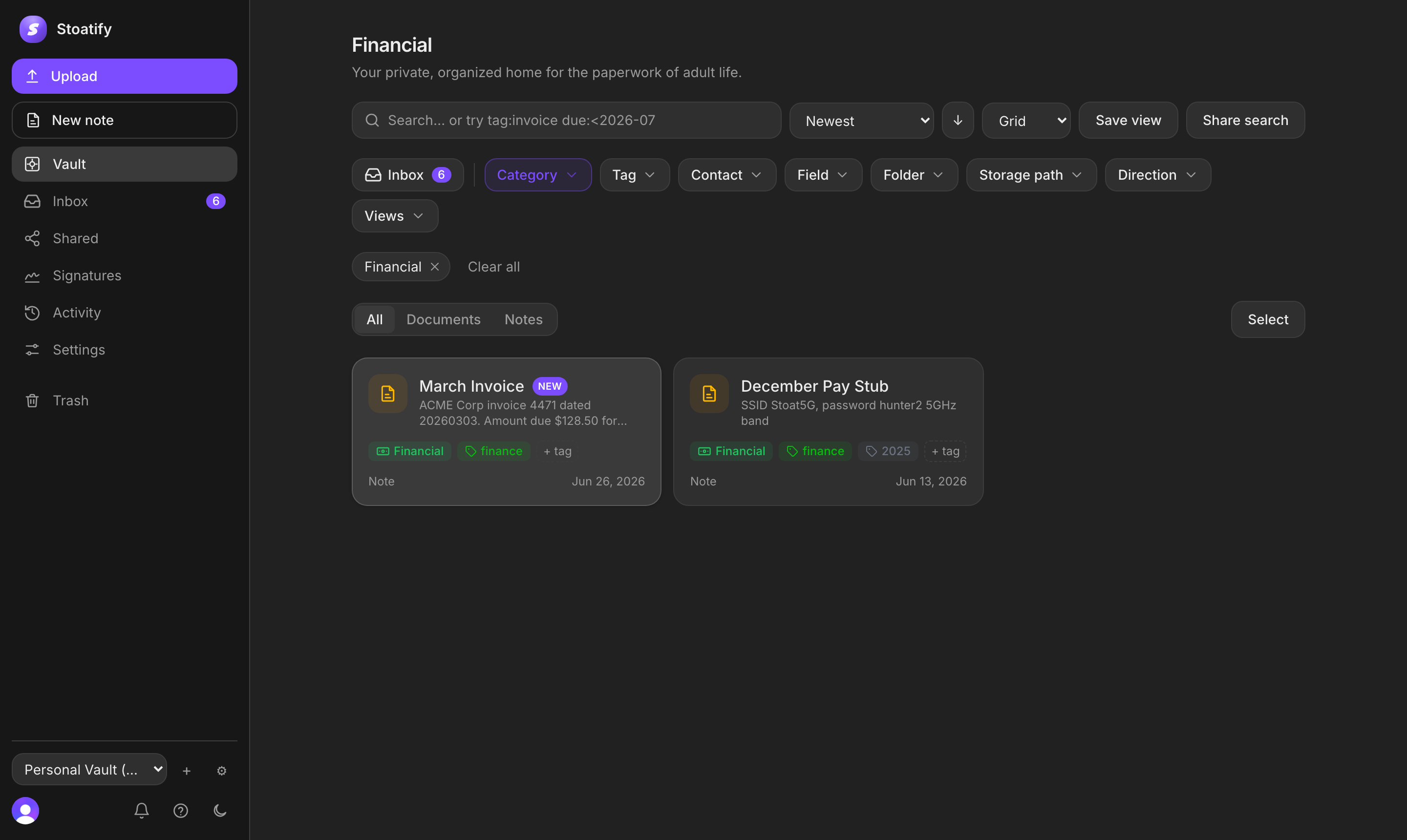
However you organize, the filter bar at the top of the vault lets you slice it by any dimension at once, and once you've narrowed things down you can act on many documents together.
Filter by anything
- Category, Tag, Field, and date, combine as many as you like.
- Sort by date, name, or category, and switch between grid and list.
- The Inbox filter surfaces documents you haven't triaged yet.
Act in bulk
- 1Choose Select and tick the documents you want (or select all).
- 2Apply an action to the whole set: add or remove tags, move category, or share.
- 3A bulk delete moves everything selected to Trash in one go.
Tip
Turn a filter you use often into a saved view so it's one click next time.
Was this article helpful?
Stoatify sends only this article's route and your Yes or No choice.