Custom fields for extra metadata
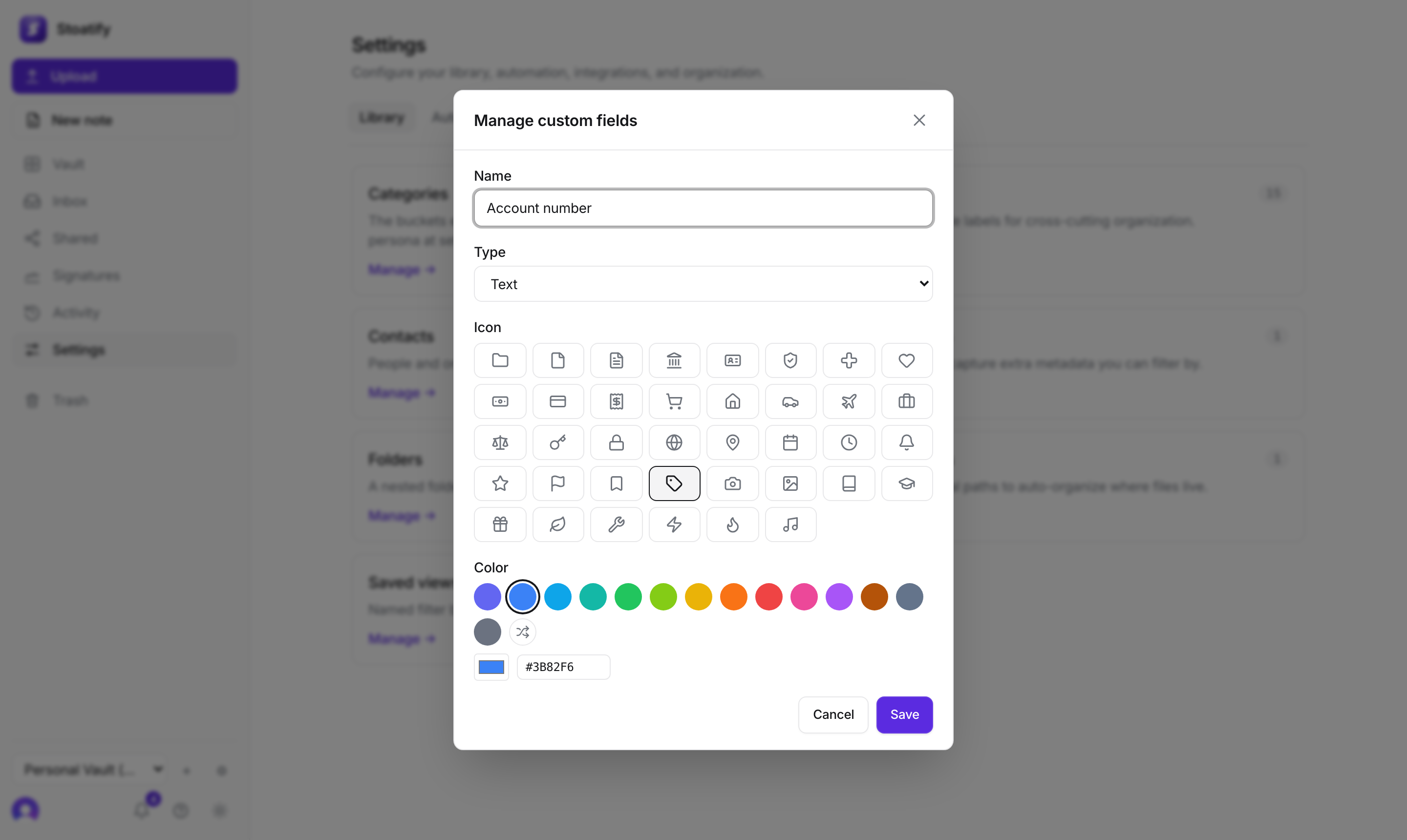
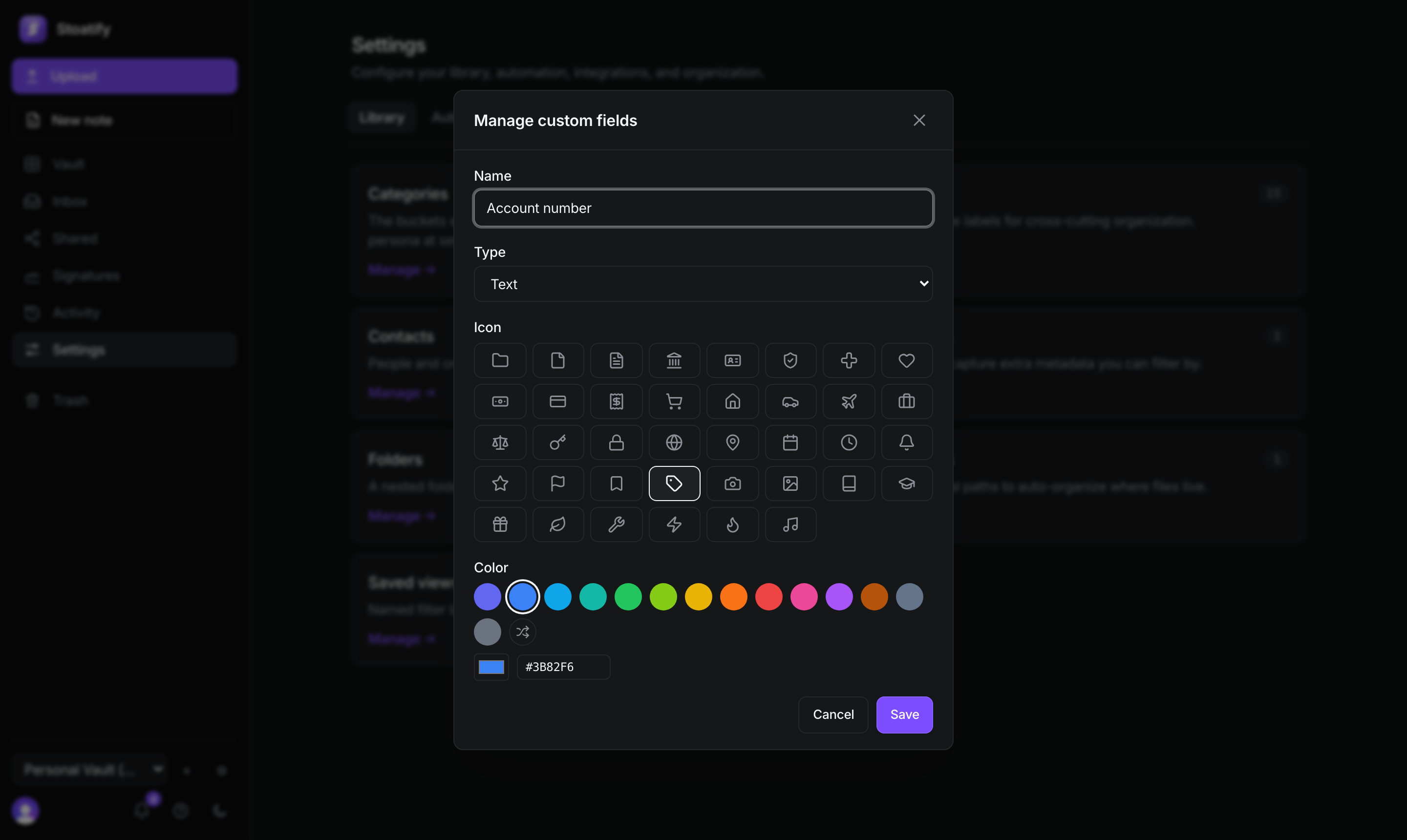
Add your own typed fields, like account number or amount, and filter by them.
3 min read · Updated July 13, 2026
When categories and tags aren't enough, custom fields let you capture the specific details you care about, an account number, a renewal amount, a policy start date, and then filter your vault by them.
Typed fields
Each field has a type, so its value is stored, displayed, and filtered correctly. There are about a dozen, including text and long text, number, whole number and monetary, date, yes/no, URL, single and multi select, a link to another document, and a person.
- 1Open Settings → Library → Custom fields and choose Add custom field.
- 2Name it and pick a type (for select kinds, add the options).
- 3Set its value on any document, then filter the vault by Field.
Good to know
Custom fields are part of the paid plans. See Plans and storage limits.
Was this article helpful?
Stoatify sends only this article's route and your Yes or No choice.