Manage your categories
Rename, recolor, add, and remove the buckets your documents are filed under.
3 min read · Updated July 13, 2026
Categories are the top-level buckets your documents are filed under, and every document sits in exactly one. When you set up your vault, Stoatify seeds a starter set based on the persona you pick, then the whole set is yours to shape: rename them, recolor them, add new ones, or remove the ones you don't use.
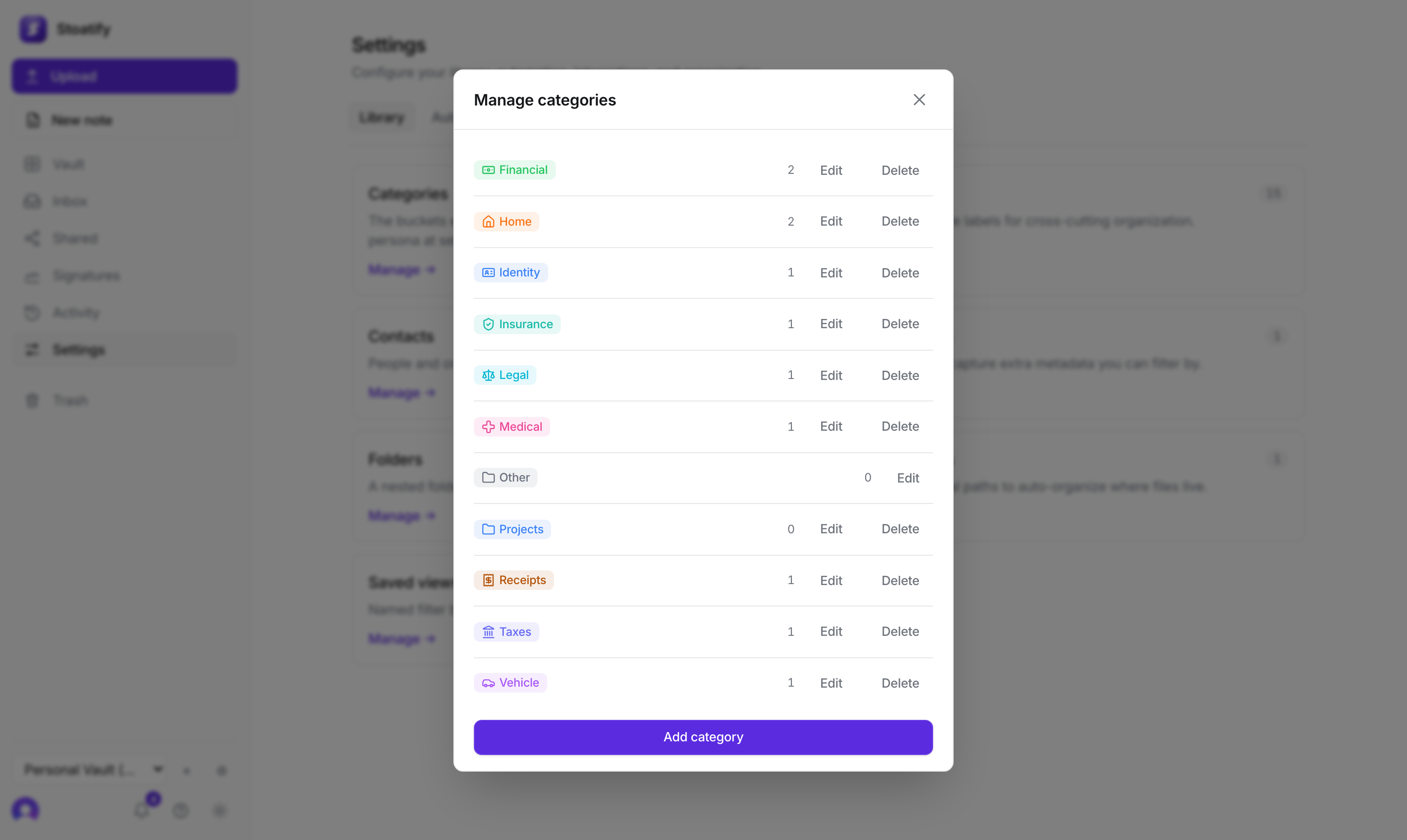
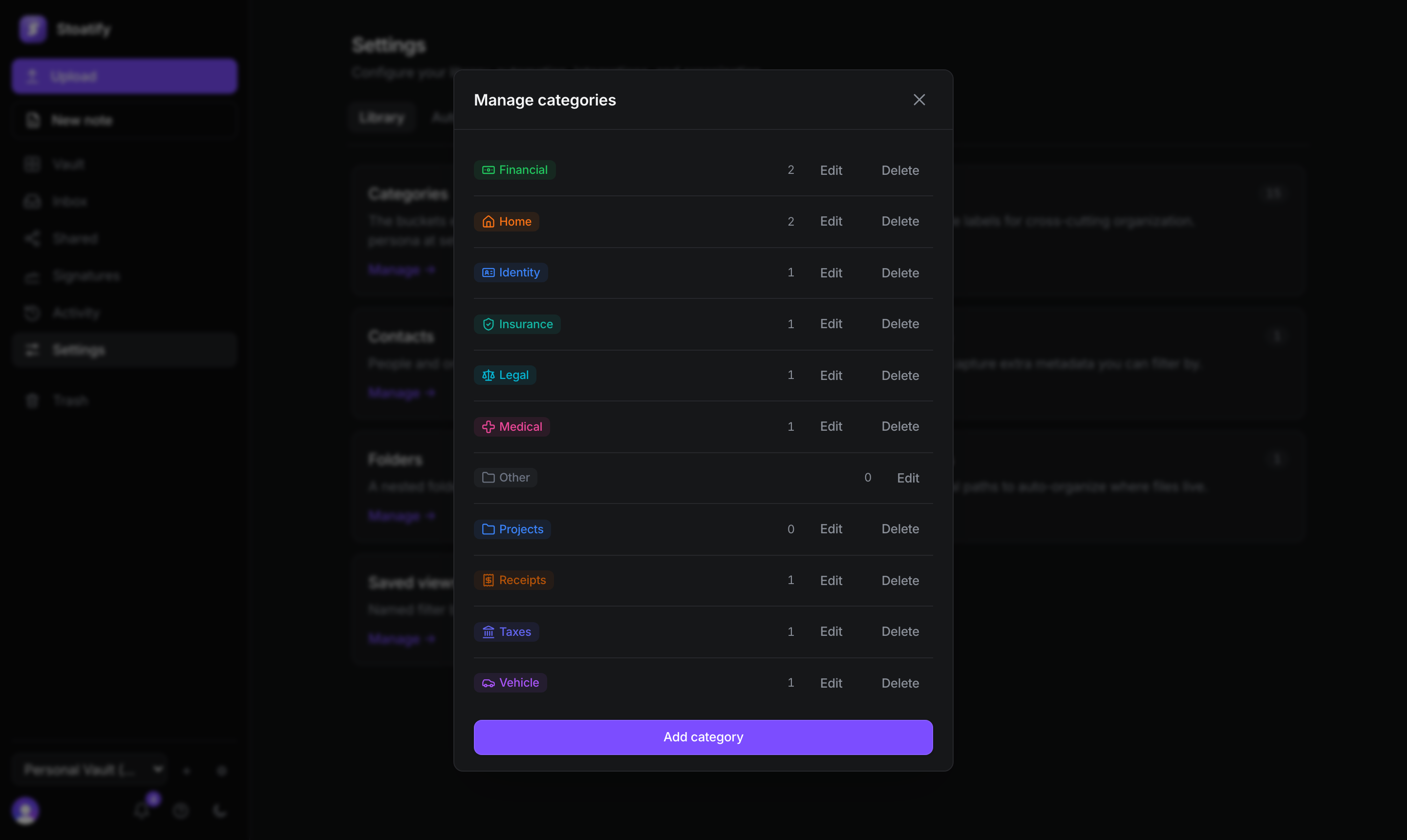
Rename, add, or remove
- 1Open Settings → Library → Categories.
- 2Choose Add category, or Edit an existing one to change its name, icon, or color.
- 3Delete a category you don't need, its documents move to your default category, so nothing is lost.
- Every document belongs to one category; set it at upload or change it any time.
- Each category has an icon and color so the vault is easy to scan at a glance.
- Counts update live, so you can always see where things sit.
Good to know
Prefer a small, stable set? Keep categories broad (the *kind* of thing a document is) and use tags for the finer, cross-cutting detail. A tidy category list keeps the vault navigable for years.
Tip
Categories answer *what kind of thing is this*. For which project, year, or person it belongs to, reach for tags.
Stoatify sends only this article's route and your Yes or No choice.