Sharing on your phone
Create, copy, and revoke share links from the iOS and Android apps.
2 min read · Updated June 28, 2026
Everything about sharing works in the native apps too. Create a link from a document, share a search, and manage the whole registry, all from your phone.
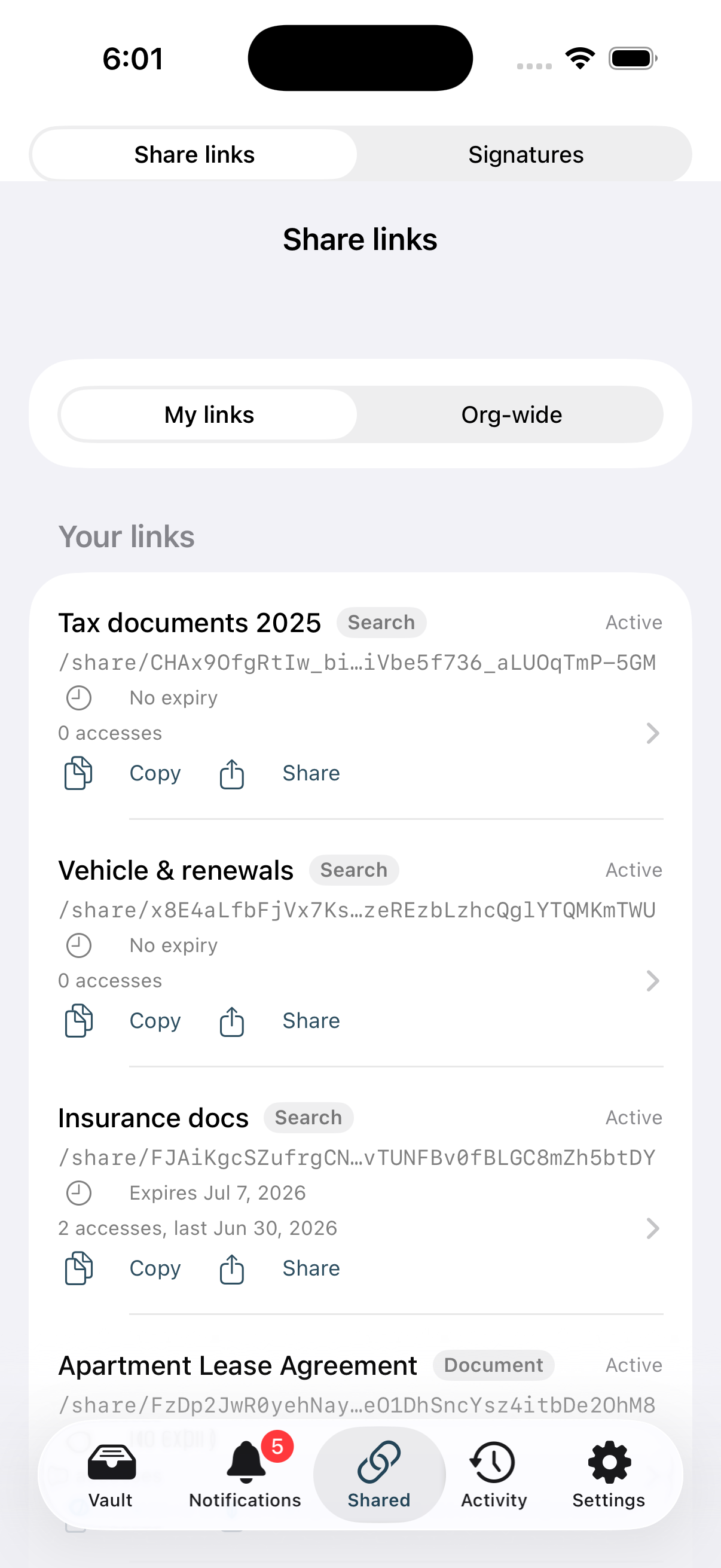
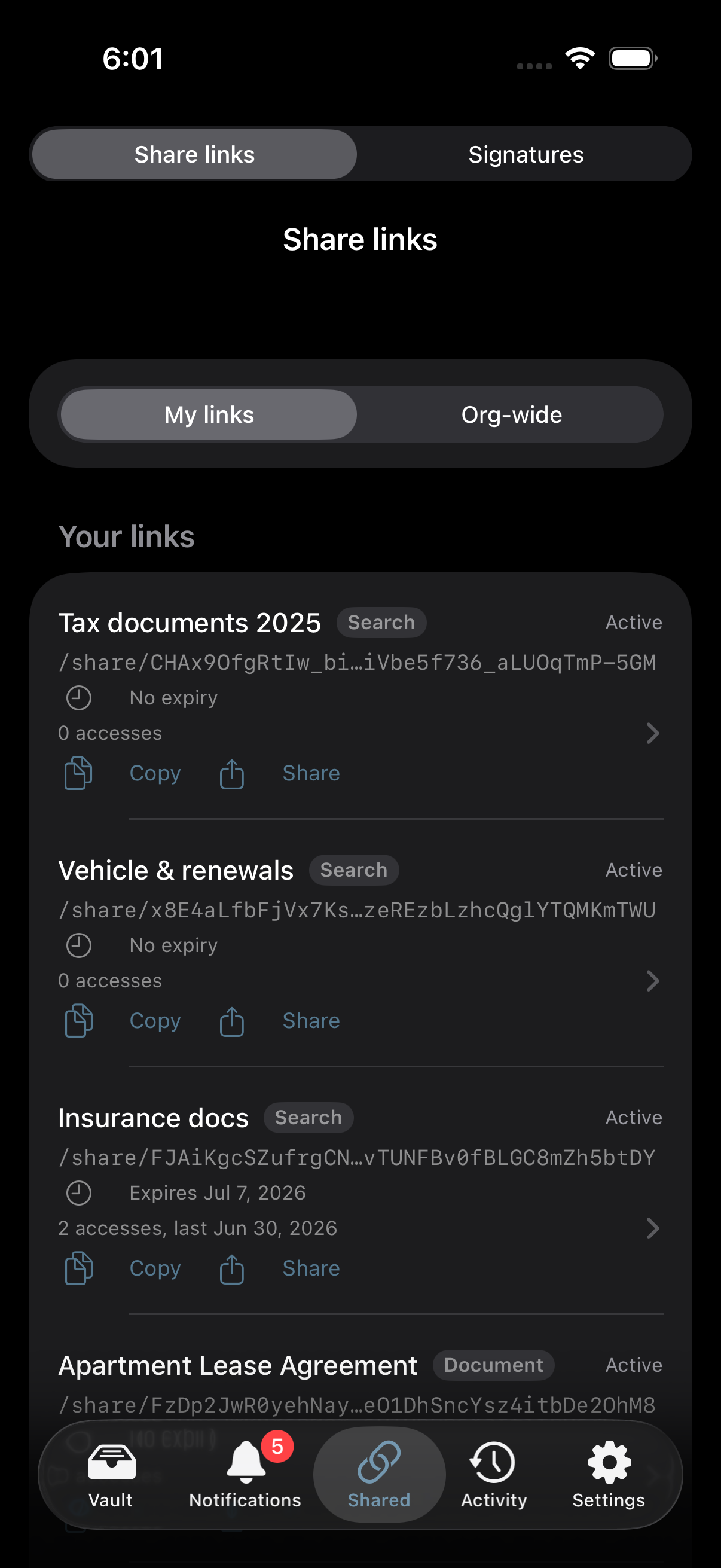
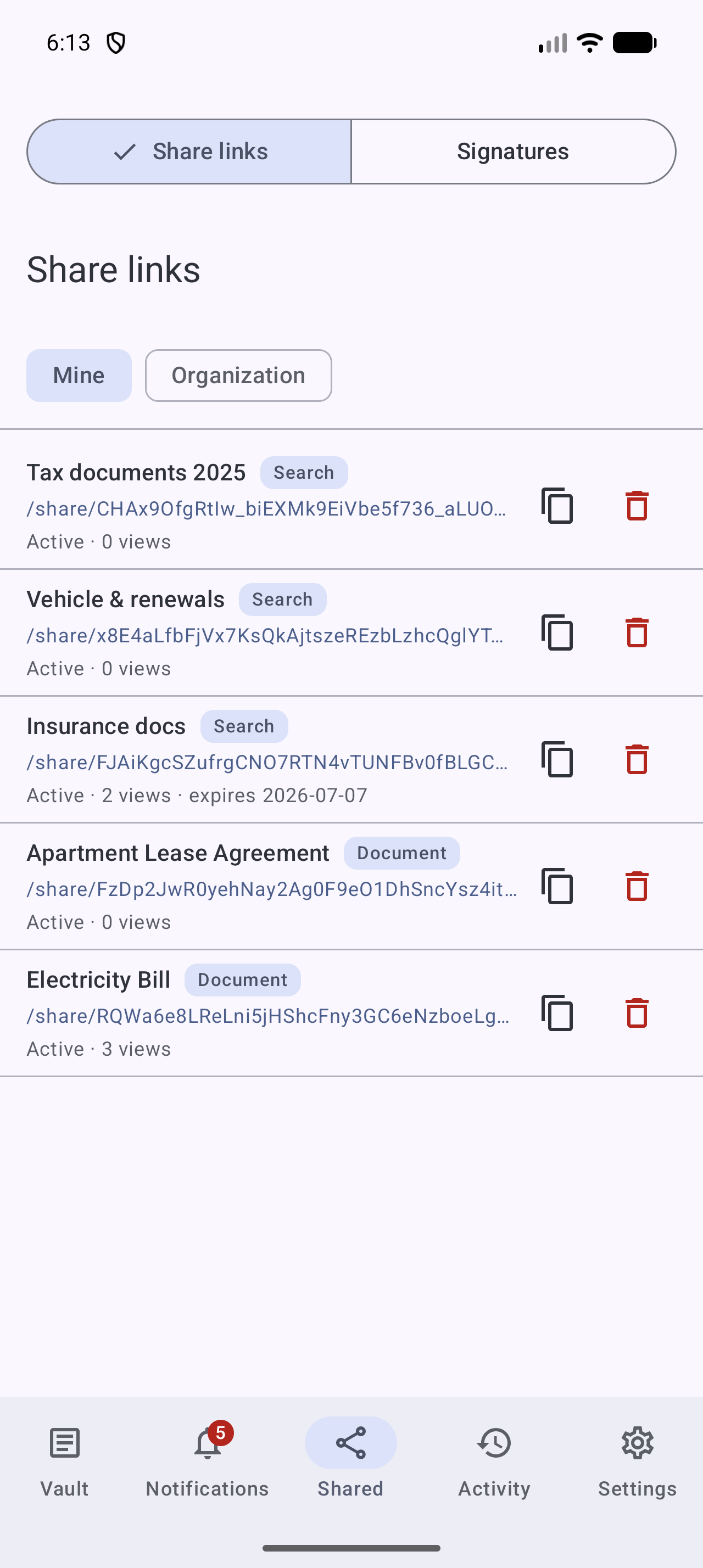
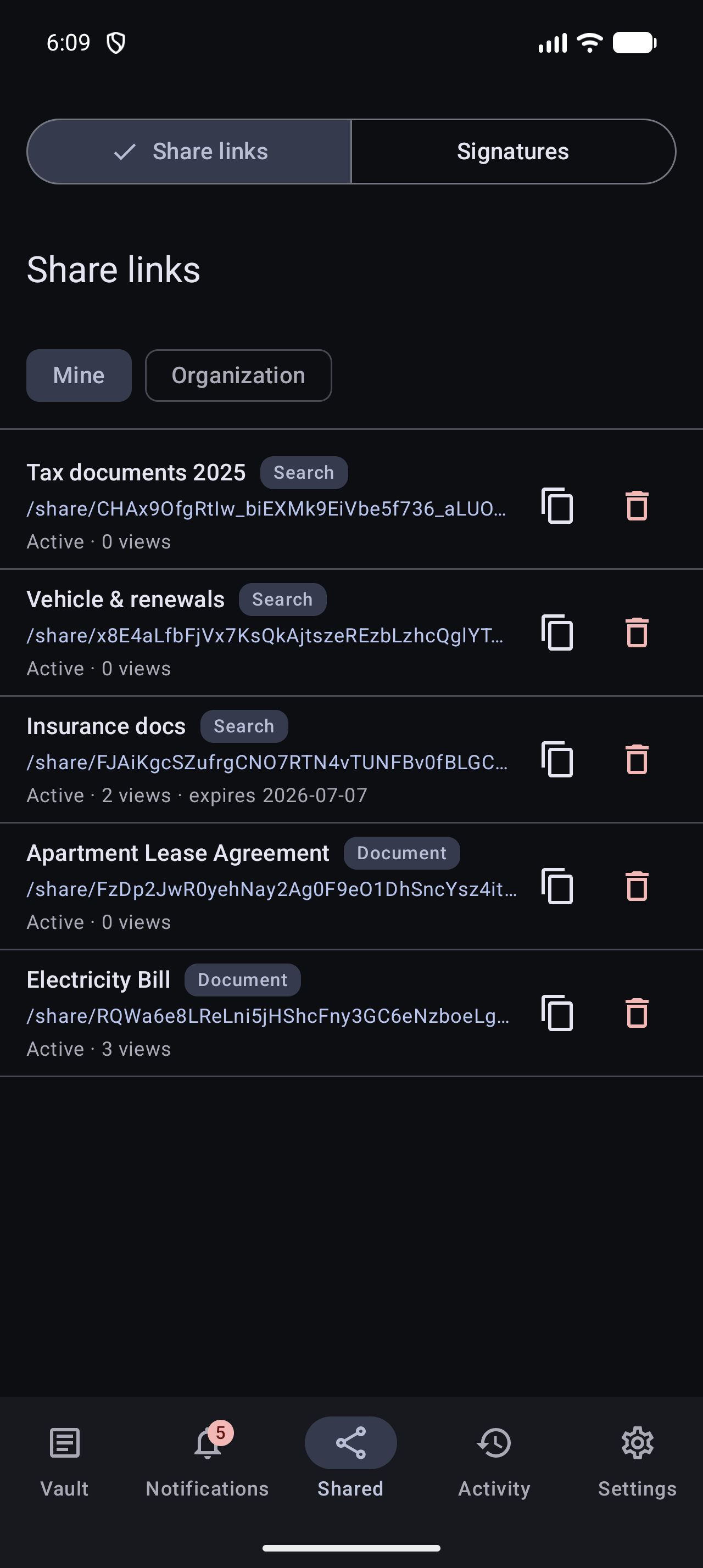
- Share a document straight from its detail view.
- Open the Shared tab to see all your links, copy them, or revoke them.
- Admins get the same Org-wide view as on the web.
Tip
A link created on your phone is the same link everywhere, manage it later from the web if you prefer.
Was this article helpful?