Auto-tag documents as they arrive
Write a rule that tags matching documents automatically, with no manual tagging.
3 min read · Updated June 28, 2026
Tagging by hand is fine for a few documents, but for paperwork that arrives all the time you can let a tagging rule do it. A rule watches for documents whose name or contents match your conditions and applies the tags you choose, automatically.
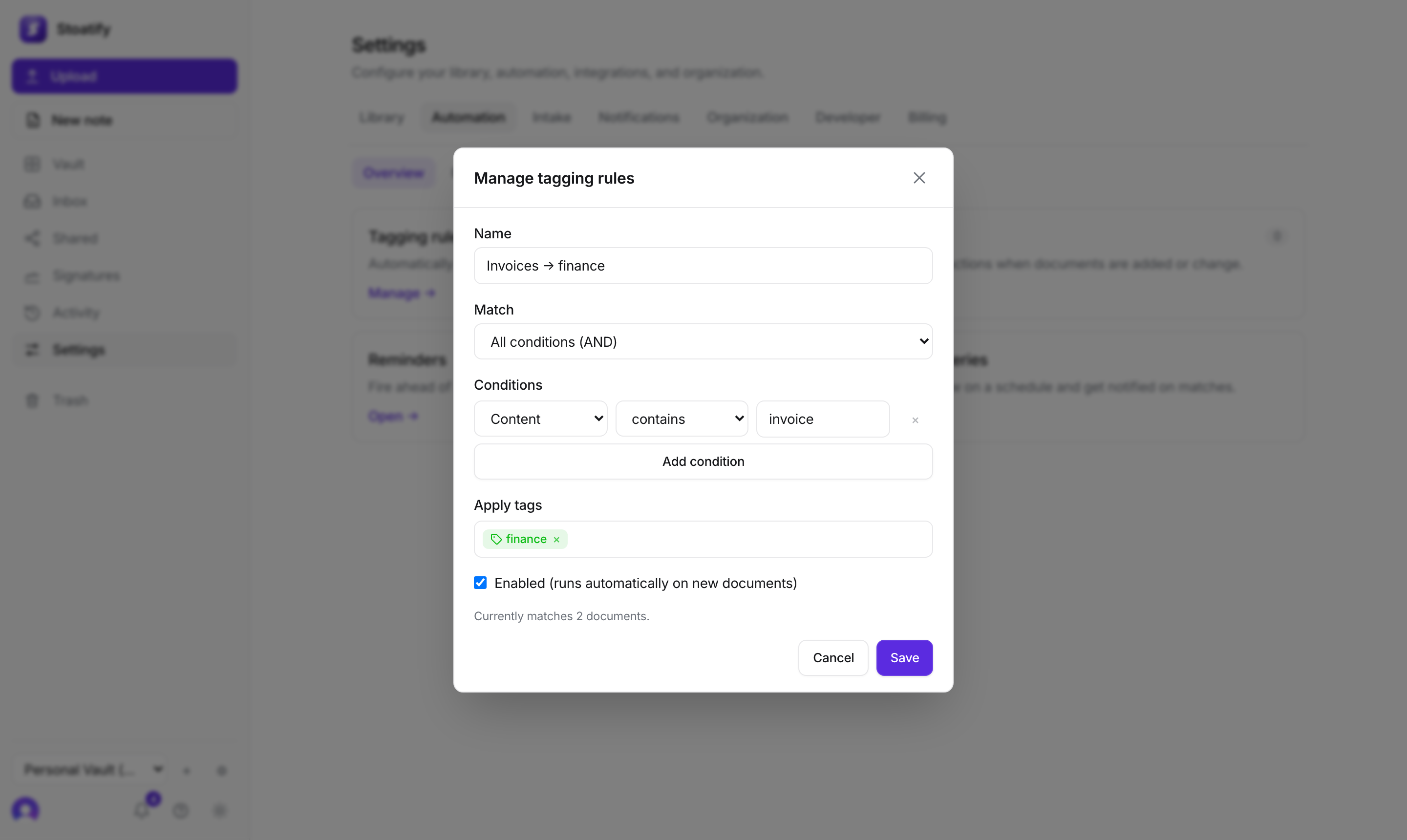
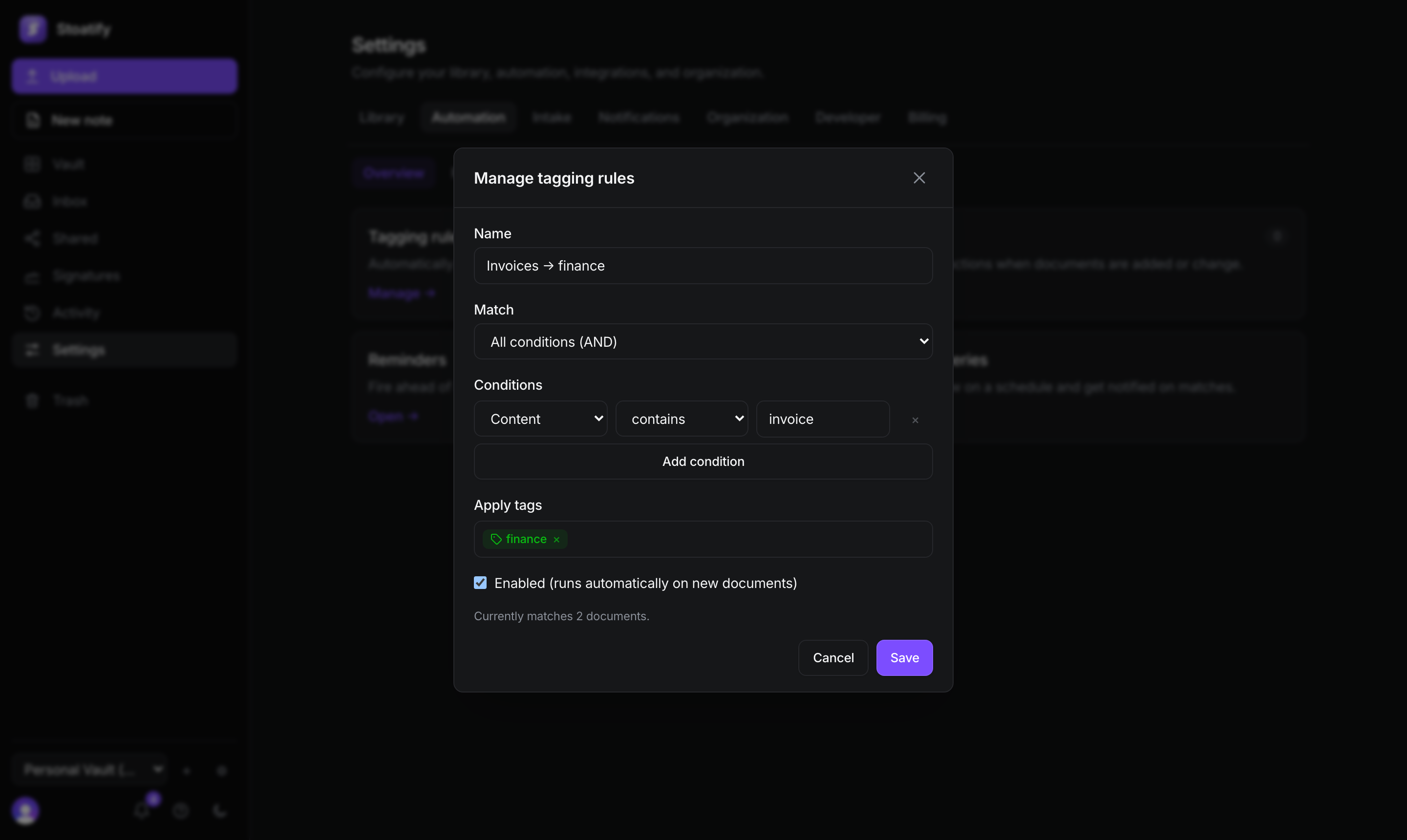
- 1Open Settings → Automation → Tagging rules and choose Add tagging rule.
- 2Name the rule and add one or more conditions on the document's name or content (contains, equals, starts with, and more).
- 3Choose whether all or any of the conditions must match.
- 4Pick the tags to apply, and leave the rule enabled to run on new documents.
- A live preview shows how many documents match right now, so you can tune the rule before saving.
- Enabled rules run automatically as documents are added or change.
- You can also run a rule now to tag everything already in your vault that matches.
Tip
Rules pair naturally with automatic intake: documents file and label themselves the moment they land.
Was this article helpful?