The notification inbox
Where reminders, digests, and alerts collect, on every device.
2 min read · Updated June 28, 2026
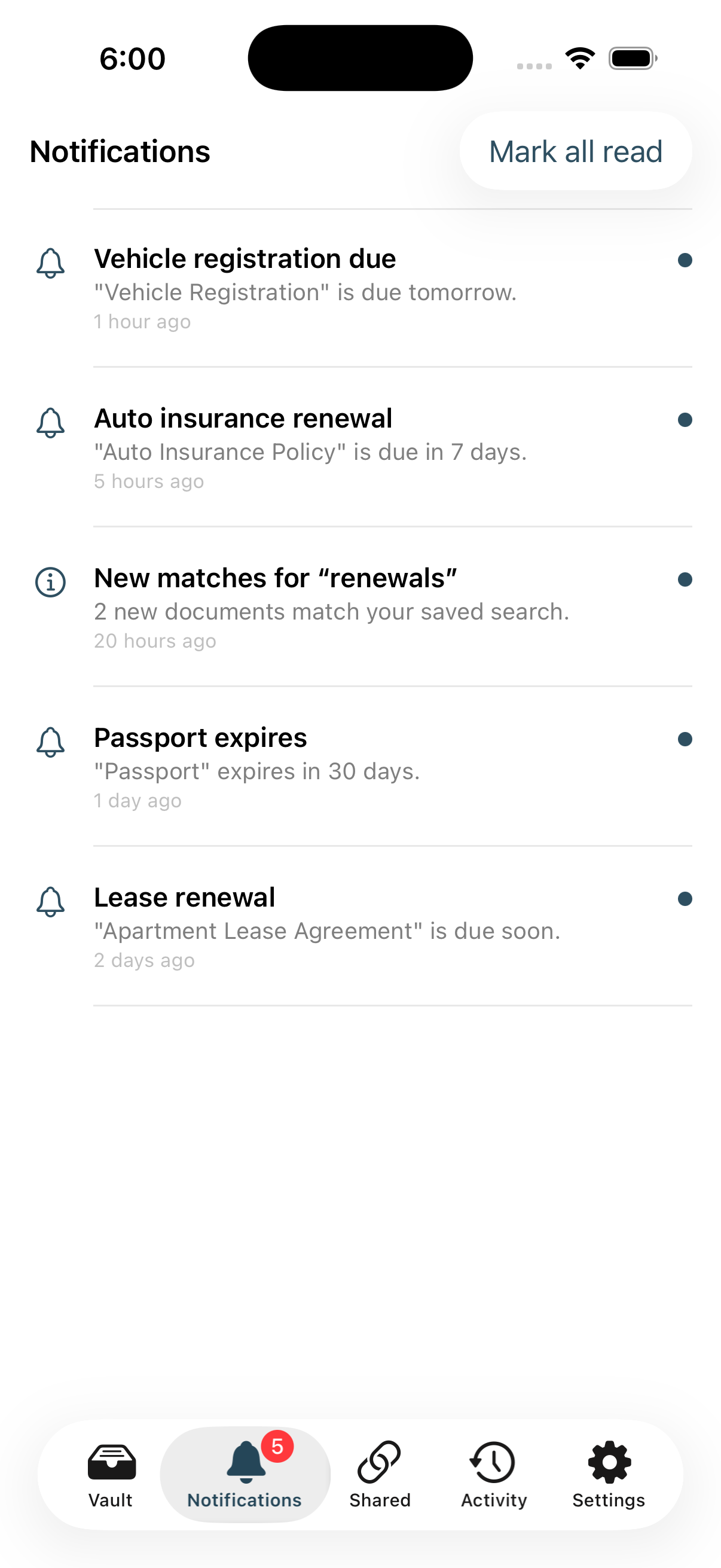
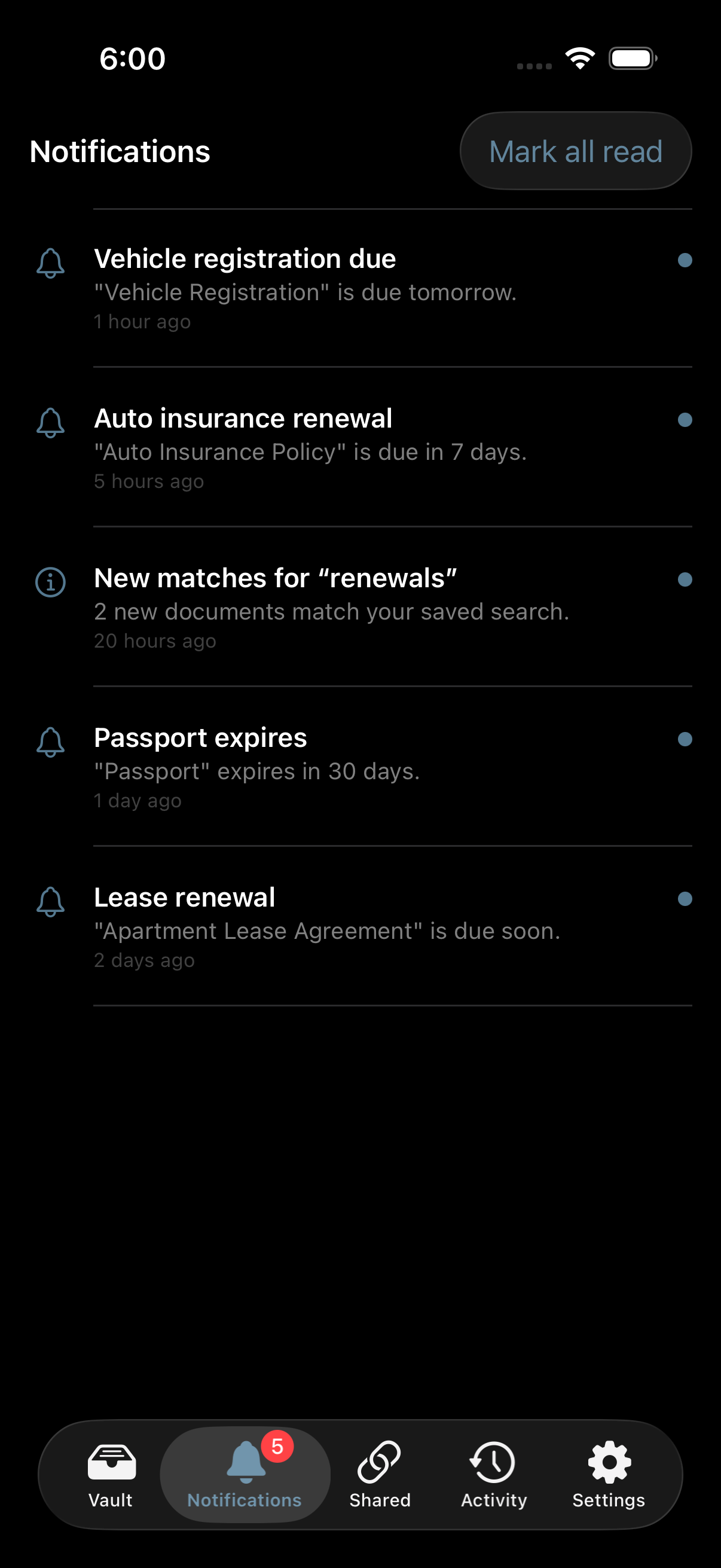
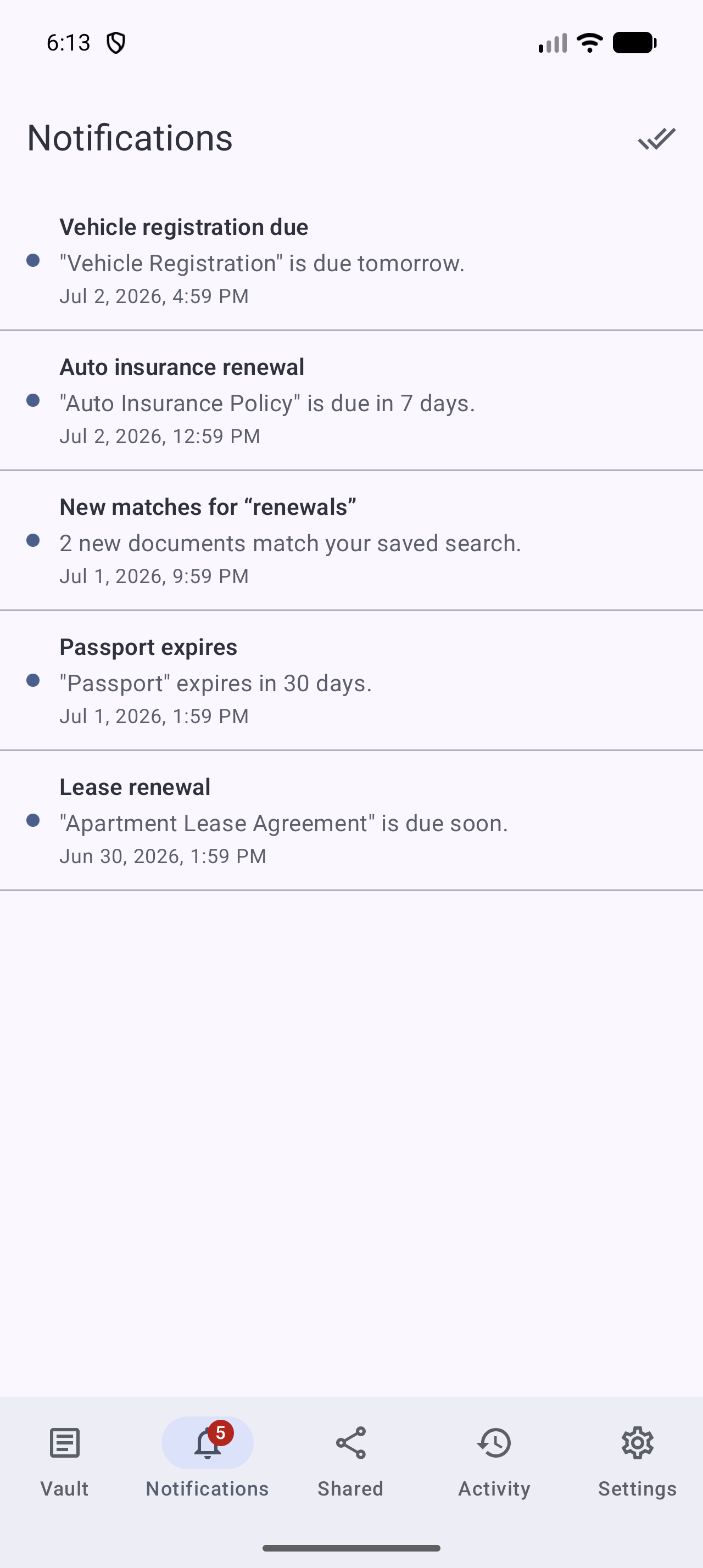
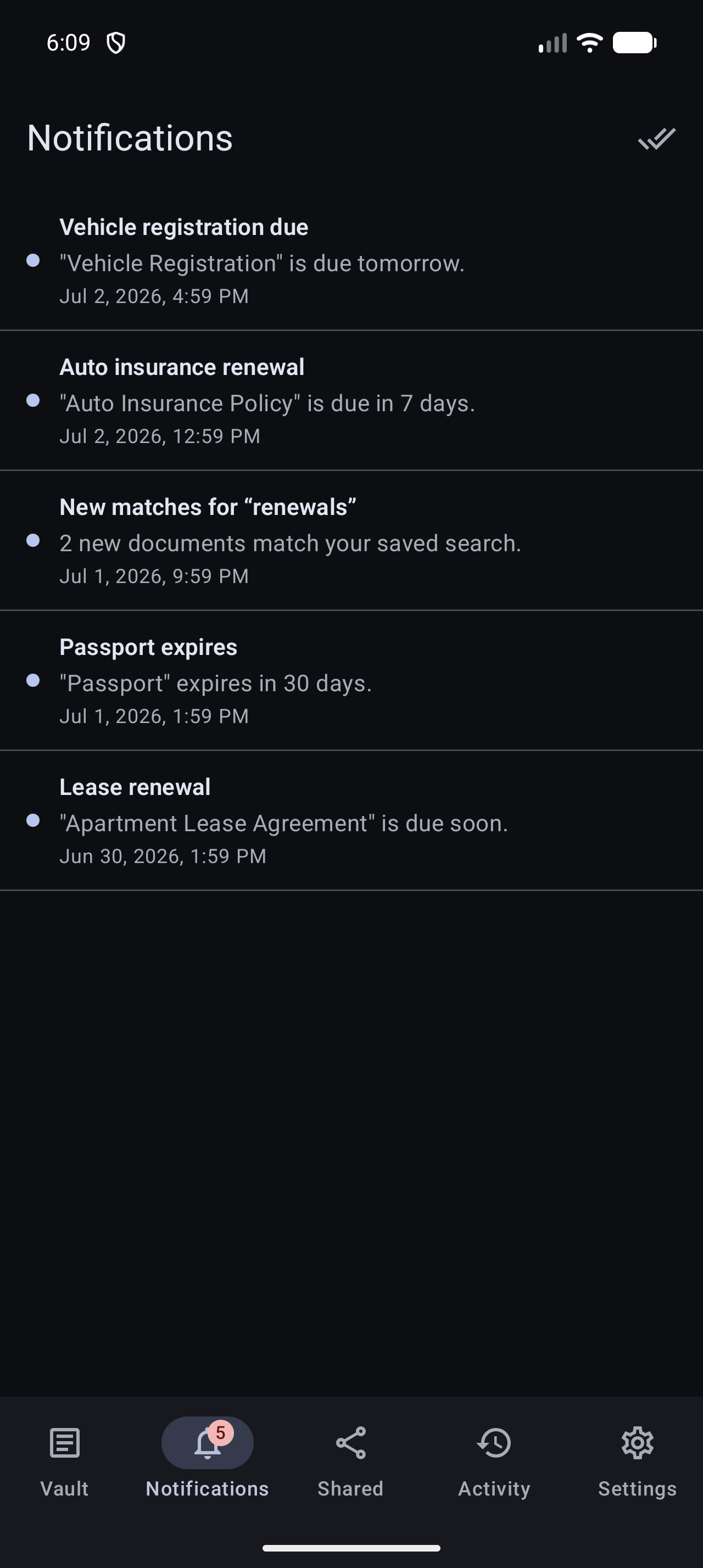
Every reminder and scheduled-search digest lands in your notification inbox, with an unread badge and one-tap mark-as-read. It's the same inbox on web, iOS, and Android.
What shows up
- Reminders, a document's date is approaching.
- Digests, new documents matched a scheduled search.
- System notices from Stoatify.
Stay on top of it
- An unread badge counts what you haven't seen yet.
- Mark all read clears the badge in one tap.
- The newest notifications are listed first.
By default everything arrives in the in-app inbox. To also get reminders by email, or push them elsewhere, add a notification channel.
Good to know
Want document events (created, updated, deleted) pushed to your own systems with a verifiable signature? That's the separate developer webhooks feature, built for integrations.
Was this article helpful?