Set a due-date reminder
Never miss a passport, insurance, or warranty renewal again.
3 min read · Updated June 28, 2026
Half the value of keeping documents is being nudged before a date sneaks up. Attach a reminder to a date on a document and Stoatify tells you ahead of time, through the channels you choose.
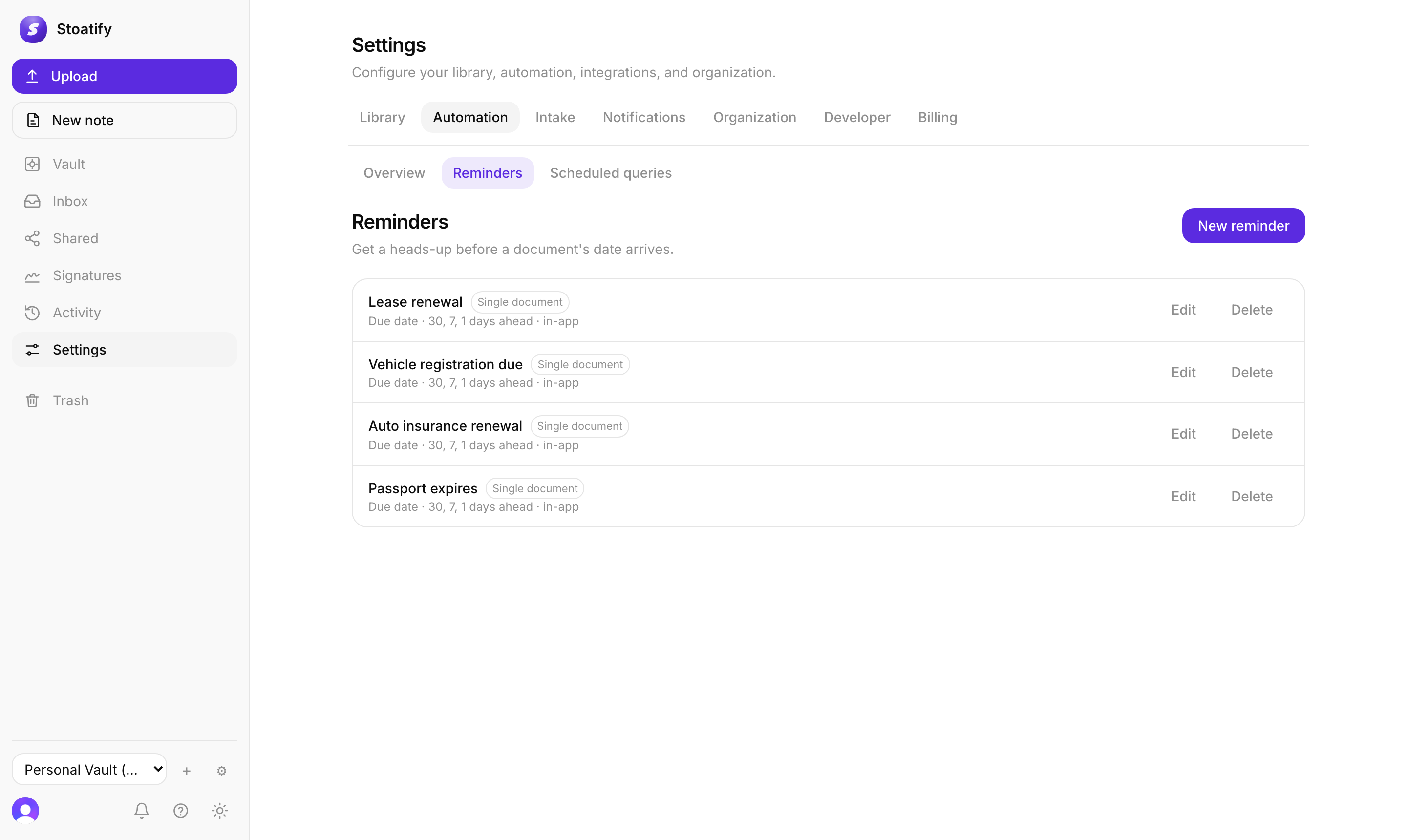
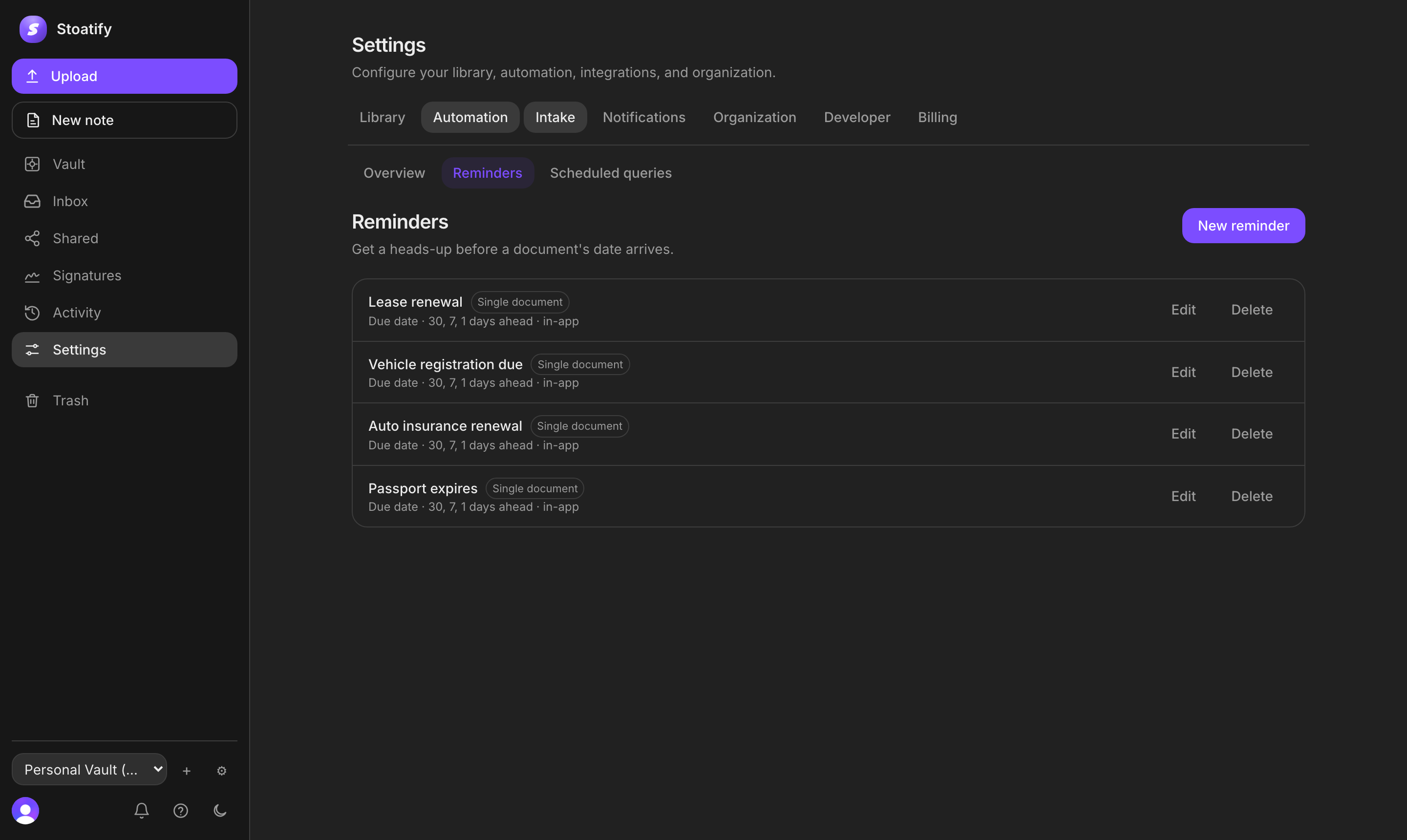
Create a reminder
- 1Open Settings → Automation → Reminders and choose New reminder (or add one straight from a document).
- 2Pick the date to watch: a document's due date, its document date, or any custom date field.
- 3Set the lead days: the defaults are 30, 7, and 1 day before, and you can change them to any days you like.
- 4Choose where to hear about it: the in-app inbox (on by default), plus any channels you've added.
One document, or a set
A reminder can watch a single document, or you can give it a search query so it covers a whole set at once, for example every insurance policy that carries a due date. Handy for things that renew together.
- Edit or delete a reminder any time from the Reminders list.
- Every nudge lands in your notification inbox on web, iOS, and Android.
Tip
Reminders are on every plan. To send them somewhere beyond the in-app inbox, set up notification channels.
Was this article helpful?