Automation overview
The ways Stoatify does the filing, reminding, and notifying for you.
3 min read · Updated June 28, 2026
The most useful vault is the one you barely have to tend. Stoatify has a handful of automations that watch your documents and act for you, most of them gathered under Settings → Automation, with intake and notifications close by.
What you can automate
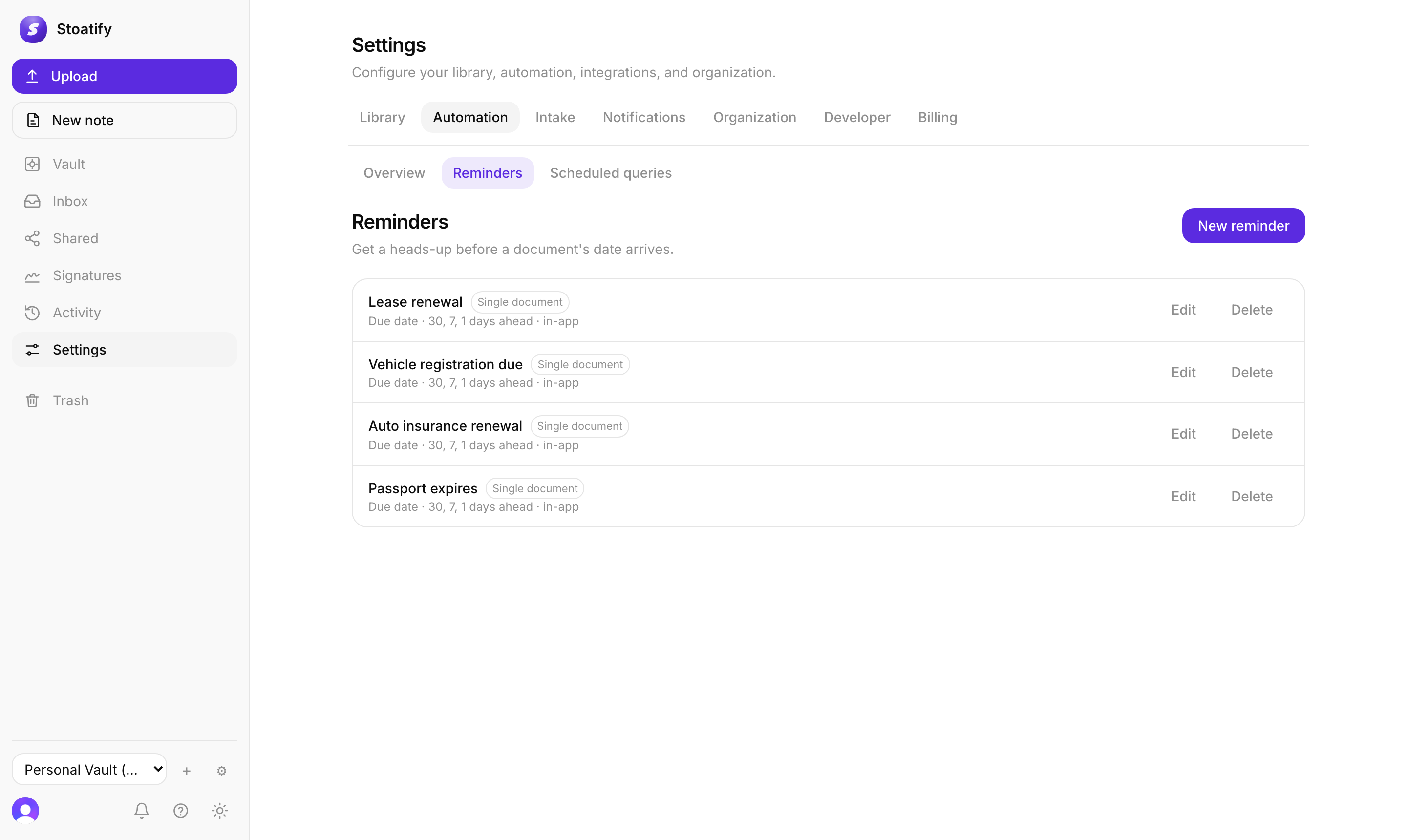
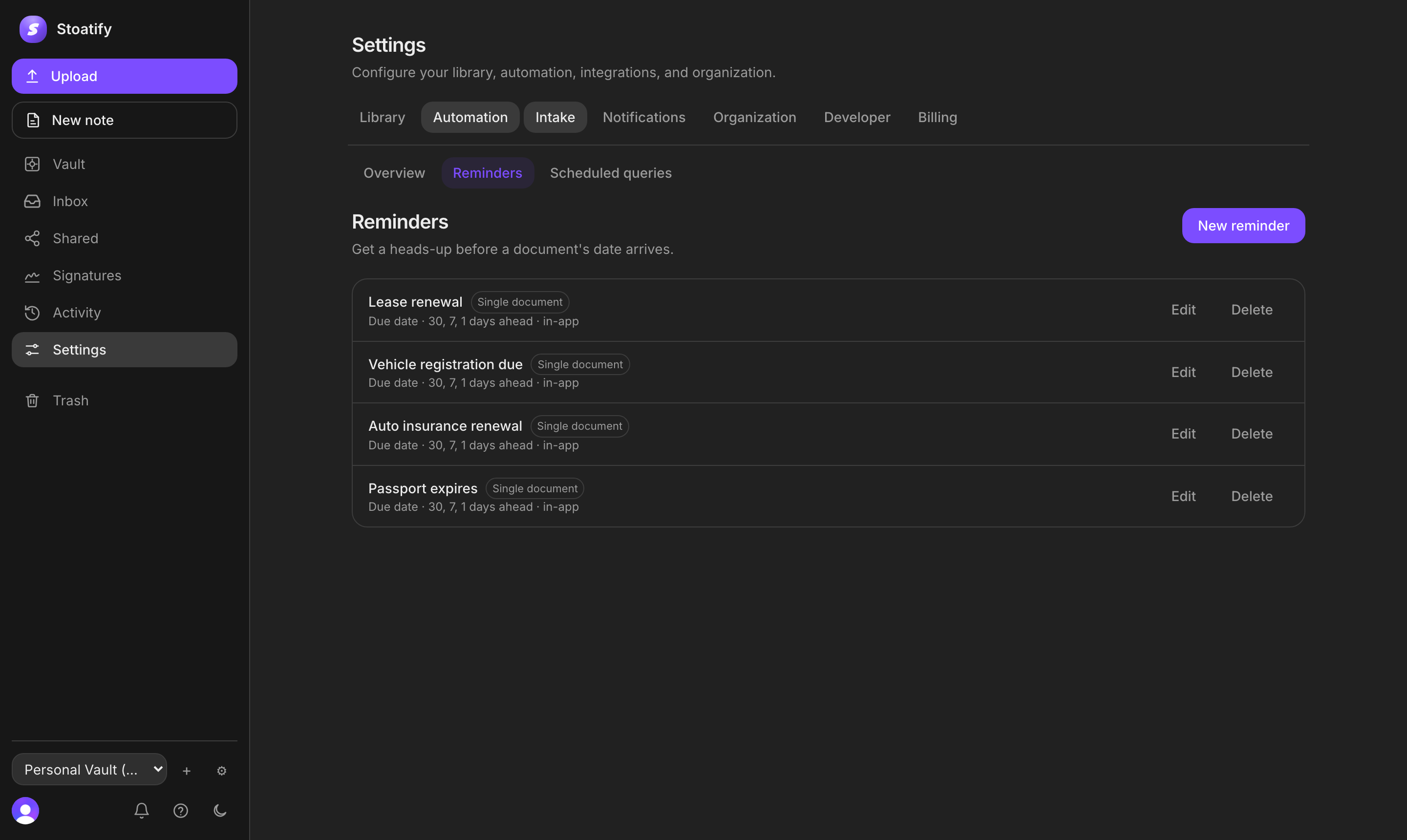
- Due-date reminders, get nudged before a passport, policy, or warranty lapses.
- Scheduled searches, run a saved search on a schedule and hear about new matches.
- Tagging rules, label documents automatically as they arrive.
- Workflows, file a document into a category, folder, or contact the moment it lands.
- Automated intake, let paperwork arrive by email, mailbox, or watched folder.
- Signed webhooks, push document events out to your own systems.
Where it all shows up
Everything these automations produce, reminders and digests, collects in your notification inbox, and can also reach you by email or another channel.
Good to know
Reminders, scheduled searches, and notifications are on every plan. Tagging rules, workflows, and automated intake are part of the paid plans. See Plans and storage limits.
Tip
New here? Start with a single due-date reminder, it pays for itself the first time it saves you a late fee.