Automated intake: email, folders, and URLs
Let paperwork file itself through email, a connected mailbox, a watched folder, or a link.
4 min read · Updated June 28, 2026
The least-effort way to get documents in is to not upload them at all. Point paperwork at Stoatify once and new files arrive and organize themselves, with no manual upload.
The ways in
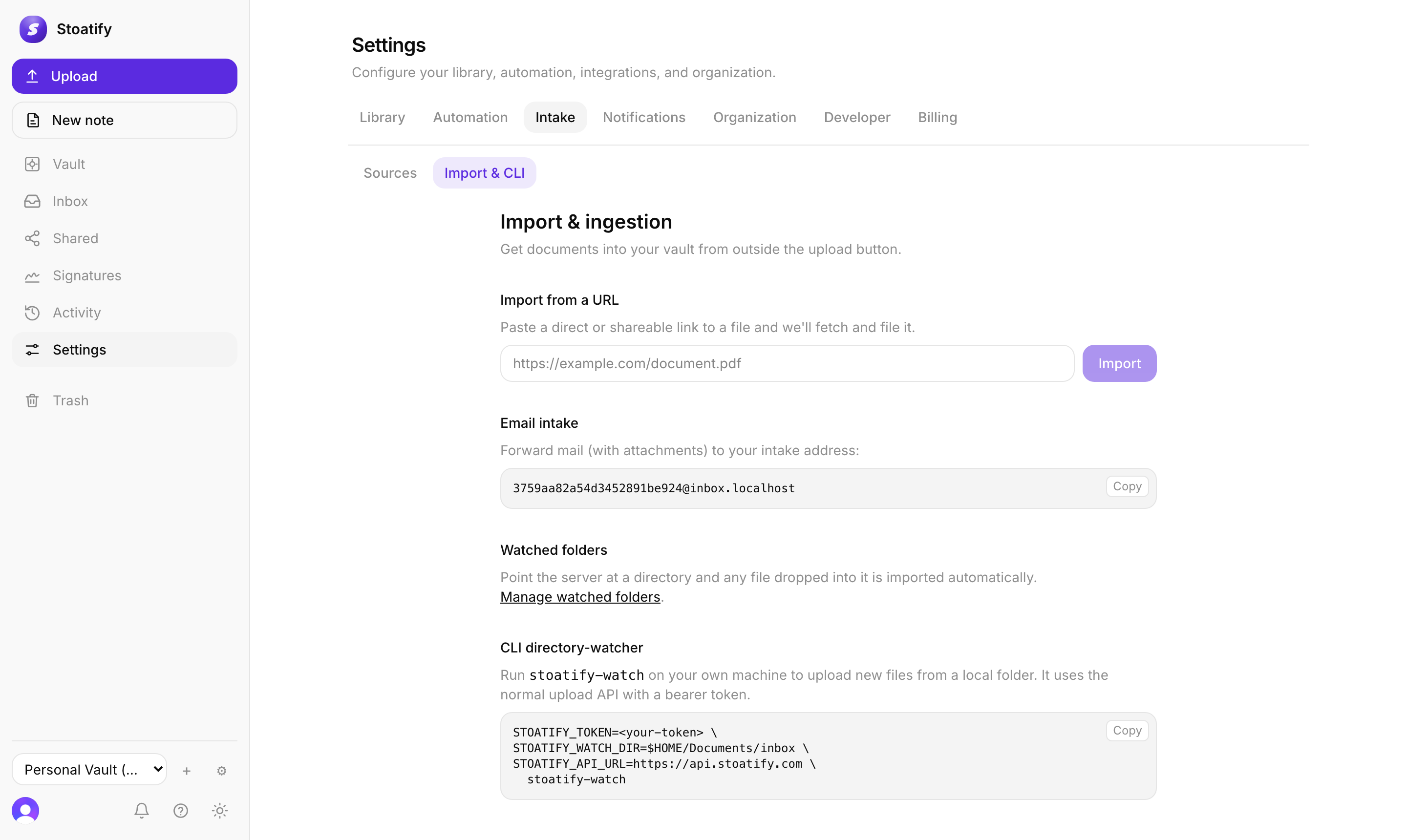
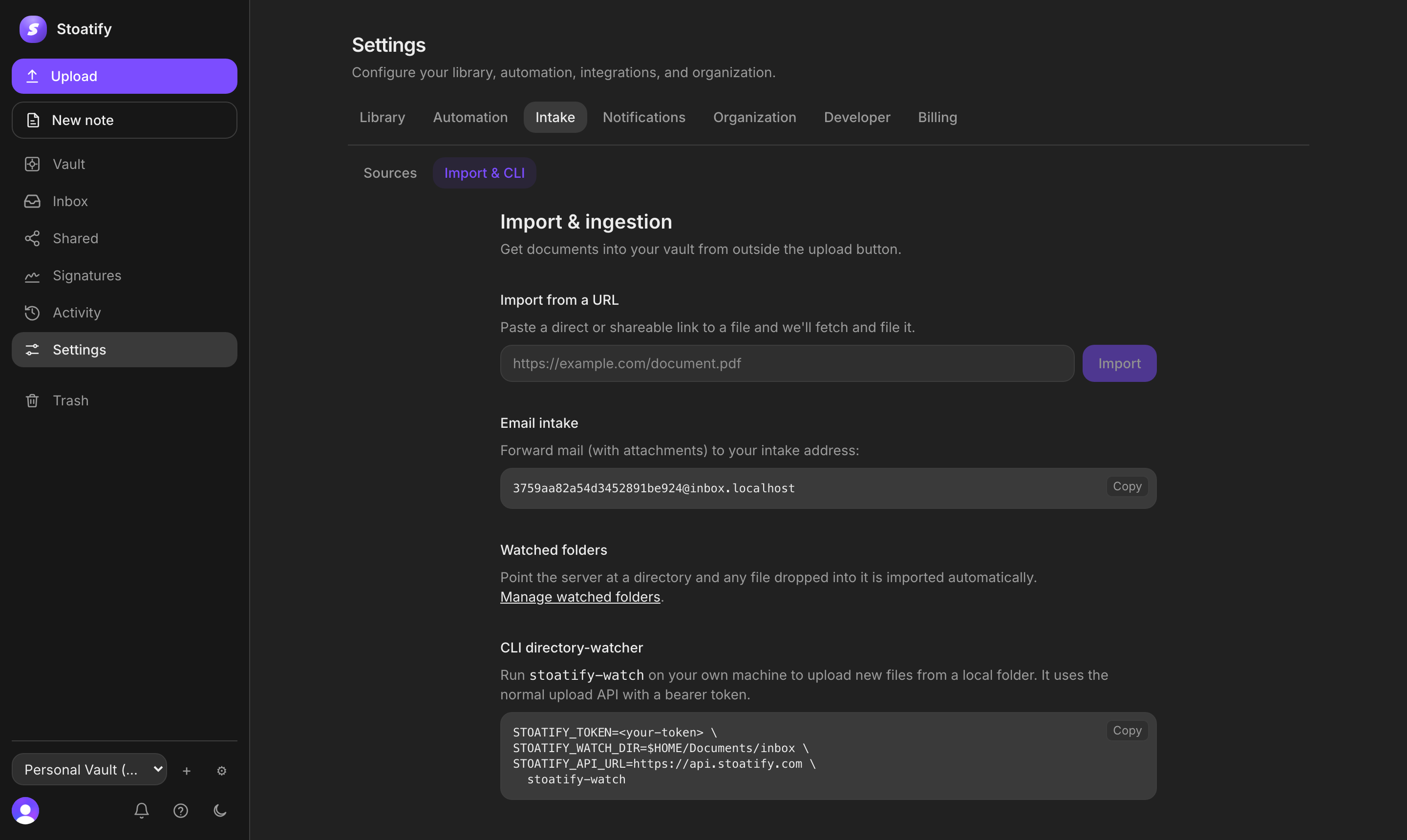
- Email intake. Forward (or ask senders to send) attachments to your private intake address and they're filed automatically. You can limit it to specific senders.
- Mail accounts (IMAP). Connect an inbox and Stoatify pulls attachments from it on an ongoing basis. Credentials are stored encrypted.
- Watched folders. Point the server at a directory and any file dropped into it is imported.
- URL import. Paste a link to a file and Stoatify fetches it.
- CLI watcher. The Stoatify CLI can watch a folder on your own machine and stream new files up.
Set it up
- 1Open Settings → Intake in the web app.
- 2Under Import & CLI, copy your private email intake address, or paste a link into Import from a URL.
- 3Under Sources, connect an IMAP mailbox or add a watched folder.
Upload sources
Each channel is an upload source you can name, and you can pre-set a category, tags, or folder that everything from it inherits, so intake documents arrive already filed.
Good to know
Automated intake (IMAP, watched folders, URL import, and the CLI) is part of the paid plans, and each plan allows a set number of email intake addresses. See Plans and storage limits.
Tip
Pair intake with a tagging rule or a workflow so documents label and file themselves the moment they land.