Scheduled search digests
Run a saved search on a schedule and get told when something new matches.
3 min read · Updated June 28, 2026
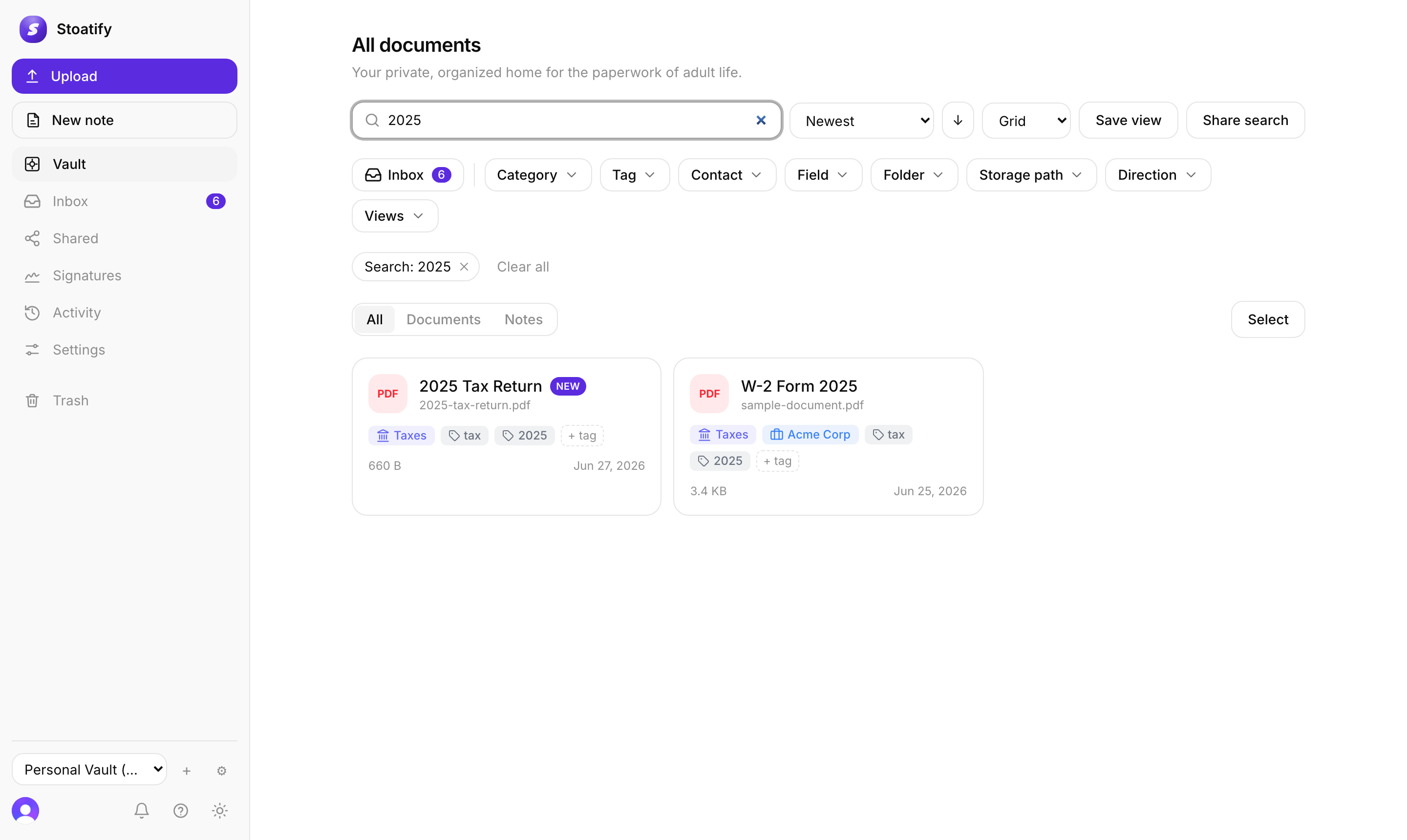
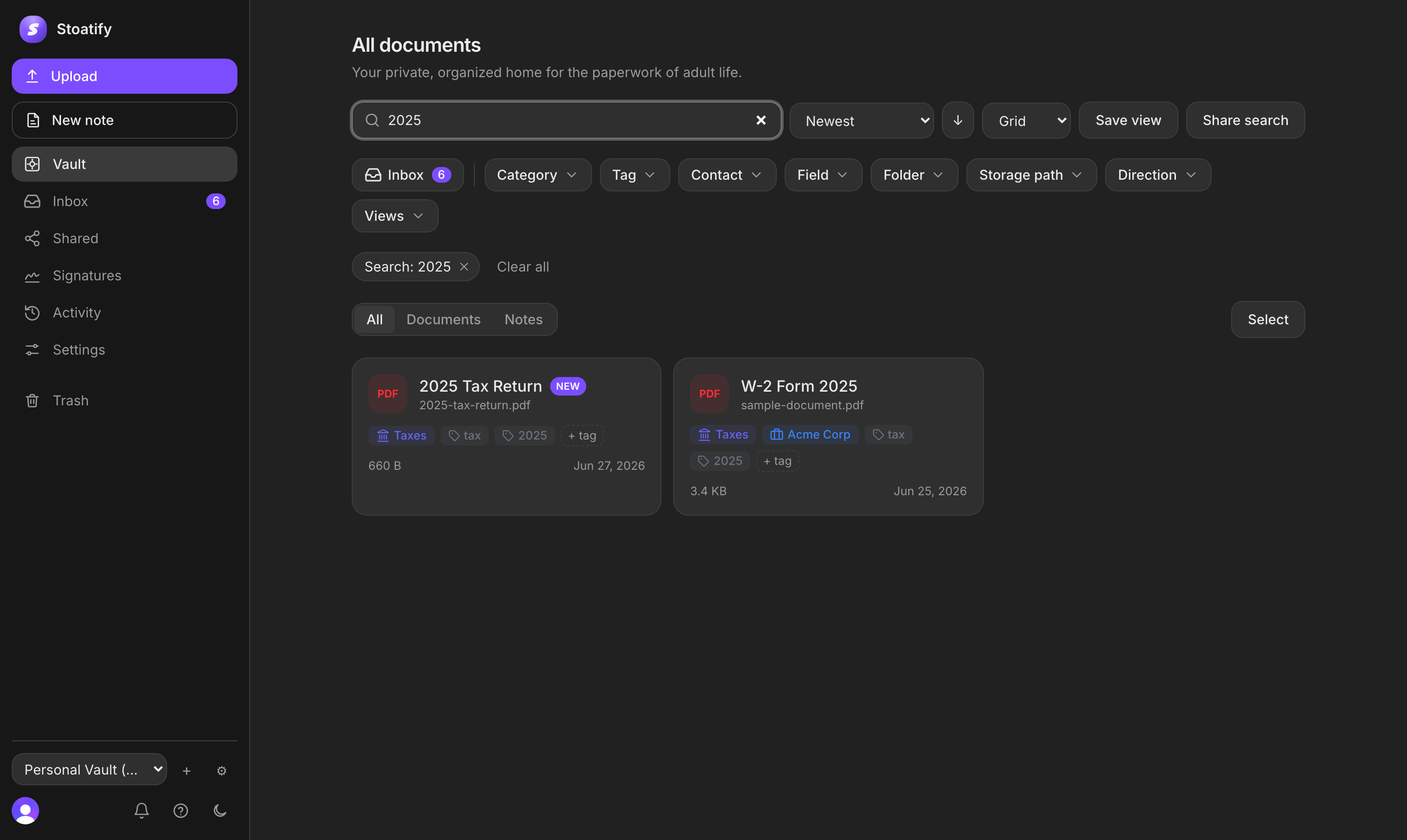
A scheduled search runs one of your saved views on a set cadence and notifies you of the results, so a corner of your vault keeps an eye on itself.
Set one up
- 1Save the search you care about as a view.
- 2Open Settings → Automation → Scheduled queries and add it (or schedule it from the view).
- 3Pick a cadence: daily or weekly.
- 4Choose only new (documents added since the last run) or all matches every time.
Good to know
The default is only new, so a daily digest of category:Receipts is:inbox tells you what arrived and still needs a look, without repeating yesterday's list.
Each digest lands in your notification inbox, and can reach you by email or another channel too.
Tip
Saved views are part of the paid plans; scheduling one on top costs nothing extra wherever you already have views.
Was this article helpful?