Folders: a nested hierarchy
Group documents into a familiar nested folder tree, alongside categories.
2 min read · Updated June 28, 2026
If you think in folders, Stoatify has them too. Folders are a nested hierarchy you can file documents into, sitting alongside categories rather than replacing them, so you can use whichever way of organizing fits your head.
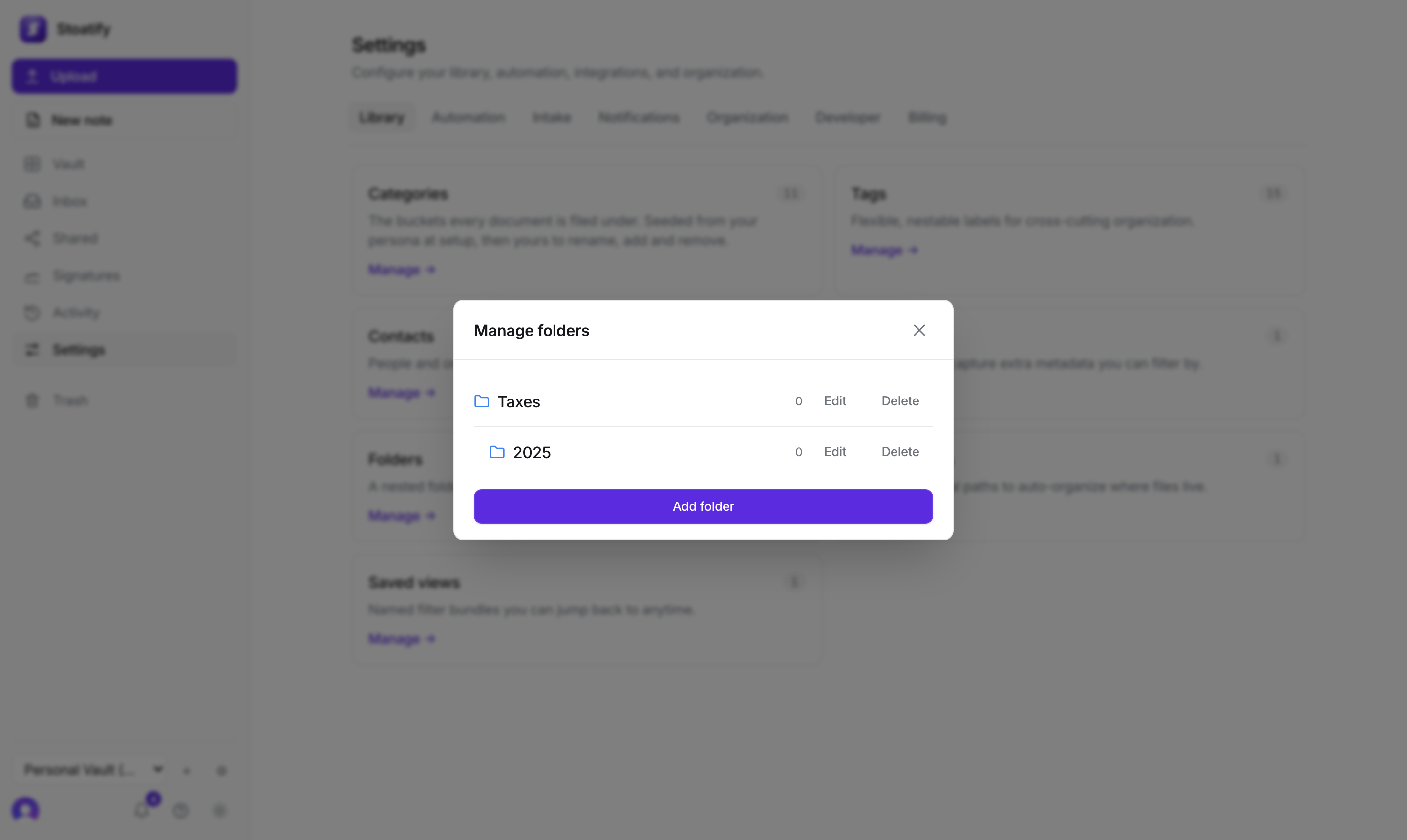

- 1Open Settings → Library → Folders and choose Add folder.
- 2Give it a name and, optionally, a parent to nest it under.
- 3Assign a document to a folder from its detail panel, then filter the vault by Folder.
Good to know
Deleting a folder never deletes documents: its children and files are promoted to its parent. Folders are part of the paid plans, see Plans and storage limits.
Was this article helpful?