Storage paths: auto-organize by a template
Define a path template and let documents sort themselves into a tidy structure.
3 min read · Updated June 28, 2026
A storage path is a template that arranges your documents into a tidy, folder-like structure automatically, without you filing each one. Write the pattern once with placeholders and every matching document gets a readable virtual path.
How it works
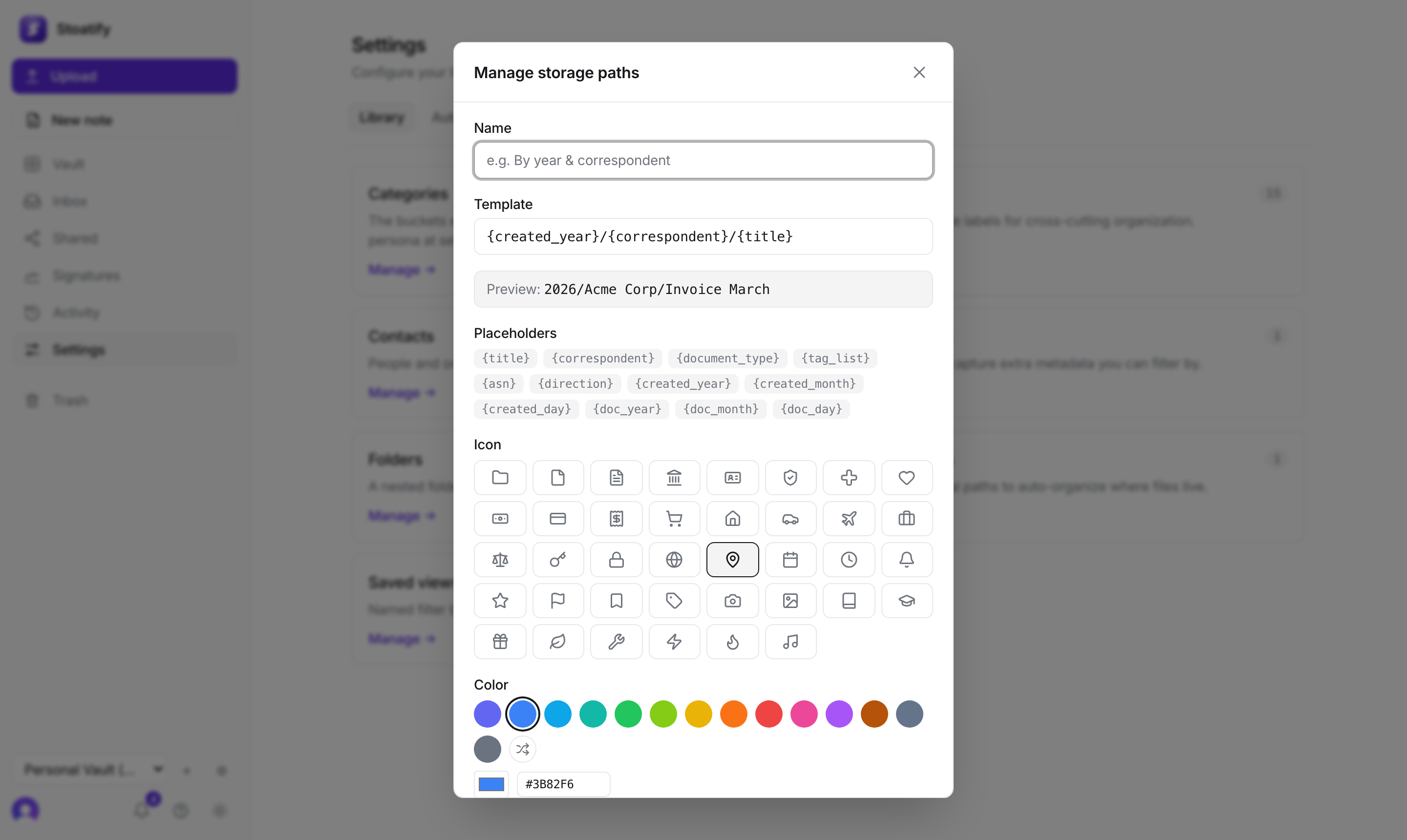
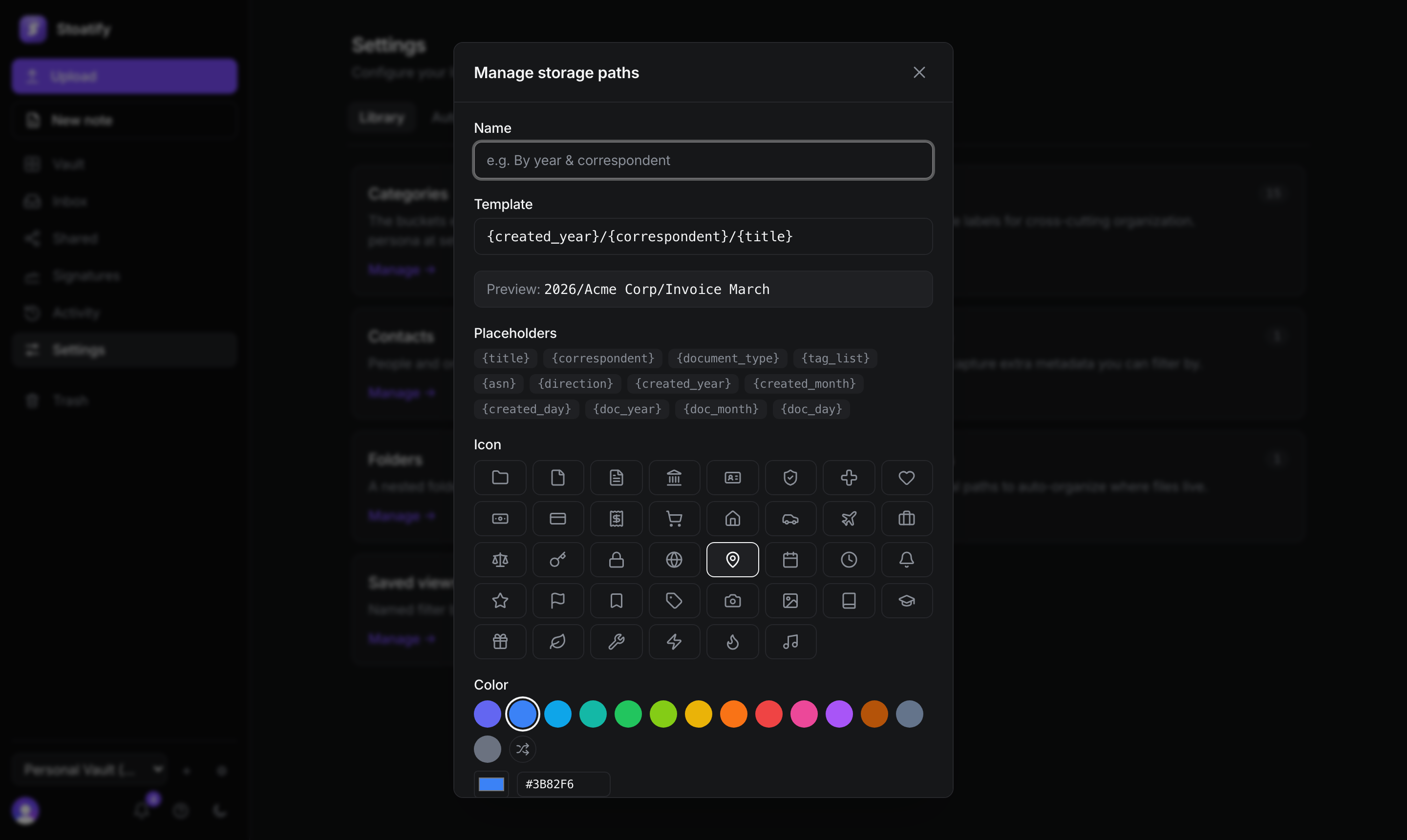
- Build a template from placeholders like
{created_year},{correspondent},{document_type}, and{title}. - A live preview shows how a real document resolves as you type.
- Paths are virtual: they organize how files are presented, the underlying bytes don't move.
- 1Open Settings → Library → Storage paths and choose Add storage path.
- 2Enter a template, using the placeholder cheatsheet as a guide.
- 3Save it, then assign it to documents and browse by Storage path.
Good to know
Storage paths are part of the paid plans. See Plans and storage limits.
Was this article helpful?