The organization admin area
Usage, insights, processing, retention, and settings for Owners and Admins.
3 min read · Updated June 28, 2026
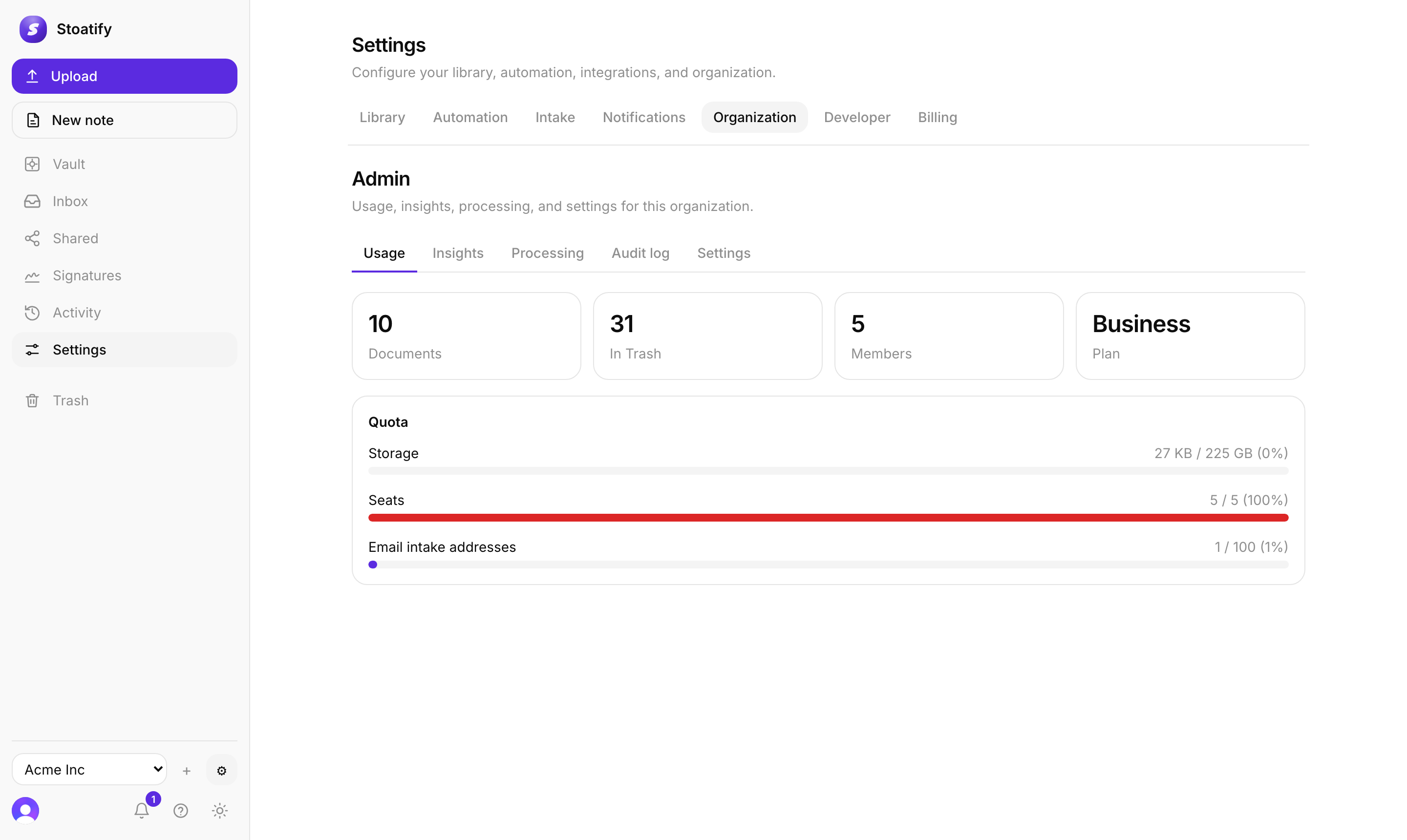
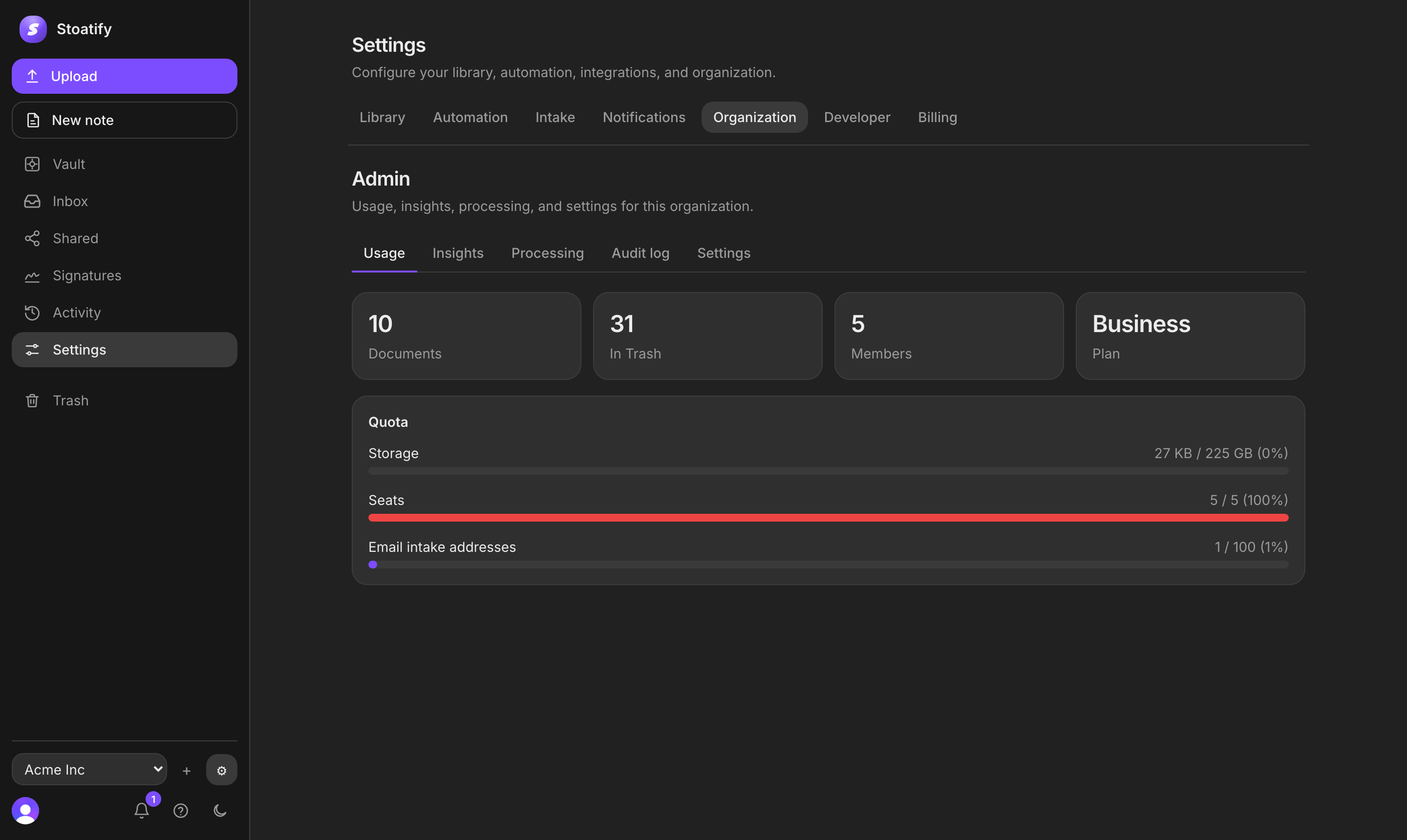
Every team org has an Admin area (under Settings, Organization) that gives Owners and Admins a view of the whole organization: how much is stored, what's happening, and the org-wide settings.
What's in it
- Usage, documents, members, seats, and storage against your plan's quota.
- Insights, totals and trends: documents by category, tag, and month.
- Processing, extraction and automation status across the org, with a way to reprocess anything that failed. See How OCR works.
- Settings, org-wide options like the Trash retention window (how long trashed documents are kept, 1 to 365 days) and the default OCR languages.
Good to know
Owners and Admins can view the admin area; changing org-wide settings, like retention, is an Owner action. The audit log is part of the Business plan.
Tip
Keep an eye on seats in Usage: on team plans your bill scales with the number of members.
Was this article helpful?